|
VOOZH | about |
|
VOOZH | about |
This class accepts more than one value in tailwind CSS. It is the alternative to the CSS Position property. This class is used for controlling how an element is positioned in the DOM.
Position classes:
static: This class is used to set the position of an element according to the normal flow of the document.
Syntax:
<element class="static">...</element>Example:
Output:
👁 Imagefixed: This class will be positioned fixed to the viewport. An element with fixed positioning allows it to remain at the same position even we scroll the page. We can set the position of the element using the top, right, bottom, left.
Syntax:
<element class="fixed">...</element>Example:
Output:
absolute: This class is used to set the position of an element outside the normal flow of the document, causing neighboring elements to act as if the element doesn't exist.
Syntax:
<element class="absolute">...</element>Example:
Output:
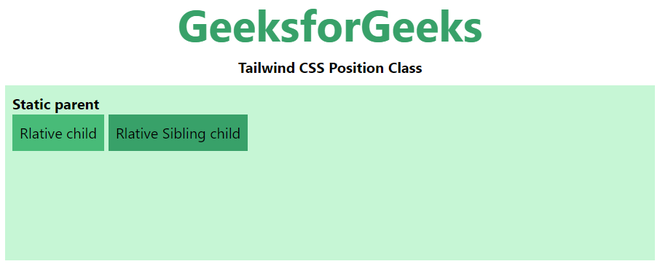
👁 Imagerelative: This class is used to set the position of an element relative to the normal flow of the document.
Syntax:
<element class="relative">...</element>Example:
Output:
👁 Imagesticky: This class is used to set the position of an element as relative until it crosses a specified threshold, then it treats it as fixed until its parent is off-screen.
Syntax:
<element class="sticky">...</element>Example:
Output: