|
VOOZH | about |
|
VOOZH | about |
Sometimes the content needs to focus on the particular browser. This article target the Firefox browser to display CSS property. The targeted CSS will works only for targeted browser. Target the Firefox browser with CSS in many ways. Some of them are discussed below:
Method 1: This method uses Mozilla specific extension to add CSS property. This extension supply the CSS property only in Firefox browser.
Syntax:
@-moz-document url-prefix() {
 element {
 // CSS Property
 }
}
Example:
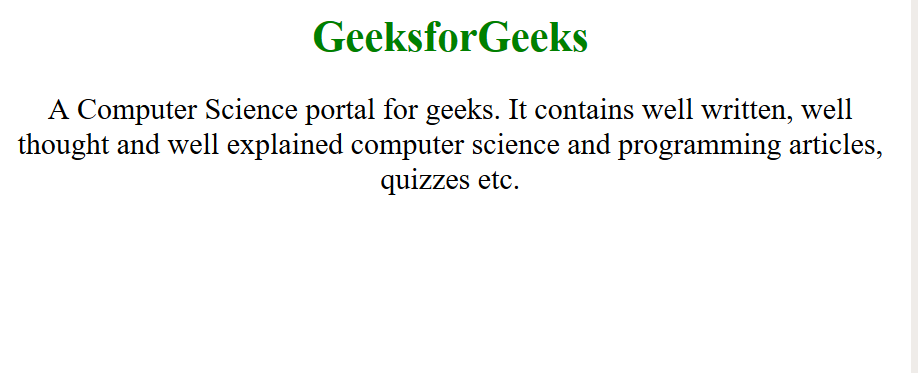
Output:
👁 firefox
Method 2: The -moz-appearance CSS property is used in Gecko (Firefox) to display an element using platform-native styling based on the operating system's theme.
Syntax:
@supports (-moz-appearance:none) {
 element {
 // CSS Property
 }
}
Example:
Output:
👁 firefox1Note: The CSS style of above examples will work only in Firefox browsers.