|
VOOZH | about |
|
VOOZH | about |
W3.CSS provides web developers with various effects. They can broadly be classified into three divisions. They are:
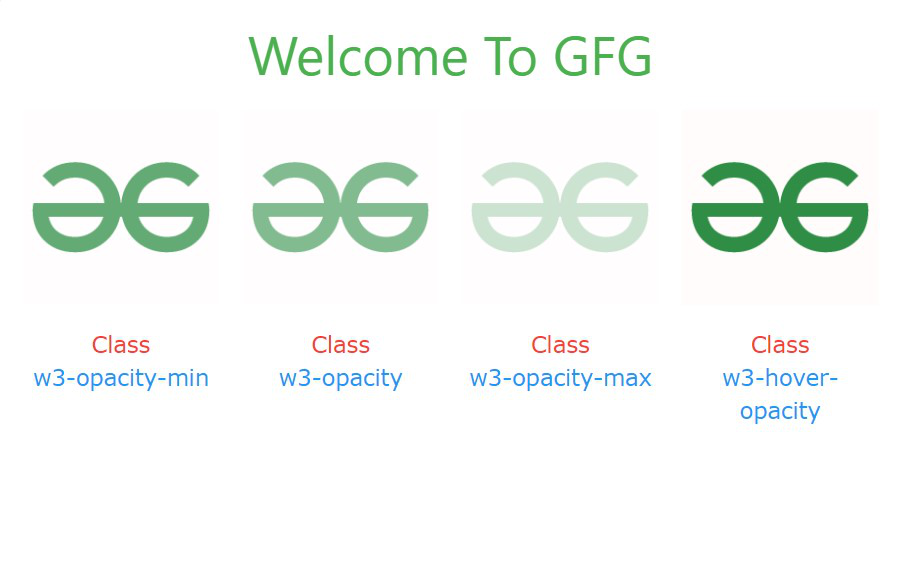
There are four opacity effect classes:
Sr. No. | Class Name | Description |
|---|---|---|
1. | w3-opacity-min | The opacity of the targeted element is set to 0.75. |
2. | w3-opacity | The opacity of the targeted element is set to 0.6. |
3. | w3-opacity-max | The opacity of the targeted element is set to 0.25. |
4. | w3-hover-opacity | The opacity of the targeted element is set to 0.6 on hover. |
Example:
Output:
👁 ImageSr. No. | Class Name | Description |
|---|---|---|
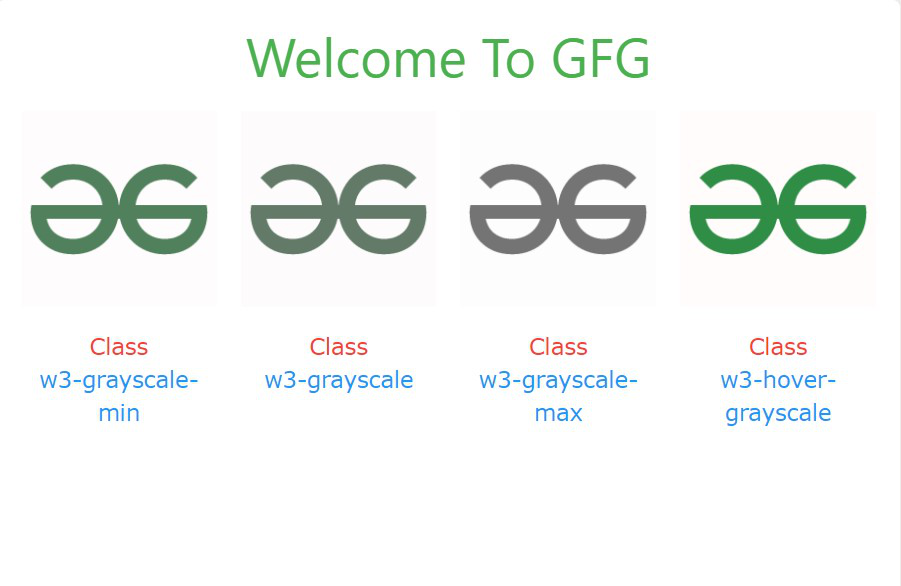
1. | w3-grayscale-min | The grayscale of the targeted element is set to 50%. |
2. | w3-grayscale | The grayscale of the targeted element is set to 75%. |
3. | w3-grayscale-max | The grayscale of the targeted element is set to 100%. |
4. | w3-hover-grayscale | The grayscale of the targeted element is set to 100% on hover. |
Example:
Output:
👁 ImageSr. No. | Class Name | Description |
|---|---|---|
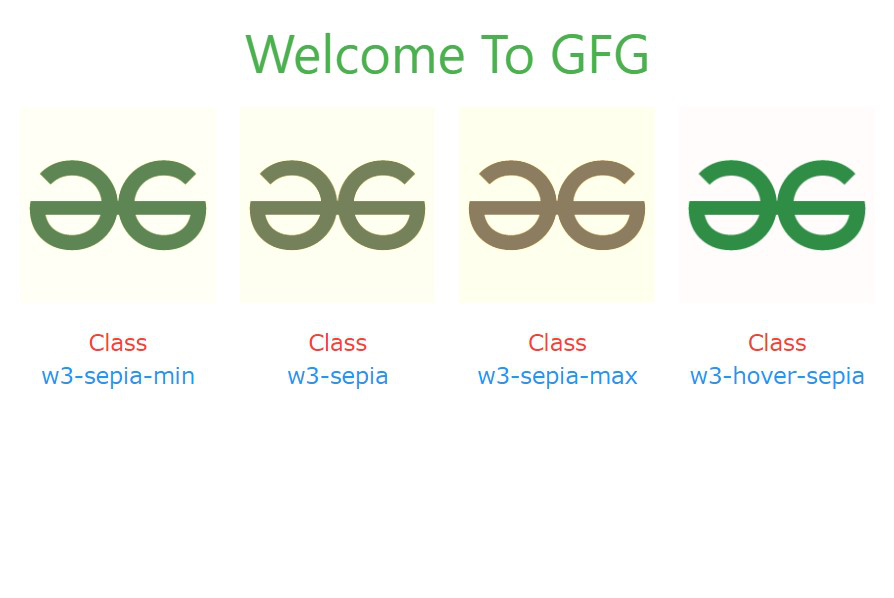
1. | w3-sepia-min | The sepia effect of the targeted element is set to 50%. |
2. | w3-sepia | The sepia effect of the targeted element is set to 75%. |
3. | w3-sepia-max | The sepia effect of the targeted element is set to 100%. |
4. | w3-hover-sepia | The sepia effect of the targeted element is set to 100% on hover. |
Example:
Output:
👁 Image