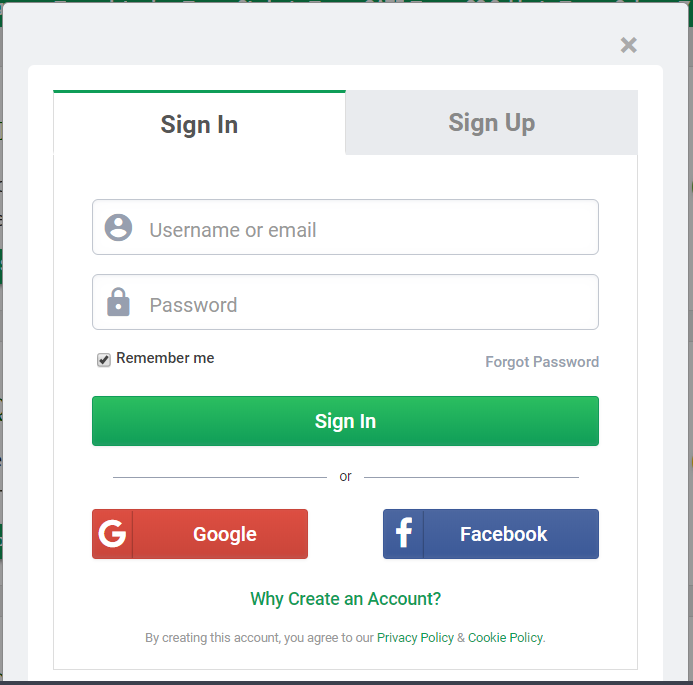
OAuth is an open-standard authorization protocol that allows applications to access user data without requiring the user’s password. It enables secure delegated access, commonly seen in “Login with Google/Facebook” features.
- Prevents sharing passwords with third-party apps.
- Uses access tokens issued by an authorization server.
- Works over HTTP/HTTPS and supports web, mobile, and desktop apps.
Why OAuth Is Used
- To avoid sharing passwords with every app.
- To allow safe, controlled access to user data.
- To enable convenient single-click login and authorization.
- To support modern applications across the web, mobile, and APIs.
Components of the OAuth Mechanism
1. OAuth Provider (Authorization Server)
The service that verifies the user’s identity and issues access/refresh tokens.
- Stores and protects user accounts and data
- Handles login (authentication)
- Asks the user for permission (consent screen)
- Issues tokens used by applications to access APIs
- Examples: Google, Facebook, GitHub, Microsoft Azure
2. OAuth Client (Third-Party Application)
The application that requests access to the user’s data from the provider.
- Redirects the user to the provider for login
- Never sees the user’s password
- Uses access tokens to fetch data from APIs
- Must register with the provider to get a Client ID & Client Secret
- Examples: :, Reddit, mobile/desktop apps
3. Resource Owner (User)
The individual who owns the data and grants permission to share it.
- Approves or denies access through the consent screen
- Controls what information the client can access
- Can revoke permissions anytime from account settings
- Does not share their password with the OAuth Client
How OAuth Works
Below is the working flow of OAuth:
👁 Image- User clicks “Login with Google”
- The OAuth Client redirects the user to Google.
- User logs in & grants permission
- Google verifies the user and asks what data the app can access.
- Authorization Server issues an Access Token
- Token is sent to the OAuth Client.
- Client uses Access Token to request data
- Access token is added to API requests.
- (Optional) Refresh Token is given
- Used to obtain new access tokens without re-login, useful for long-term access.
Types of OAuth Tokens
1. Access Token
A short-lived token that allows the client to access protected APIs on behalf of the user.
- Typically valid for minutes to an hour
- Sent with every API request (usually in the Authorization header)
- Cannot be used to refresh or extend sessions
- Scoped only provides access to specific permitted data
- If leaked, attackers can access user data temporarily
2. Refresh Token
A long-lived token used to obtain new access tokens without asking the user to log in again.
- Valid for days, months, or until revoked
- Never sent to APIs directly only exchanged with the provider
- Helps maintain persistent sessions securely
- Stored securely on the client (server-side apps, mobile secure storage)
- Can be revoked by the user or provider if suspicious activity occurs
Benefits of OAuth
Here are some benefits of OAuth:
- No password sharing with third-party apps
- Fine-grained permissions (only specific data is shared)
- Tokens can expire so it reduces risk
- Works across multiple platforms (web, Android, iOS, APIs)
- Supports secure single sign-on (SSO)