|
VOOZH | about |
|
VOOZH | about |
Wireshark is a free and open-source packet analysis tool that lets you capture and analyze network traffic in real time. In this article, we will learn about the Wireless Menu Functions in Wireshark. and what are the components used inside the Wireless Menu Functions also see the overview of Wireshark.
So in this article, we will understand the Wireless Menu Functions in Wireshark, and also see what is the role of network capturing in Wireshark, and also see the overview of Wireshark.
So this is the main window of the Wireshark while the wireless fidelity lives to capture. As you can see in the below image there is a tool menu function, main toolbar function, packet list pane, and packet details pane. present the captured network interface.
The Wireless menu in Wireshark provides several functions that are specific to capturing and analyzing wireless network traffic. These functions are designed to help network engineers and analysts understand the behavior of wireless networks, troubleshoot issues and optimize performance.
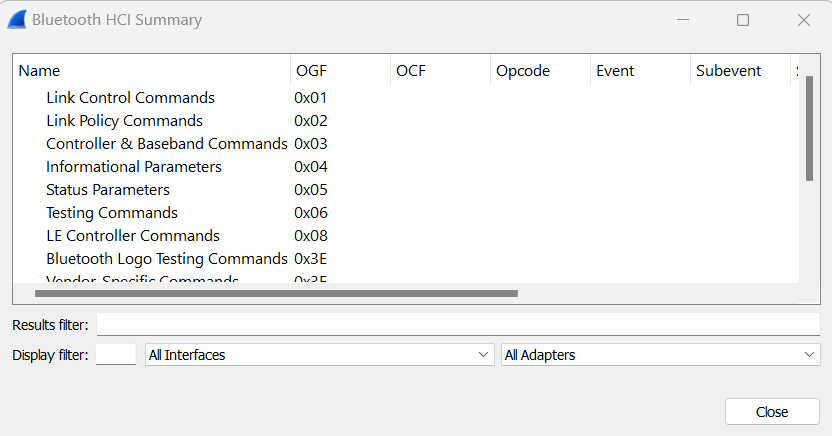
This feature contains items to display Bluetooth devices, ATT server attributes, and WLAN traffic. As you can see in the image what are the functions contained by the Wireless menu functions?
So Here are some of the functionalities available in the Wireless menu of Wireshark as listed :
So overall the Wireless menu in Wireshark provides many powerful tools for capturing, analyzing, and troubleshooting wireless network traffic. so all of these capabilities enable network security and analysts to understand wireless behavior, identify problems, and improve the network.