|
VOOZH | about |
|
VOOZH | about |
Changing the Label of the Button element when clicked in JavaScript can be used to provide more information to the user such as the text of the Submit button will change to the Submitted as soon as the form submission is completed.
The below approaches can be used to accomplish this task:
Table of Content
The innerHTMLproperty in JavaScript is used to dynamically change the content inside any element. The changeLabel function, which is triggered by the button's onclick attribute, selects the button and updates its innerHTML, changing the button label.
selctedHTMLElement.innerHTML = "contentToAppend";
Example: The below example uses innerHTML property to change the button label when clicked in JavaScript.
Output:
The innerTextproperty in JavaScript is used to dynamically modify the text content within any element. The toggleLabel function, triggered by the button's onclick event, checks the current label and toggles between two states, changing the button's text.
selectedHTMLElement.innerText = text
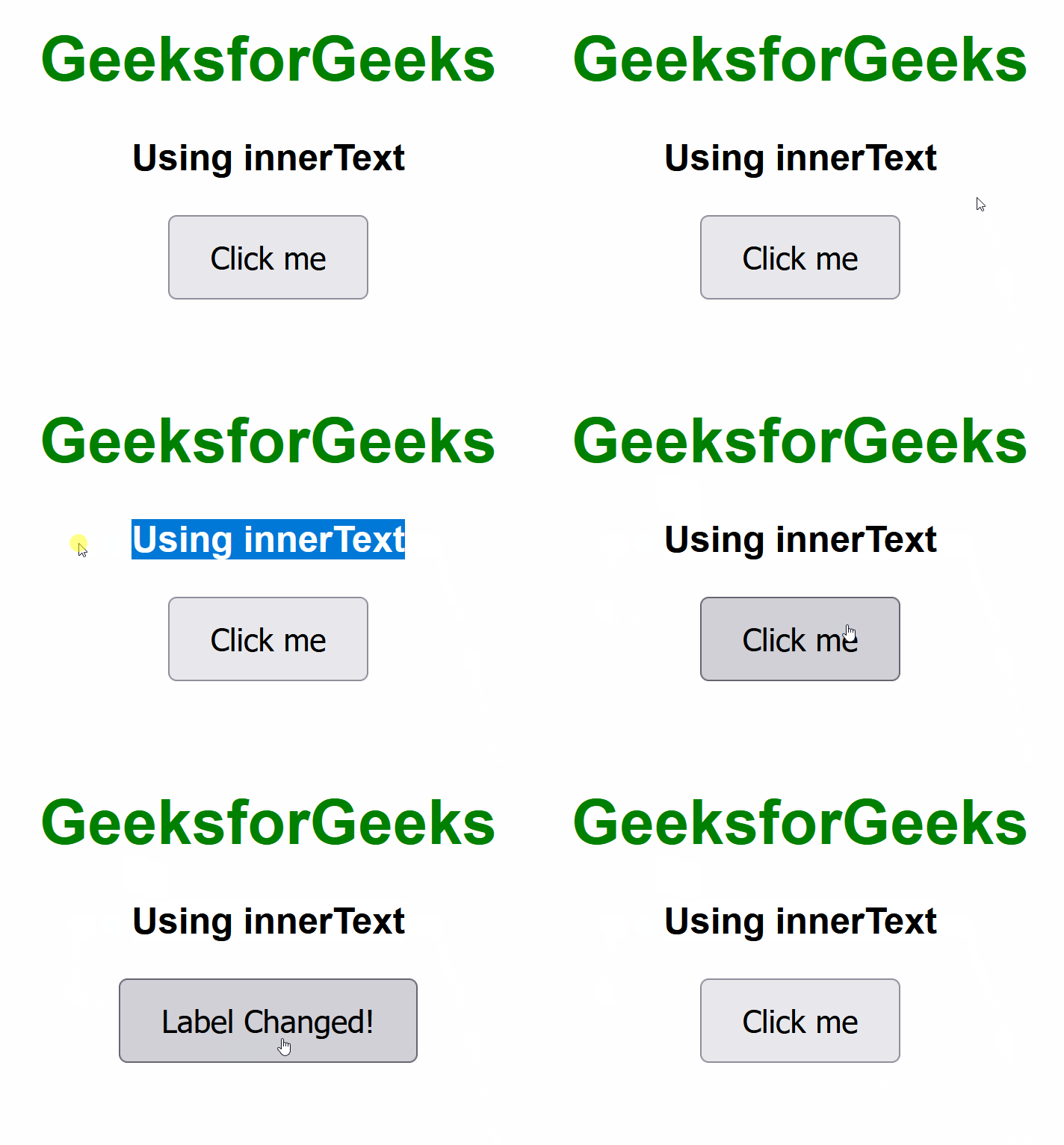
Example: The below example uses innerText property to change the button label when clicked in JavaScript.
Output: