|
VOOZH | about |
|
VOOZH | about |
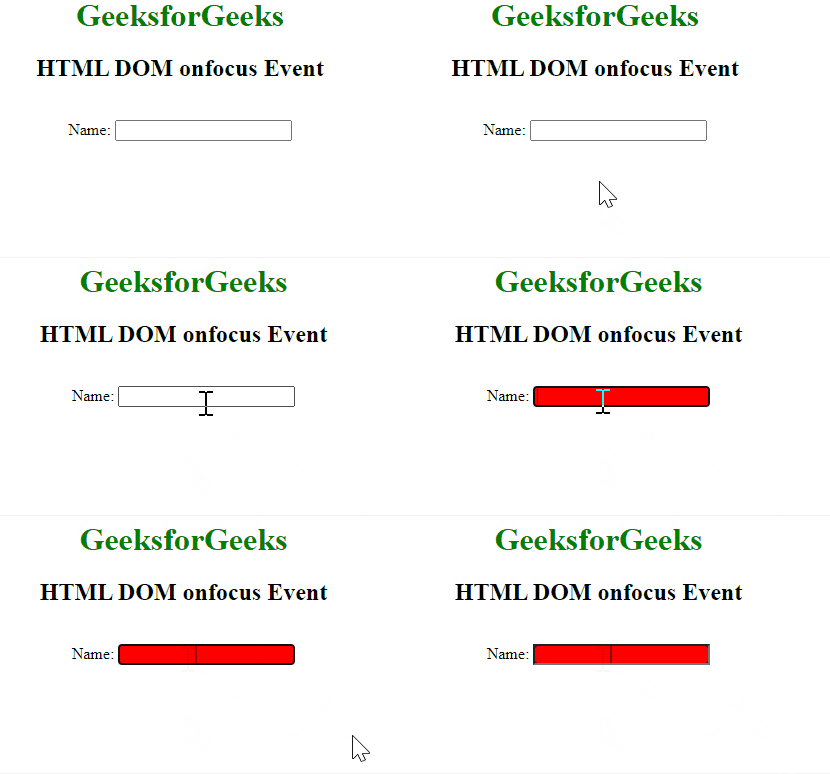
The HTML DOM onfocus event occurs when an element gets focused. The onfocus event is mostly used with <input>, <select>, and <a>. The onfocus event is the opposite of the onblur event.
Syntax:
<element onfocus="myScript">
object.onfocus = function(){myScript};object.addEventListener("focus", myScript);
Note: The onfocus event is different from the onfocusin event because the onfocus event does not bubble.
Example 1: This example explains the onfocus event in the HTML.
Output:
Example 2: In this example, we will learn about the onfocus event by using Javascript.
Output:
Example 3: In this example, we will learn the onfocus event by the addEventListener() method.
Output:
We have a complete list of HTML DOM methods, to check those please go through this HTML DOM Object Complete reference article.
The HTML DOM onfocus event support all HTML tag EXCEPT: <base>, <bdo>, <br>, <head>, <html>, <iframe>, <meta>, <param>, <script>, <style>, <title>
Supported Browsers: The browsers supported by HTML DOM onfocus Event are listed below:
We have a Cheat Sheet on Javascript where we covered all the important topics of Javascript to check those please go through Javascript Cheat Sheet-A Basic guide to JavaScript.