|
VOOZH | about |
|
VOOZH | about |
PL/SQL stands for Procedural Language Extension to the Structured Query Language and it is designed specifically for Oracle databases it extends Structured Query Language (SQL) capabilities by allowing the creation of stored procedures, functions, and triggers.
The PL/SQL CASE statement is a powerful conditional control structure in Oracle databases that allows you to execute different blocks of code based on specified conditions. Here, we explore the syntax, types, and practical use cases of the PL/SQL CASE statement to make better decisions and improve your ability to use conditional logic in Oracle PL/SQL.
CASE statement gives you a clear way to handle conditional logic within PL/SQL blocks. It is a conditional control statement that allows you to execute different blocks of code based on the specified conditions. It is particularly useful when dealing with multiple conditions and provides a more readable and maintainable alternative to nested IF-ELSE statements.
CASEWHEN condition_1 THEN
 -- code block for condition_1
 WHEN condition_2 THEN
 -- code block for condition_2
 ...
 ELSE
 -- default code block
END CASE;
The syntax starts with the keyword CASE, followed by multiple WHEN clauses that specify conditions. If a condition evaluates as true, the corresponding code block is executed. If none of the conditions are met, the ELSE clause (optional) provides a default action.
There are two primary types of CASE statements in PL/SQL:
Table of Content
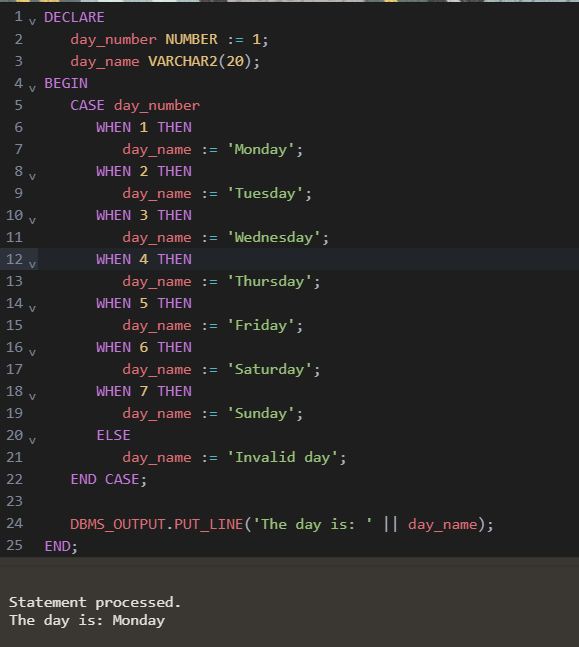
In a Simple CASE statement, the value of an expression is compared to constant values (predefined). It is useful when you want to match a single expression with different constant values.
Example:
DECLARE
 day_number NUMBER := 1;
 day_name VARCHAR2(20);
BEGINCASE day_number
 WHEN 1 THEN
 day_name := 'Monday';
 WHEN 2 THEN
 day_name := 'Tuesday';
 WHEN 3 THEN
 day_name := 'Wednesday';
 WHEN 4 THEN
 day_name := 'Thursday';
 WHEN 5 THEN
 day_name := 'Friday';
 WHEN 6 THEN
 day_name := 'Saturday';
 WHEN 7 THEN
 day_name := 'Sunday';
 ELSE
 day_name := 'Invalid day';
 END CASE;

 DBMS_OUTPUT.PUT_LINE('The day is: ' || day_name);
END;
In this example,
Output:
Statement processed.
The day is: MondayIn a Searched CASE statement, each condition is evaluated independently. It allows for more complex conditions such as comparisons, logical operators, and functions.
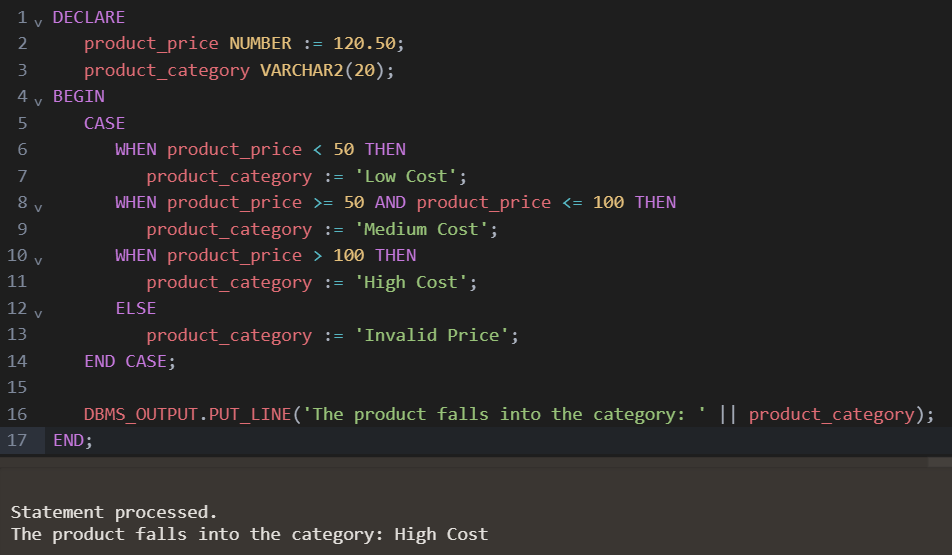
Example:
DECLARE
 product_price NUMBER := 120.50;
 product_category VARCHAR2(20);
BEGINCASEWHEN product_price < 50 THEN
 product_category := 'Low Cost';
 WHEN product_price >= 50 AND product_price <= 100 THEN
 product_category := 'Medium Cost';
 WHEN product_price > 100 THEN
 product_category := 'High Cost';
 ELSE
 product_category := 'Invalid Price';
 ENDCASE;

 DBMS_OUTPUT.PUT_LINE('The product falls into the category: ' || product_category);
END;
In this example,
Output:
Statement processed.
The product falls into the category: High CostCASE Statement | CASE Expression |
|---|---|
CASE Statement is used to handle flow control within procedural code and it determines which code block to execute based on specified conditions. | CASE Expression in SQL is used for transforming or selecting values within a query and returning different results based on conditions. |
It is limited to PL/SQL blocks such as procedures, functions, and blocks. | It is primarily used within SQL statements like SELECT, WHERE, and ORDER BY clauses. |
It supports both Simple CASE and Searched CASE. | It only supports Searched CASE. |
It supports ELSE clause for defining a default action. | It also supports ELSE clause for defining a default action. |
- Both Simple and Searched CASEstatements support an optional ELSE clause to handle situations where no conditions are met.
- CASE statement controls procedural logic within PL/SQL, while CASE expression is used within SQL queries like SELECT, WHERE, and ORDER BY.
- It is primarily used within PL/SQL proceduralblocks but not in standalone SQL queries unless it is a CASE expression.
- CASE statements are used for decision-making within PL/SQL blocks, such as stored procedures, functions, and triggers.