|
VOOZH | about |
|
VOOZH | about |
Framer Motion is a modern animation library for React that allows developers to create smooth, natural, and production-ready animations with minimal code. It provides an easy-to-use API, physics-based transitions, and powerful features like gesture support, layout animations, and exit animations, making it the go-to choice for animating React applications.
Features of react-motion
Note: The
react-motionlibrary is old and may not install properly with the latest React versions (React 18+). Instead, you should use Framer Motion, a modern and powerful animation library for React that provides smooth, declarative, and production-ready animations.
Here are the steps to implement animations with framer-motion in React.
Step 1: Create a react project.
npx create-react-app react-app
cd react-app
Step 2: install framer-motion and update dependencies.
npm install framer-motion"dependencies": {
"react": "^18.3.1",
"react-dom": "^18.3.1",
"framer-motion": "^11.0.0",
"react-scripts": "5.0.1",
"web-vitals": "^2.1.4"
}
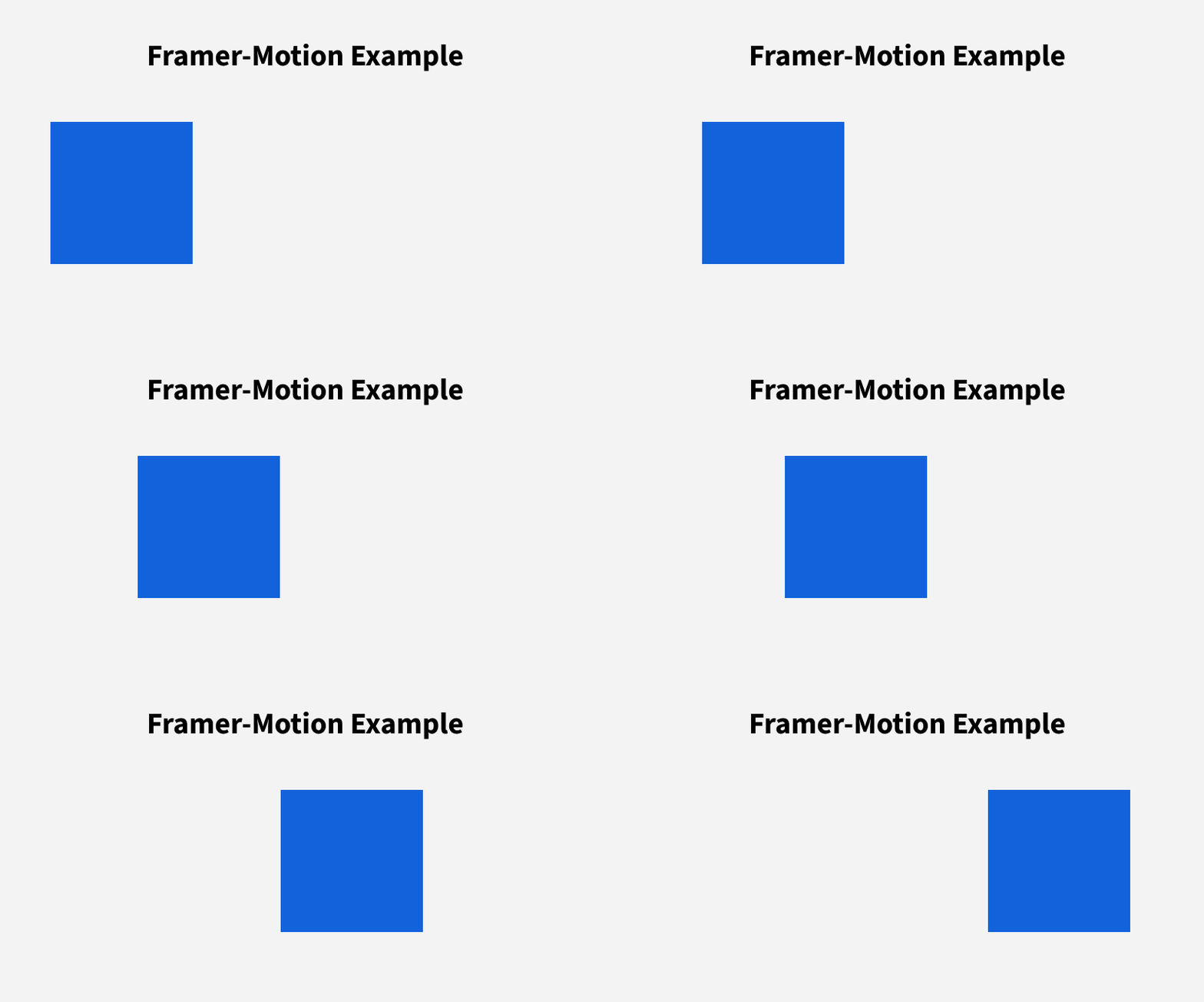
To demonstrate creating a simple animation that moves a box from left to right using the framer -motion.
Output
In this example
div, moving it 200px along the X-axis smoothly using a spring transition.motion.div element from Framer Motion takes initial (starting position: x: 0) and animate (target position: x: 200).transition={{ type: "spring" }} property ensures the movement happens with a natural spring-like effect."Framer Motion Example" and includes the Box component, which triggers the animation on render.For complex animations, Framer Motion provides features like:
staggerChildren.AnimatePresenceTo demonstrate creating a staggeredBoxes component using the framer motion
Output
In this example
<div> elements in sequence.containerVariants defines the staggered animation logic using staggerChildren: 0.3.boxVariants to move 200px along the X-axis with a spring effect.StaggeredMotion.