|
VOOZH | about |
|
VOOZH | about |
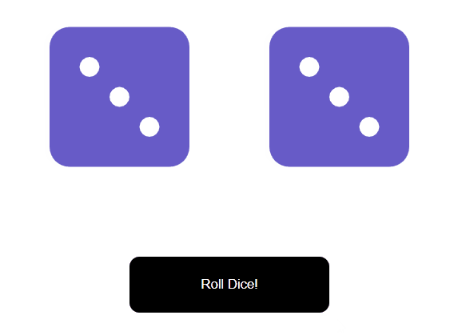
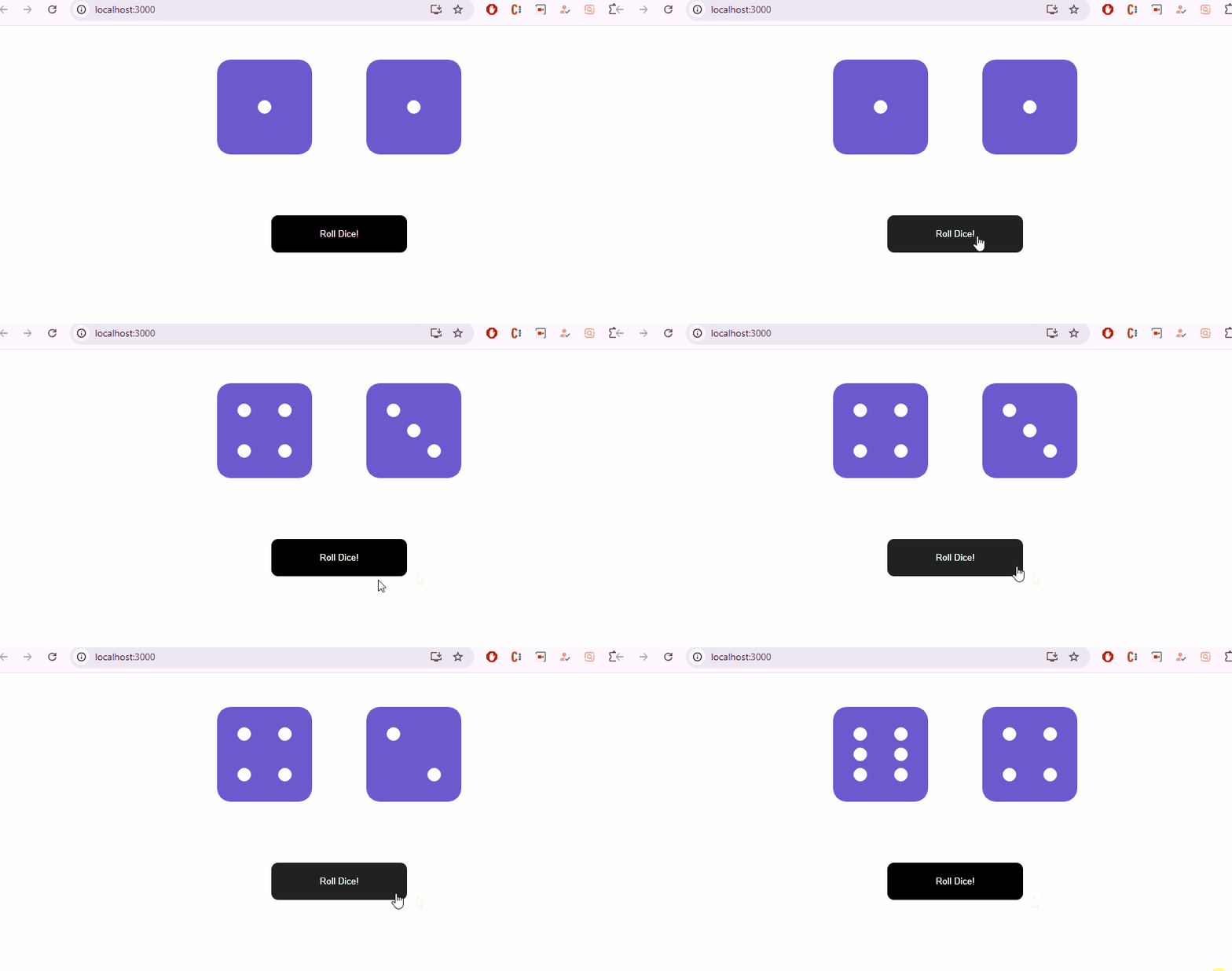
This article will create a dice-rolling application that rolls two dice and displays a random number between 1 and 6 as we click the button both dice shake and generate a new number that shows on the upper face of the dice (in dotted form as a standard dice). The numbers on the upper face are generated randomly each time we roll the dice.
There are two components Die and RollDice. The Die component is responsible for showing one individual Dice. It is a stateless component. It uses the font-awesome library to show the standard dots on the upper face of the dice. RollDice component contains all the logic to generate random numbers to show on the upper face of the dice, roll each dice upon clicking on the roll button. There are two states involved in the RollDice component named 'die1' and 'die2'. Each one has initialized with the value one i.e. each die shows one(one dot) when the application first starts.
Step 1: Create the application using the following command:
npm create vite@latest DiceRoll -- --template reactStep 2: Navigate to the project folder
cd dice-rollStep 3: Install the required modules.
npm i @fortawesome/fontawesome-svg-core @fortawesome/free-solid-svg-icons @fortawesome/react-fontawesomeStep 5 :Create the required files in the components folder that are RollDice.js, Die.js, RollDice.css and Die.css
"dependencies": {
 "@fortawesome/fontawesome-svg-core": "^6.4.0",
 "@fortawesome/free-solid-svg-icons": "^6.4.0",
 "@fortawesome/react-fontawesome": "^0.2.0",
 "react": "^18.2.0",
 "react-dom": "^18.2.0",
 "web-vitals": "^2.1.4"
}
Example: Write the following code in the respective files
Steps to run the Application:
npm run devOutput: Type the following URL in the browser: http://localhost:5173/.