|
VOOZH | about |
|
VOOZH | about |
React Hooks, introduced in React 16.8, enable functional components to use state, lifecycle, and other React features without relying on class components.
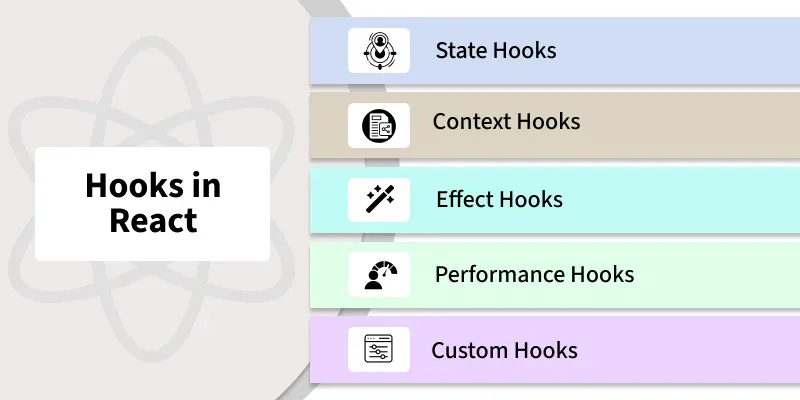
React provides a range of hooks that enable functional components to manage state, side effects, and other core behaviors. Some of the most commonly used React hooks include:
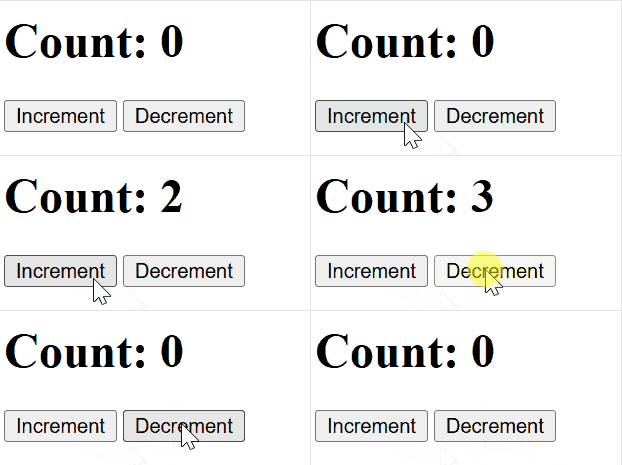
State hooks like useState and useReducer enable functional components to manage state in a clean, efficient, and modular way.
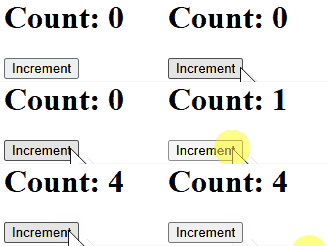
useState: The useState hook is used to declare state variables in functional components. It allows us to read and update the state within the component.
Output:
👁 state-hookSyntax:
const [state, setState] = useState(initialState);useReducer: The useReducer hook is a more advanced state management hook used for handling more complex state logic, often involving multiple sub-values or more intricate state transitions.
Output:
Syntax:
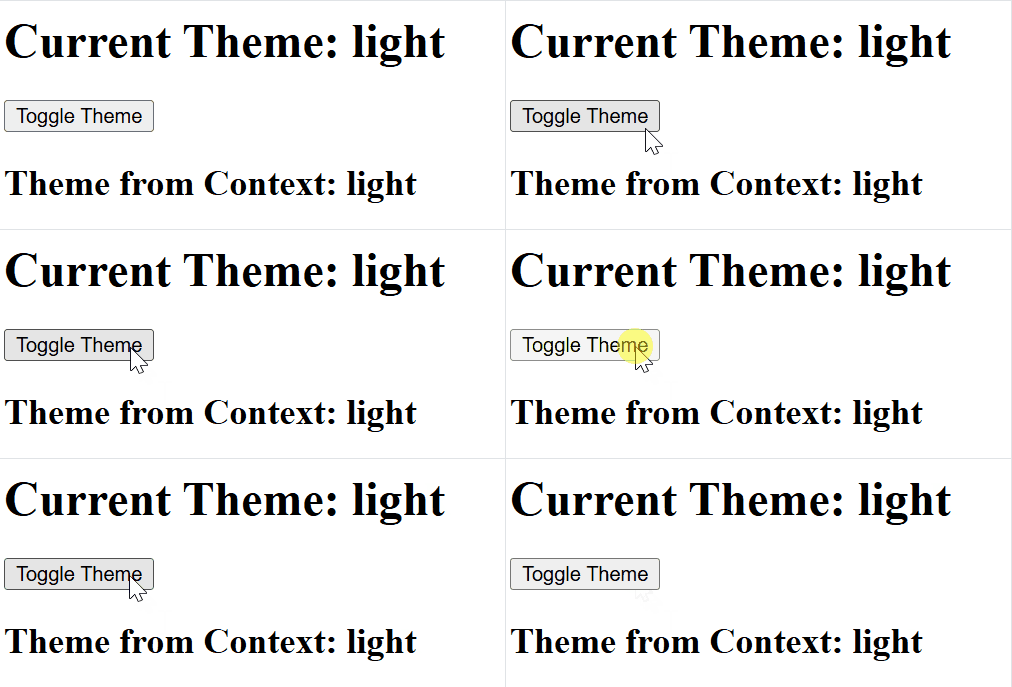
const [state, dispatch] = useReducer(reducer, initialState);The useContext hook allows functional components to directly access values from the React Context API without prop drilling.
Output:
Syntax:
const contextValue = useContext(MyContext);Effect hooks allow functional components to manage side effects in a structured and efficient manner.
useEffect: The useEffect hook allows functional components to handle side effects and replaces lifecycle methods like componentDidMount and componentDidUpdate.
Output:
👁 effect-hookSyntax:
useEffect(() => {
 // Side effect logic here
}, [dependencies]);
useLayoutEffect: useLayoutEffect is used to measure or modify the layout before the browser paints the screen, ensuring smooth visual updates without flickering.
Syntax:
useLayoutEffect(() => {
 // Logic to manipulate layout or measure DOM elements
}, [dependencies]);
useInsertionEffect: The useInsertionEffect is designed for injecting styles early, especially useful for server-side rendering (SSR) or styling libraries, ensuring styles are in place before the component is rendered visually.
Syntax:
useInsertionEffect(() => {
 // Logic to inject styles or manipulate stylesheets
}, [dependencies]);
Performance Hooks in React, like useMemo and useCallback, are used to optimize performance by avoiding unnecessary re-renders or recalculations.
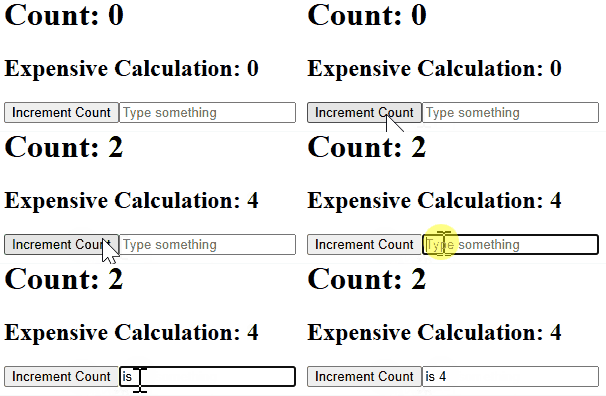
useMemo: useMemo is a React hook that caches the result of an expensive calculation and recomputes it only when its dependencies change, improving performance by avoiding unnecessary recalculations.
Syntax:
const memoizedValue = useMemo(() => computeExpensiveValue(a, b), [a, b]);Output:
useCallback: useCallback is a React hook that memoizes functions so they are recreated only when their dependencies change, helping prevent unnecessary re-renders when functions are passed to child components.
Syntax:
const memoizedCallback = useCallback(() => { doSomething(a, b); }, [a, b]);useRef is a React hook used to store mutable values or access DOM elements without triggering re-renders.
Output:
Syntax:
const refContainer = useRef(initialValue);Custom Hooks are user-defined functions that encapsulate reusable logic. They enhance code reusability and readability by sharing behavior between components.
Using a Custom Hook
React offers additional hooks for specific use cases
| Class Components | React Hooks |
|---|---|
Use ES6 classes with | Use functions with hooks like useState and useEffect. |
| Logic is spread across methods, can be complex. | Logic is grouped and easier to manage. |
| Difficult to reuse logic. | Easy to create and reuse custom hooks. |
| Familiar to OOP developers. | Requires different mindset than classes. |
| Support error boundaries. | Error boundaries are not supported yet. |