|
VOOZH | about |
|
VOOZH | about |
The React JS useLayoutEffect works similarly to useEffect but rather works asynchronously like the useEffect hook, it fires synchronously after all DOM loading is done loading. This is useful for synchronously re-rendering the DOM and also to read the layout from the DOM. But to prevent blocking the page loading, we should always use the useEffect hook.
The useLayoutEffect hook works in the same phase as componentDidMount and componentDidUpdate methods. We should only use useLayoutEffect if useEffect isn’t outputting the expected result.
Syntax:
useLayoutEffect(setup, dependencies)
or
useLayoutEffect(()=> // some code to execute , dependency //e.g. [] if none)
React useLayoutEffect is called ton it observes any effects in the dependencies mentioned just like useEffect hook. Instead of blocking the loading it simply updates the UI components given in the setup prop.
Step 1: Create a React application using the following command:
npx create-react-app functiondemoStep 2: After creating your project folder i.e. functiondemo, move to it using the following command:
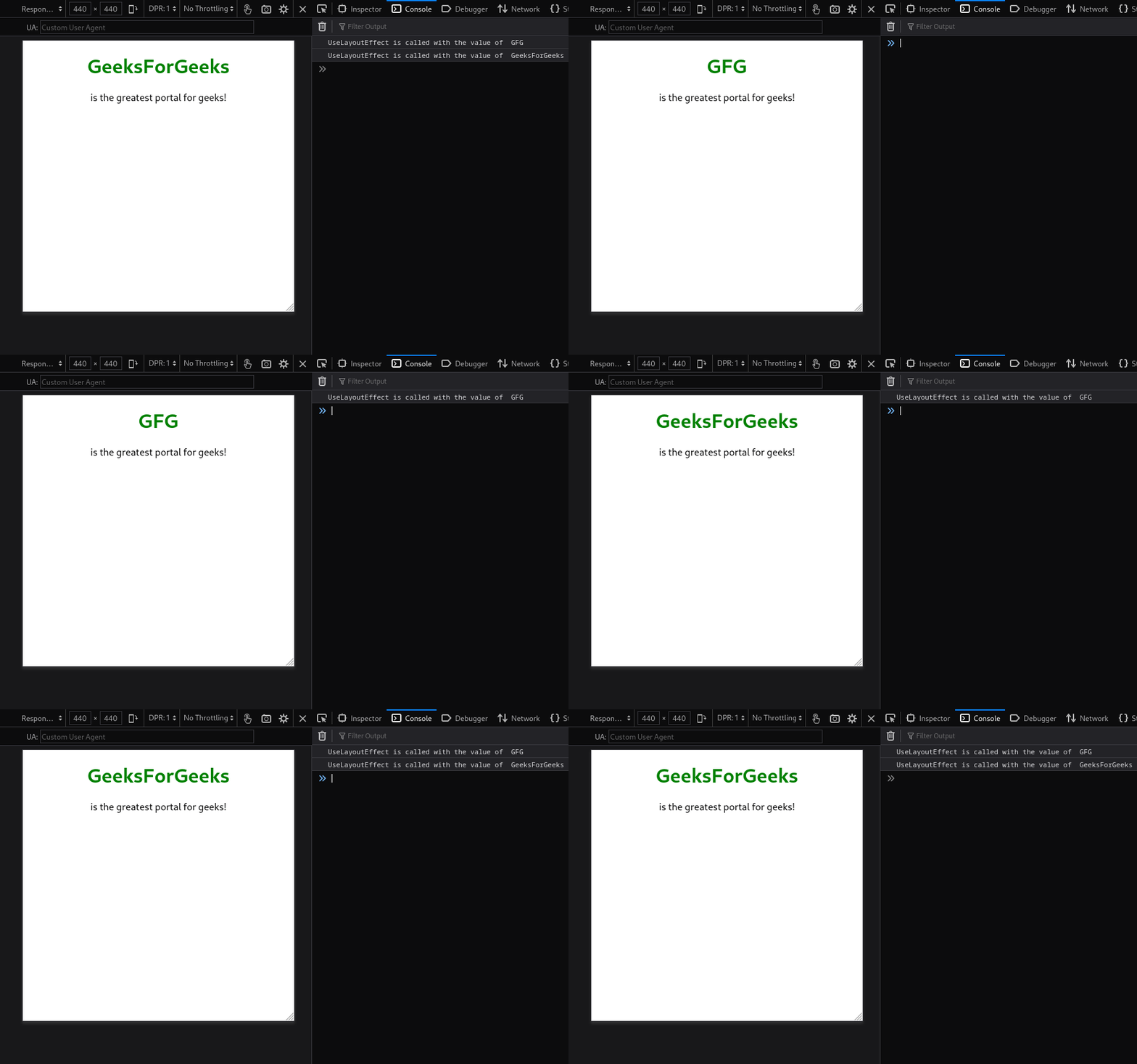
cd functiondemoExample: We are going to build a name changer application that changes the name of the state after some time and useLayoutEffect hook is called as dependencie variable is updated.
Step to Run Application: Run the application using the following command from the root directory of the project:
npm startOutput: Open the browser and visit http://localhost:3000/ on the browser to see the output.