|
VOOZH | about |
|
VOOZH | about |
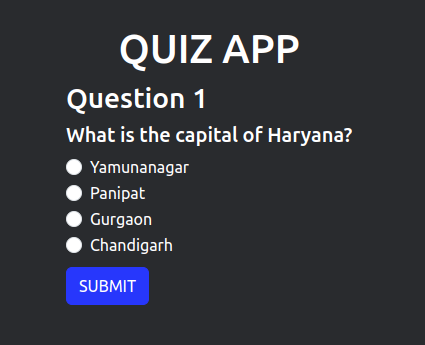
In this article, we will create a quiz application to learn the basics of ReactJS. We will be using class components to create the application with custom and bootstrap styling. The application will start with questions at first and then the score will be displayed at last. Initially, there are only 5 questions but you can keep adding more questions to make the quiz interesting.
Let's have a look at what our final project will look like:
Step 1: Create the project file using the command.
npm create vite@latest quiz --template reactStep 2: Navigate to the folder using the command.
cd quizStep 3: Install the required module using the command.
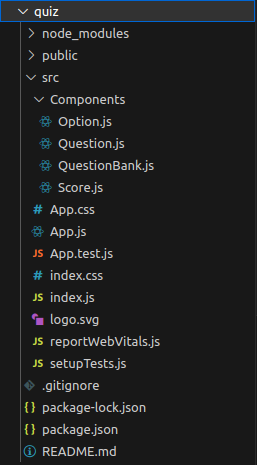
npm install bootstrapStep 4: Create a folder named components in src file and create new files Option.js, Question.js, QuestionBank.js, and Score.js
The dependencies in package.json will look like:
package.json
"dependencies": {
 "bootstrap": "^5.3.0",
 "react": "^18.2.0",
 "react-dom": "^18.2.0",
 "react-scripts": "5.0.1",
 "vite": "^4.0.0",
 "web-vitals": "^2.1.4"
},
Write the following codes in different files.
Example:
Building a quiz app is a fun way to apply your React knowledge.
Step 1: Type the following command in your command line
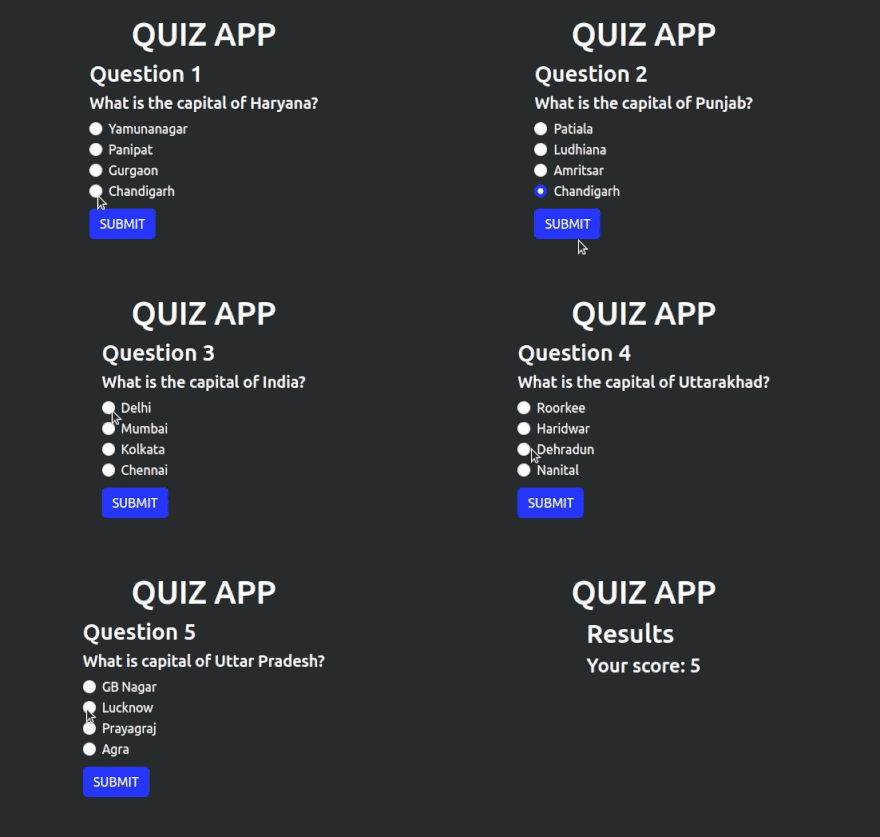
npm run devStep 2: Open URL in the browser. It will display the result.
Output