BrowserRouter: The BrowserRouter is the most commonly used router for modern React applications. It uses the HTML5 History API to manage routing, which allows the URL to be dynamically updated while ensuring the browser's address bar and history are in sync.
HashRouter: The HashRouter is useful when you want to use a URL hash (#) for routing, rather than the HTML5 history API. It doesn't require server configuration and works even if the server doesn't support URL rewriting.
MemoryRouter: The MemoryRouter is used in non-browser environments, such as in React Native or when running tests.
Features
React Router provides flexible and efficient routing capabilities for React applications.
Declarative Routing: Define routes using Routes and Route components.
Steps to Creating routes using React Router involves configuring navigation paths and linking them to components to enable dynamic page rendering within a React application.
Step 1: Initialize React Project
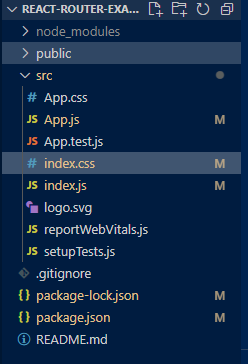
Run the following command to create a new React application:
npm create vite@latest react-router-example
cd react-router-example
Step 2: Install React Router
Install react-router in your application write the following command in your terminal
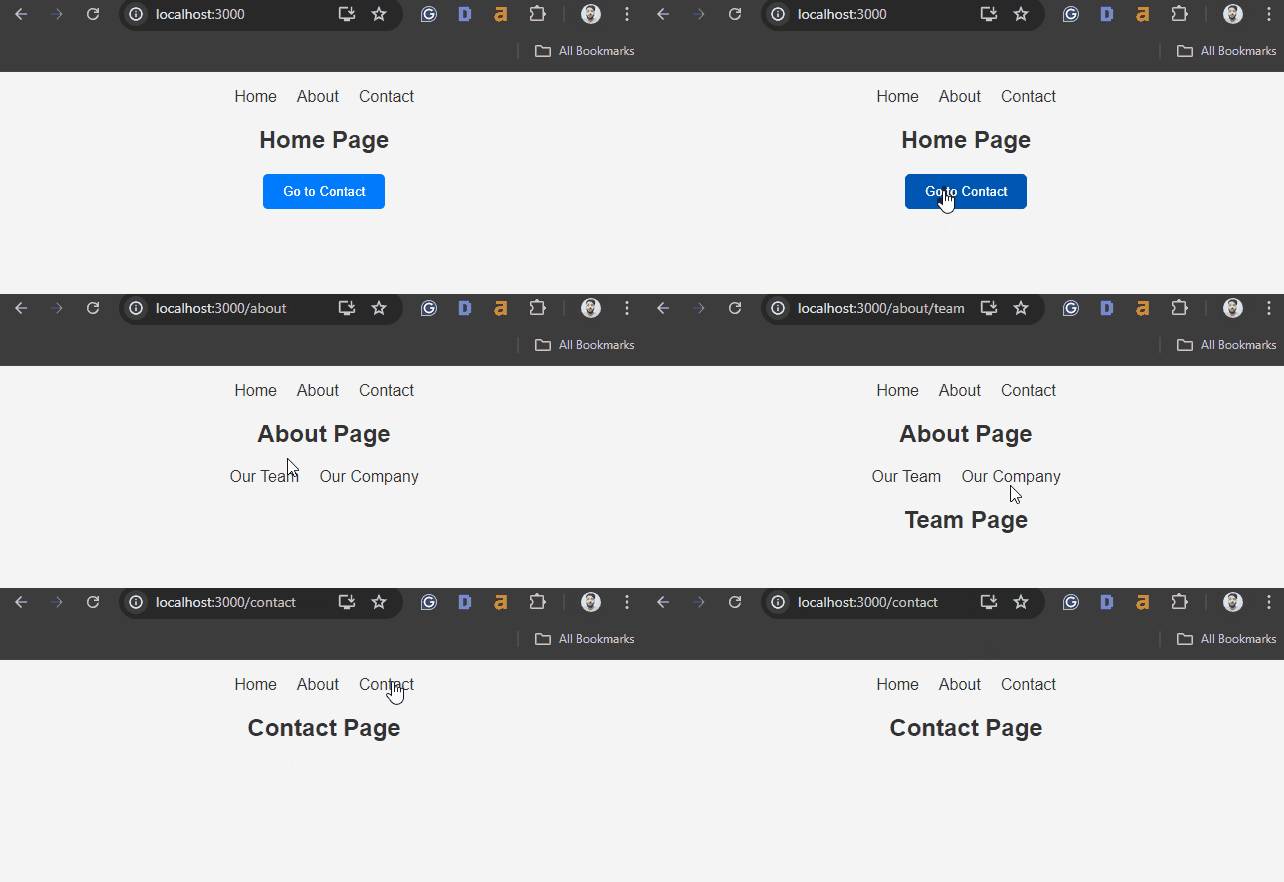
Navigation and Routing: React Router provides a declarative way to navigate between different views or pages in a React application. It allows users to switch between views without refreshing the entire page.
Dynamic Routing: React Router supports dynamic routing, which means routes can change based on the application's state or data, making it possible to handle complex navigation scenarios.
URL Management: React Router helps manage the URLs in your application, allowing for deep linking, bookmarkable URLs, and maintaining the browser's history stack.
Component-Based Approach: Routing is handled through components, making it easy to compose routes and navigation in a modular and reusable way.
Handling Nested Routes: React Router allows the creation of nested routes, which enables a more organized and structured approach to rendering content. This is particularly useful for larger applications with a complex structure.