|
VOOZH | about |
|
VOOZH | about |
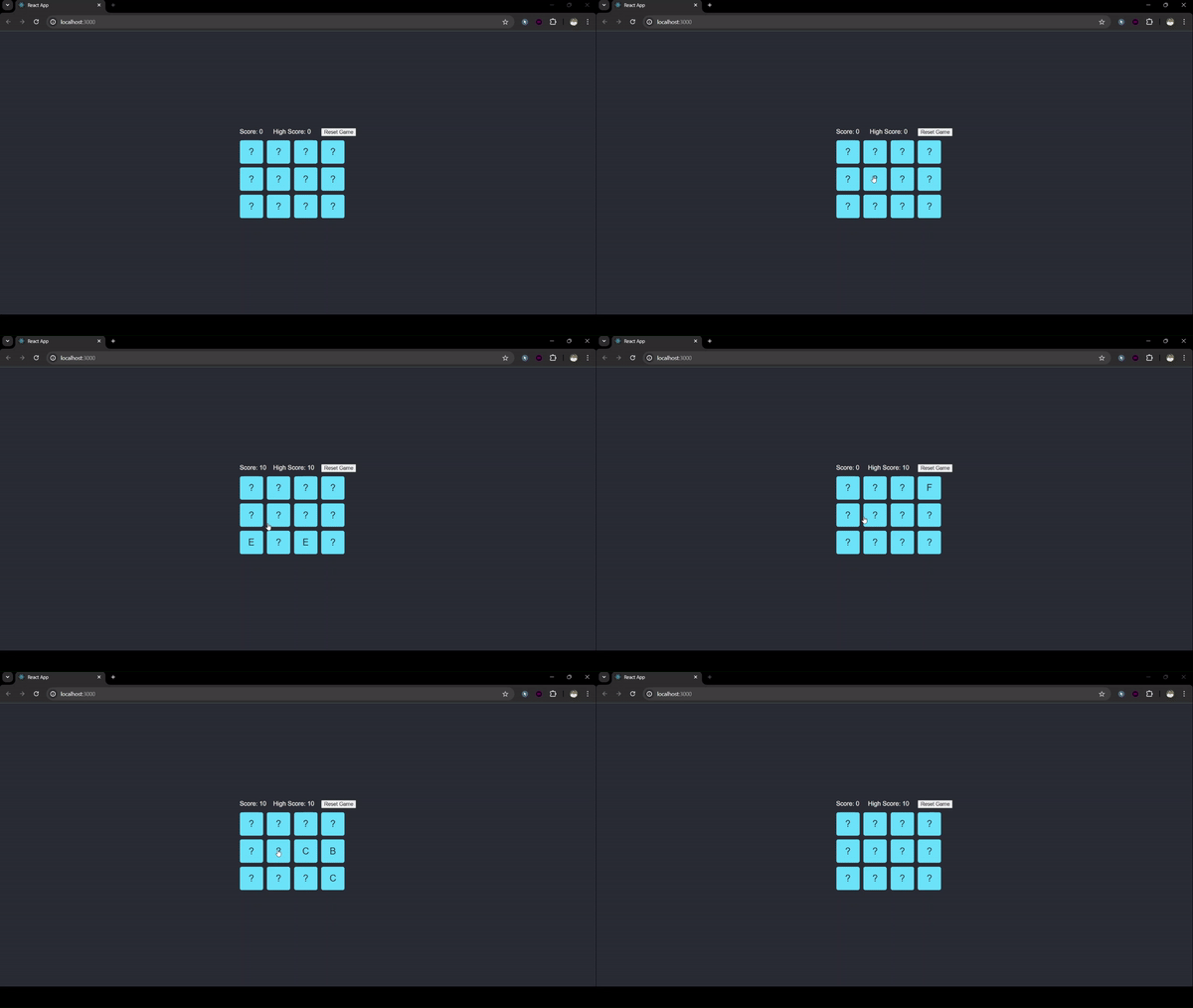
This application will provide users with the ability to play a fun and interactive game where they need to flip cards and match pairs with the same value. Along the way, we'll implement features like keeping track of the player's score, displaying a high score, and allowing the user to reset the game.
Step 1: Initialize a new React project using create-react-app and Install necessary dependencies (react, react-dom, etc.).
npx create-react-app react-flip-match-game
cd react-flip-match-game
Step 2: Define the directory structure, including public and src directories. Create App.js, Card.js, and index.js files.
Step 3: Create Card.js to handle individual card rendering and flipping logic. Add properties for card state (flipped, matched) and styles.
Step 4: In App.js, initialize the game state (cards array, score, high score) using React state hooks. Implement shuffle logic to randomize cards. Handle card flipping, matching logic, and updating scores. Add a method to reset the game.
Step 5: Create index.css for the overall layout and styling of cards. Ensure styles are applied to make the game visually appealing.
The updated dependencies in package.json file will look like:
"dependencies": {
 "@testing-library/jest-dom": "^5.17.0",
 "@testing-library/react": "^13.4.0",
 "@testing-library/user-event": "^13.5.0",
 "react": "^18.3.1",
 "react-dom": "^18.3.1",
 "react-scripts": "5.0.1",
 "web-vitals": "^2.1.4"
 }
Example: Below is an example of filp the card and match done game using Svelte and React.
Start your app using the following command:
npm startOutput: