|
VOOZH | about |
|
VOOZH | about |
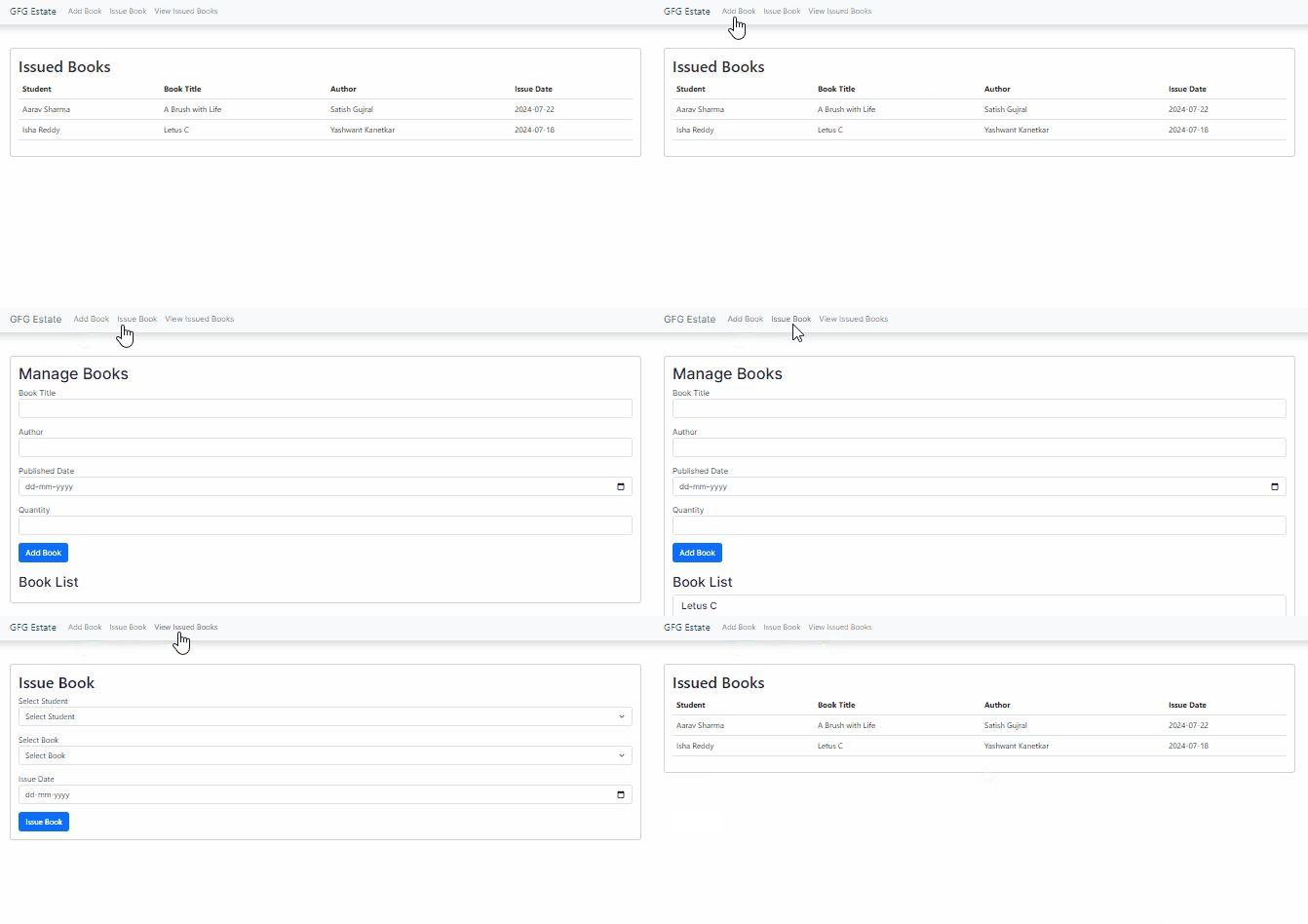
A Library Management System (LMS) allows users to manage library books, members, and borrowing history. In this article, we'll build a basic LMS using Next.js, which will include functionalities for managing books, members, and viewing borrowing history.
Step 1: Create a application of NextJS using the following command.
npx create-next-app lmsStep 2: It will ask you some questions, so choose as the following.
√ Would you like to use TypeScript? ... No
√ Would you like to use ESLint? ... No
√ Would you like to use Tailwind CSS? ... No
√ Would you like to use `src/` directory? ... Yes
√ Would you like to use App Router? (recommended) ... Yes
√ Would you like to customize the default import alias (@/*)? ... No
Step 3: Navigate to project directory
cd lmsStep 4: Install the necessary package in your project using the following command.
npm install bootstrapStep 5: Create the folder structure as shown below and create the files in respective folders.
"dependencies": {
 "bootstrap": "^5.3.3",
 "next": "14.1.3",
 "react": "^18",
 "react-dom": "^18",
 }
Example: Create the required files and write the following code.
npm run dev
.png)