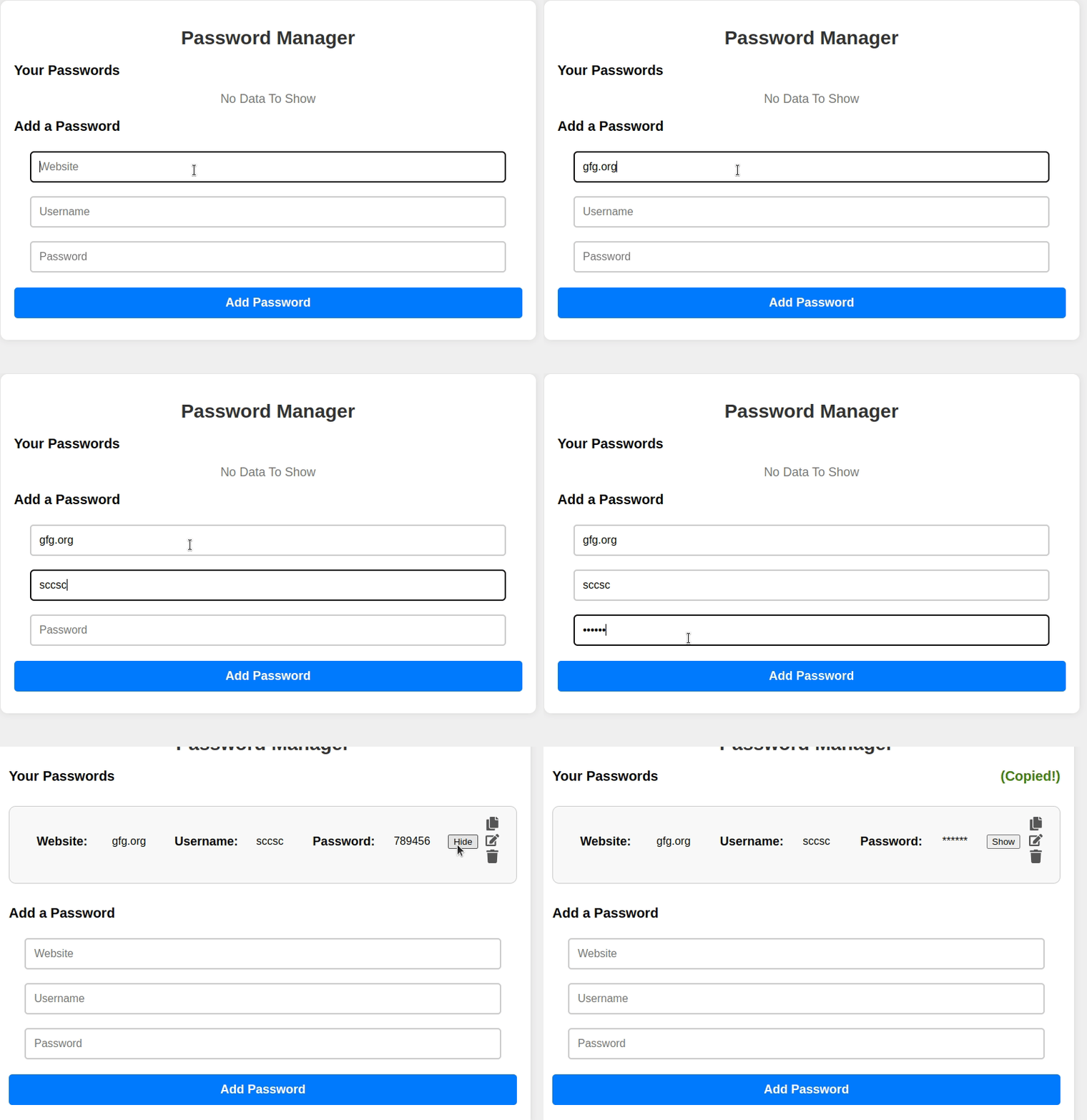
Password manager using ReactJS provides a secure and user-friendly environment for users to store and manage their credentials. It offers convenient features like adding, editing, and deleting password entries. The user can show/hide their password by clicking on a particular button.
Let's have a quick look at what the final application will look like:👁 gfg
Approach to create the Password Manager:
- The component's state is initialized by the constructor with values such as website, username, password, passwords array, and various flags.
- After the component is mounted, the "componentDidMount" function triggers the execution of "showPasswords()". This action effectively resets the formand editing mode.
- The component's structure is defined in the rendering process, which involves handling password entries, alerts, and input fields. Additionally, its behavior is adjusted to accommodate the addition or editing of entries.
Functionalities to create the Password Manager:
- maskPassword: Masks the password with asterisks ('*').
- copyPassword: Asynchronously copies a password to the clipboard.
- deletePassword: Deletes a password entry and shows a success alert.
- showPasswords: Resets the component's state, clearing the form and editing mode.
- savePassword: Adds or updates password entries based on user input.
- editPassword: Allows editing of existing password entries.
- renderPasswordList: Generates HTML elements for displaying password entries.
Steps to Create the Password Manager :
Step 1: Create a react application by using this command
npm create vite@latest password-manager-app
Step 2: After creating your project folder, i.e. password-manager-app, use the following command to navigate to it:
cd password-manager-app
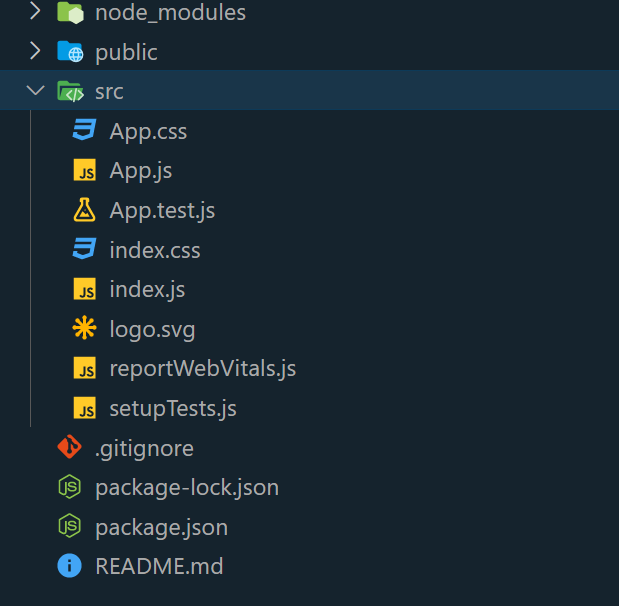
Folder Structure:
👁 Image
The updated dependencies in package.json file will look like:
"dependencies": {
 "react": "^19.1.0",
 "react-dom": "^19.1.0",
 },
 "devDependencies": {
 "@vitejs/plugin-react": "^4.6.0",
 "vite": "^7.0.4"
 }
Example: Write the below code in App.js file and App.css in the src directory
Steps to run the Application:
- Type the following command in the terminal:
npm run dev
- Type the following URL in the browser:
http://localhost:5173/
Output:👁 gfg