|
VOOZH | about |
|
VOOZH | about |
Color Palette Generator App using ReactJS is a web application which enables users to effortlessly generate random color palettes, view the colors, and copy the color codes to the clipboard with just a single click. There is also a search bar that allows the user to check different color themes for their specified color.
Let's have a quick look at what the final application will look like:
Step 1: Create a react application by using this command
npm create vite@latest colorPaletteGeneratorStep 2: After creating your project folder, i.e. colorPaletteGenerator, use the following command to navigate to it:
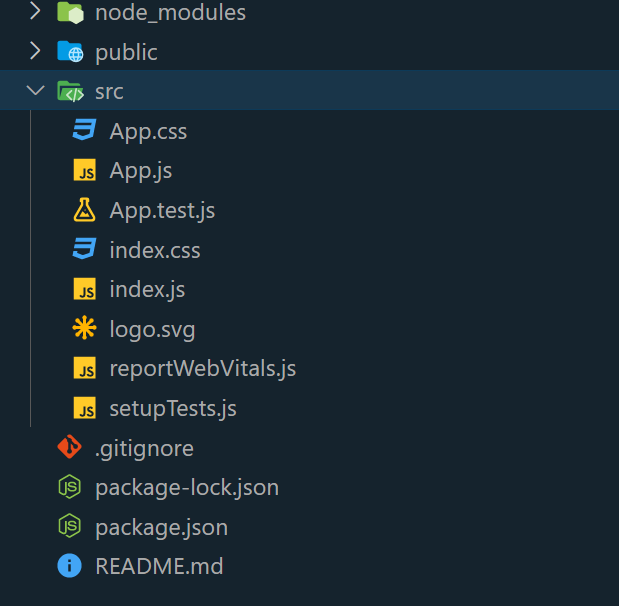
cd colorPaletteGeneratorFolder Structure:
The updated dependencies in package.json file will look like
 "dependencies": {
 "react": "^19.1.0",
 "react-dom": "^19.1.0",
 },
 "devDependencies": {
 "@vitejs/plugin-react": "^4.6.0",
 "vite": "^7.0.4"
}
Example: Write the below code in App.js file and App.css in the src directory
Steps to run the Application:
npm run devhttp://localhost:5173/Output:

.jpg)