|
VOOZH | about |
|
VOOZH | about |
Rock, Paper, Scissors is a timeless game that has entertained people of all ages for generations. In this article, we will walk you through the process of creating a Rock Paper Scissors mobile game using React Native. You'll learn how to build a simple yet engaging game that can be played on both Android and iOS devices.
To give you a better idea of what we’re going to create, let’s watch a demo video.
Note: This Section is to interact with the app which you are going to build.
Now, create a project with the following command.
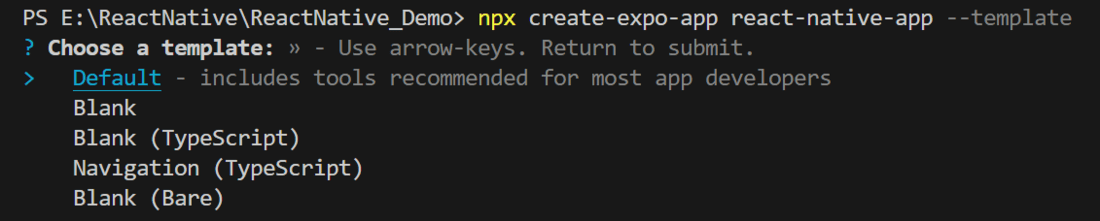
npx create-expo-app app-name --template
Note: Replace the app-name with your app name for example : react-native-demo-app
Next, you might be asked to choose a template. Select one based on your preference as shown in the image below. I am selecting the blank template because it will generate a minimal app that is as clean as an empty canvas in JavaScript.
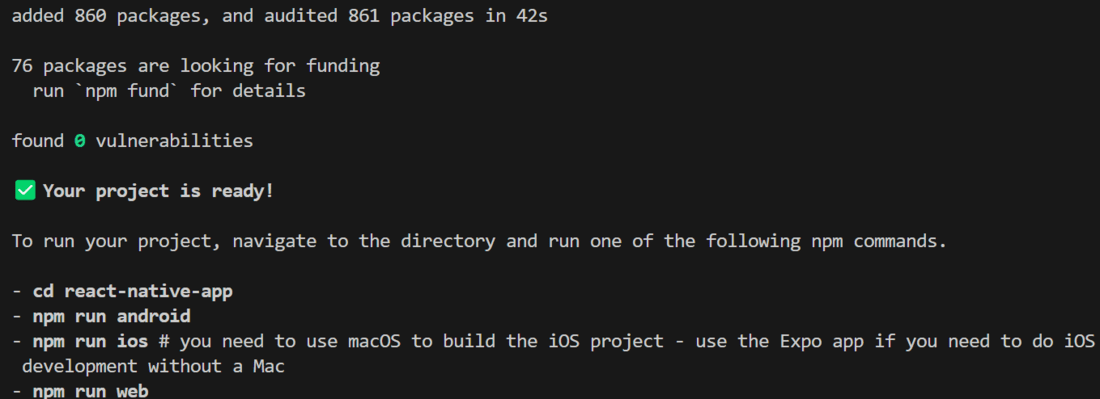
It completes the project creation and displays a message: "Your Project is ready!" as shown in the image below.
Now go into your project folder, i.e., react-native-demo
cd app-nameStart the server by using the following command.
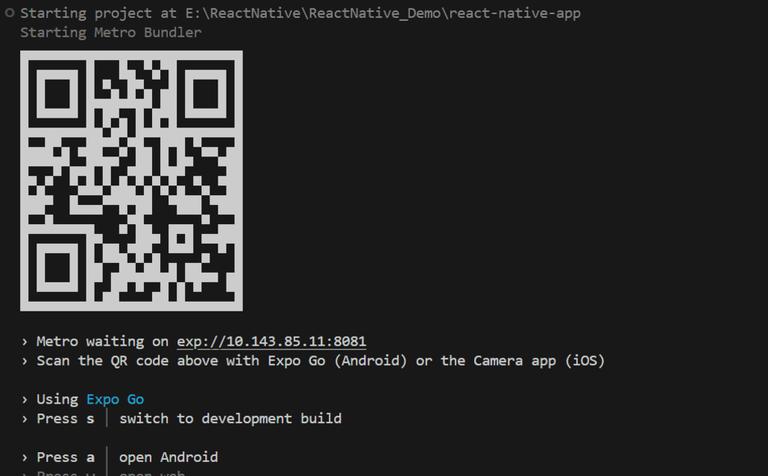
npx expo startThen, the application will display a QR code.
Let's dive into the code in detail.
- : Import required libraries at the top of the file.
- : Create a StyleSheet to style components like container, title, buttonContainer, etc.
This title explains what the app does. We use the text "Rock, Paper, Scissors Game" to show that the app is to play the Rock, Paper, Scissors Game.
After the title, we have three buttons: Rock, Paper, and Scissors. Each button is created by wrapping a Text component with the words "Rock," "Paper," and "Scissors" with respect to buttons. These are then placed inside a TouchableOpacity component so that the user can click on them. All three buttons are held together in a View component. When the user taps on any button, we call a function called "decision," which contains the game logic.
- : This function starts by randomly picking a choice from a list of options for the computer using Math.random and Math.floor. It then sends the player's choice and the computer's choice to logic function.
- checks who won by looking at certain conditions in the code. It returns 0 if there's a tie, 1 if the player wins, and -1 if the computer wins.
After that, the state variable is updated based on what the logic function returns.
After that, display choices and scores of player and computer using below code.
Now, wrap all design code with a View component, return it from the App component, and place all methods and useStates within the App component. Ensure to export the App.
App.js: