|
VOOZH | about |
|
VOOZH | about |
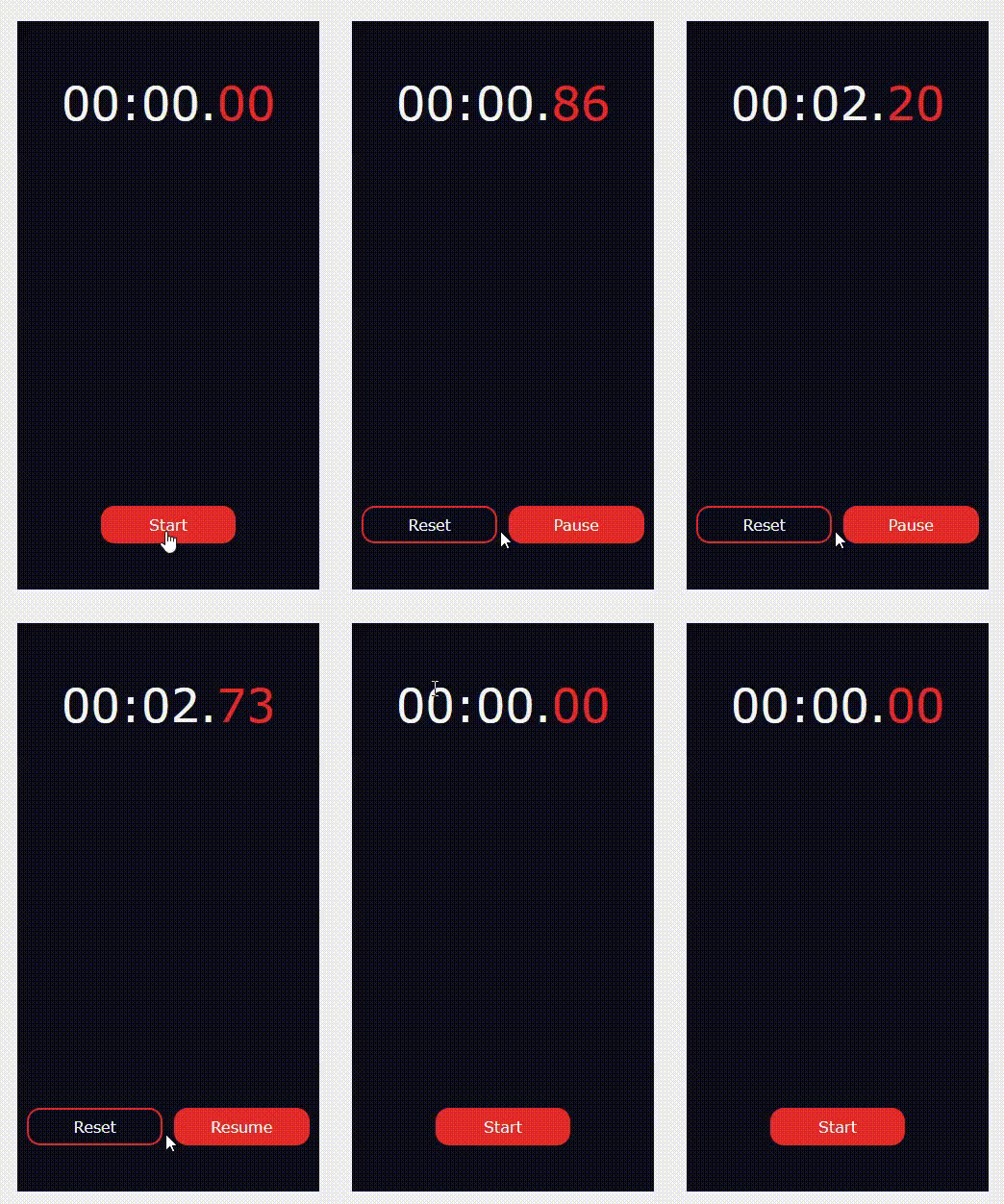
We can create Stop Watch in ReactJS using the following approach. Our StopWatch will have the functionality of Start, Pause, Resume and Reset.
Creating React Application And Installing Module:
Step 1: Create a React application using the following command.
npm create vite@latest stopwatch --template reactStep 2: After creating your project folder i.e. stopwatch, move to it using the following command.
cd stopwatchStep 3: Install project dependencies.
After initializing your Vite project, install the required dependencies by running:
npm installCreate a Components folder insider the src folder. Inside the Components folder create three different subfolders with the names StopWatch, Timer, ControlButtons. Now make a .jsx and a .css for each components.
Project Structure: It will look like the following.
Components used in our applications are:
Example: The outer component is StopWatch, the blue marked is the Timer, and the green-colored component will be denoted as ControlButtons.
index.js
App.js
App.css
StopWatch.jsx
StopWatch.css
Three states used in the StopWatch component.
Timer.jsx
Timer.css
ControlButtons.jsx
ContolButtons.css
ControlButtons Rendering: If user haven't started the stop watch then you are supposed to show only the start button. If the user have started the stop watch then you are supposed to show the reset and resume/pause buttons.
Step to Run Application: Run the application using the following command from the root directory of the project.
npm run dev Output: Now open your browser and go to http://localhost:5173/, you will see the following output.