|
VOOZH | about |
|
VOOZH | about |
CSS Modules enable you to write styles in CSS files and then consume them as JavaScript objects, offering additional processing capabilities and enhancing safety. They have gained popularity due to their automatic generation of unique class and animation names, alleviating concerns about selector name collisions.
Table of Content
CSS Modules are CSS files where all class names and animation names are scoped locally by default. They allow you to write styles in CSS files, but when consumed, they are processed into JavaScript objects. CSS Modules are widely favored because they automatically ensure that class and animation names are unique, mitigating concerns about selector name collisions.
For beginner to React, CSS Modules come highly recommended. They enable you to write conventional CSS files that remain portable, while also providing performance advantages such as bundling only the referenced code. Use CSS Modules when you want to keep your styles scoped to specific components without worrying about naming conflicts, making it easier to manage and maintain your CSS code.
Styles in traditional CSS are applied worldwide, which makes it difficult to prevent accidental style overrides and naming conflicts. By establishing local scope, which keeps styles defined inside a module separate from the rest of the application, CSS Modules solve this problem.
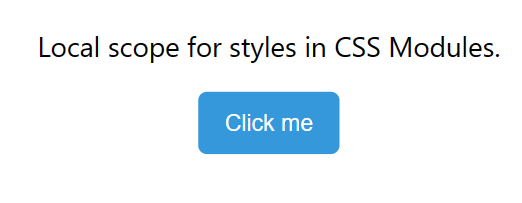
Example: Let's consider a simple example to illustrate the local scope concept in CSS Modules. Assume you have a button component with a CSS file named "button.module.css". In this example, the styles for the button are defined with a class named ".button". However, the key difference is that these styles are locally scoped to the "button" module.
To use the styles defined in the "button.module.css" file, you import the module in your JavaScript or React component. Here, the "styles.button" syntax ensures that the styles are locally scoped to the "Button" component, avoiding any unintended global style conflicts.
Output:
With CSS Modules, we can effectively scope styles to specific components in our application without relying on large naming conventions, making it simpler to monitor the usage of styles across our codebase. We're enthusiastic about leveraging them in our future endeavors and would encourage others to explore their potential for enhancing CSS maintainability.