|
VOOZH | about |
|
VOOZH | about |
A CSS viewer cube is a visually appealing and interactive way to display images or content on a webpage. It resembles a 3D cube that can be rotated along its axes to reveal different faces. While traditionally, libraries like Three.js have been used to achieve this effect.
In this article, we'll explore how to create a CSS viewer cube in React without relying on Three.js.
We will discuss about the approaches of creating a CSS viewer cube without Three.js using React:
Table of Content
Step 1: Create a React App using the following command.
npx create-react-app my-react-appStep 2: Switch to the project directory
cd my-react-appStep 3: Installing the required packages:
npm install styled-components react-iconsUpdated Dependencies in package.json File:
 "dependencies": {
 "react": "^17.0.2",
 "react-dom": "^17.0.2",
 "styled-components": "^5.3.3",
 "react-icons": "^4.3.1"
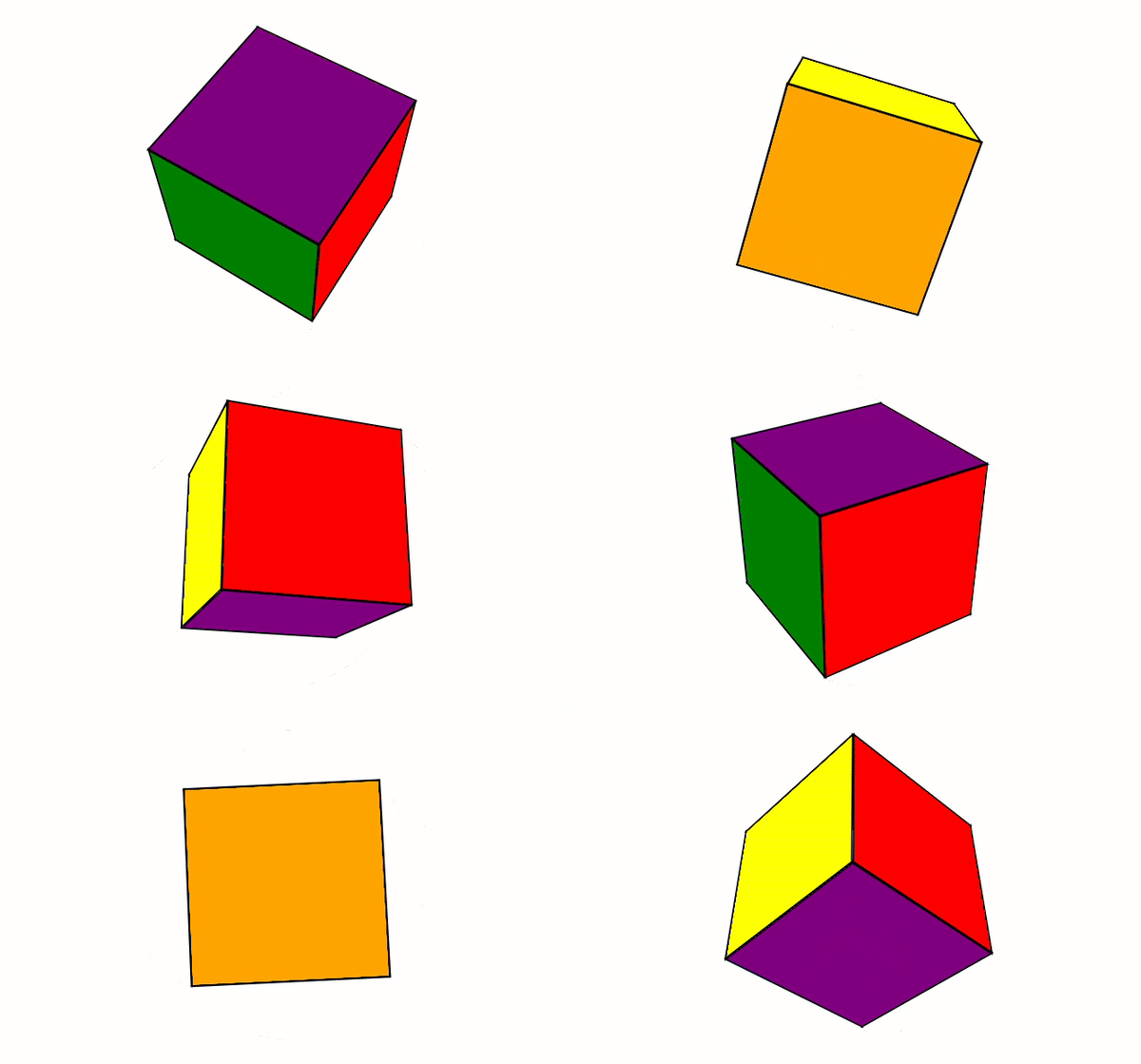
}Example: This approach involves defining CSS animations for the cube's rotation and using CSS transforms to manipulate its orientation.
Output:
👁 3535-ezgifcom-video-to-gif-converter
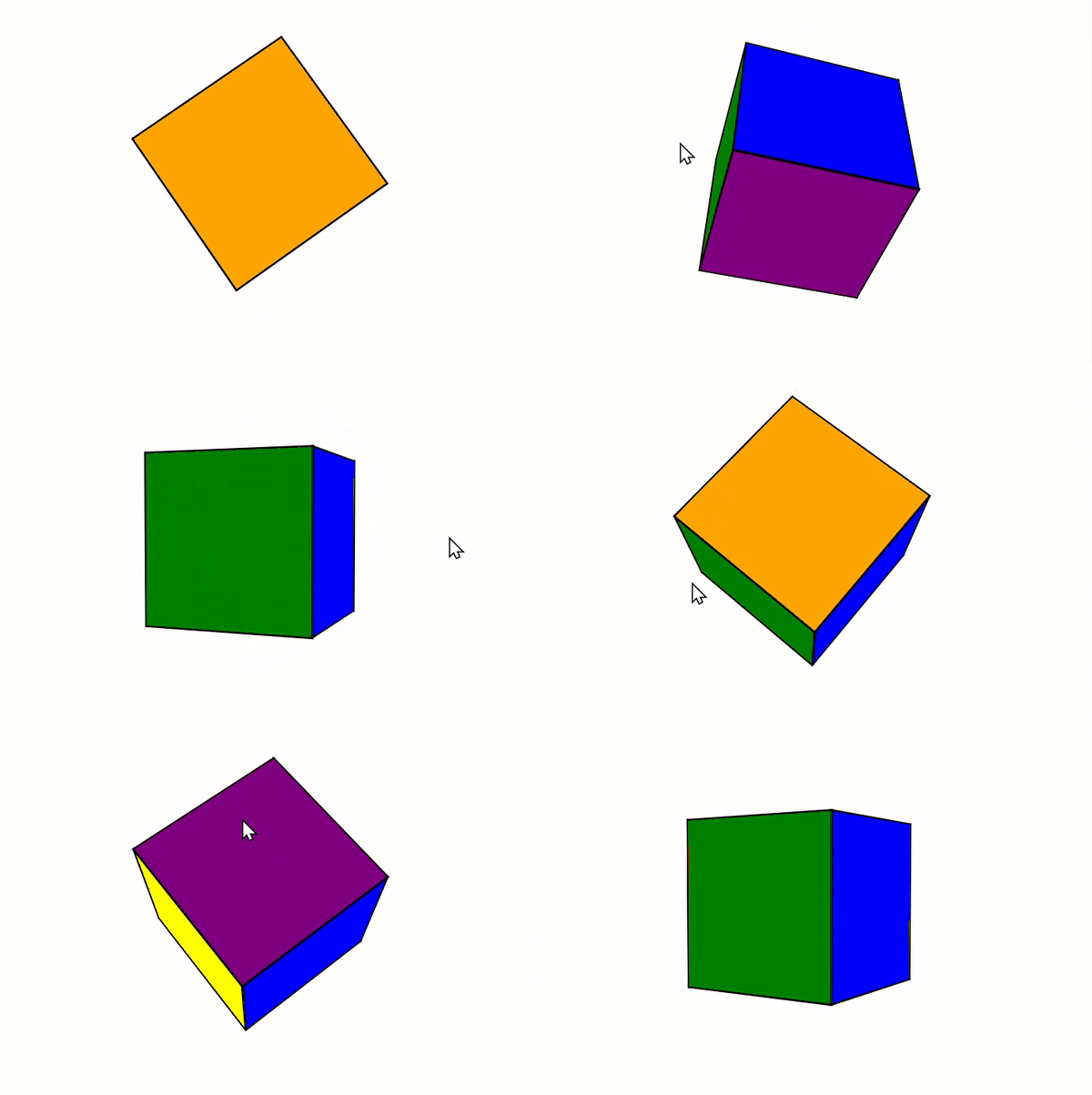
Example: Here, we'll use React state to store the current rotation state of the cube and handle events to update it accordingly.
👁 245-ezgifcom-video-to-gif-converter
Creating a CSS viewer cube in React without using Three.js is achievable through CSS animations, React state management, and CSS layout techniques like Grid or Flexbox. By combining these approaches, you can create engaging and interactive 3D effects for your React applications.