|
VOOZH | about |
|
VOOZH | about |
The font module in next.js allows to add any external or local fonts. Fonts are used to style the components and to increase the readability of the application. The font is associated with the style, size, width, and typeface i.e. design of the letters. We can customize the font according to our choice by simply adding them to the global CSS file and in the head section of the application file. Using this approach, the request is made every single time of use. A better approach is using next/font.
Next.js allows you to automatically self-host the font on the Next.js deployment server. Fonts are downloaded at build time and host them. next/font helps fonts to load with zero layout shift.
Using @next/font in Next.js simplifies integrating Google Fonts, offering optimized loading and improved performance. This method allows easy customization and application-wide use of fonts, enhancing the visual appeal and consistency of your web application.
import { newFont} from next/font;

const newfont = newFont({
 weight: '400',
 style: 'italic',
 subsets: ['latin'],
})

<div classname= {newfont.classname}>
 GeeksforGeeks
</div>
Step 1: To create your app, run the following npx command in your terminal to start the creation process:
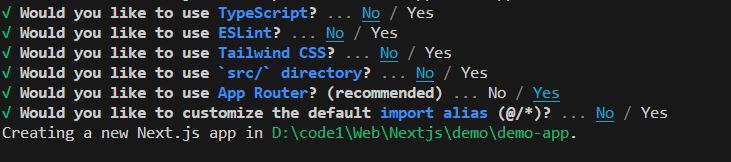
npx create-next-app@latest Demo-AppStep 2: Provide the necessary details to create your app as shown in the image below.
Step 3: Install the next/font
npm install @next/fontThe updated dependencies in package.json file will look like:
"dependencies": {
 "@next/font": "^14.1.0",
 "next": "14.1.0",
 "react": "^18",
 "react-dom": "^18"
}
Step 4: To start the application run the following command:
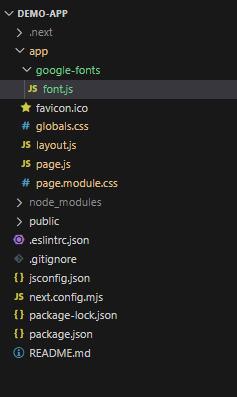
npm run devNext JS allows us to use all the google font in the application. They are automatically self hosted and no request is sent form the browser while running the application. You need to import the font from the next/font/google and set the object with the characteristics of the font. One can import multiple fonts at the same time .
Example 1: Illustration of using Google Fonts through importing font from next/font/google
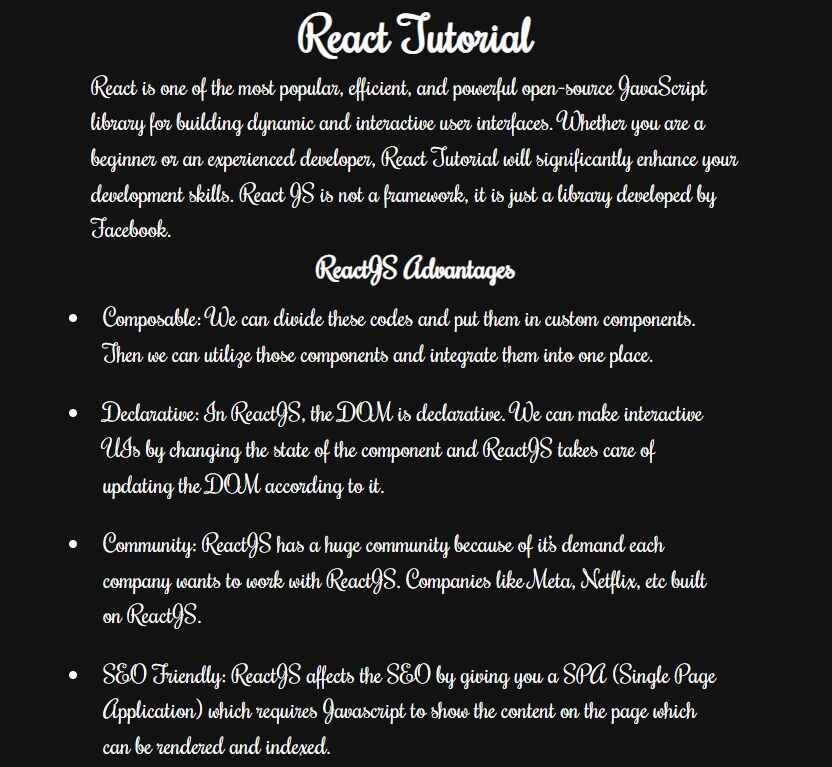
Output:
Example 2: Using Font in CSS File.
Output:
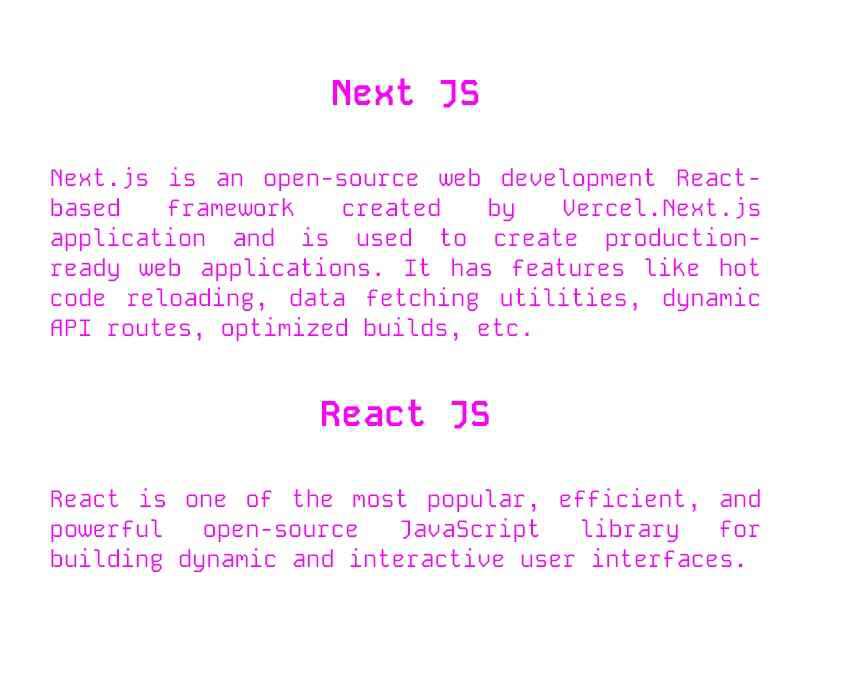
👁 Google-FontExample 3: Using Embedded Code form Google Font.
Output: