|
VOOZH | about |
|
VOOZH | about |
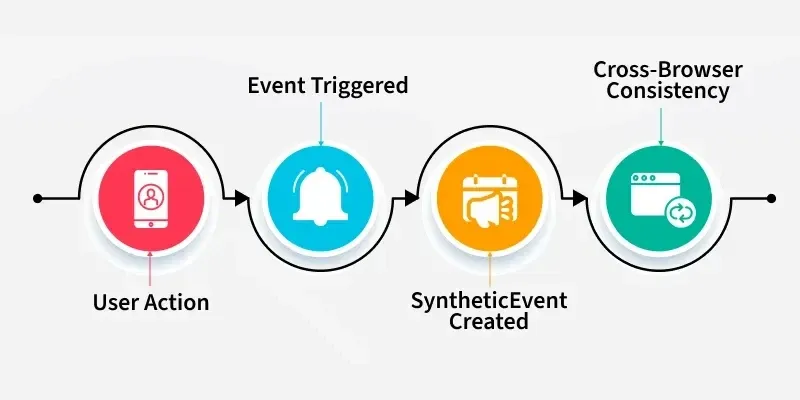
In React, events are handled similarly to how they are handled in regular HTML. However, in React, event handling is done using JSX syntax, and React provides its own synthetic event system, which is compatible with most browser events.
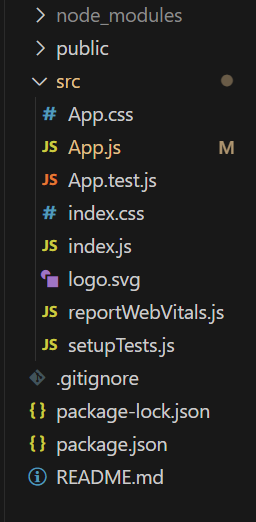
Step 1: Create a React application using the following command.
npx create-react-app Name-for-your-app
cd Name-for-your-app
👁 Screenshot-2024-02-06-213433
The updated dependencies in package.json file will look like:
"dependencies": {
 "react": "^18.2.0",
 "react-dom": "^18.2.0",
 "react-scripts": "5.0.1",
 "web-vitals": "^2.1.4"
}
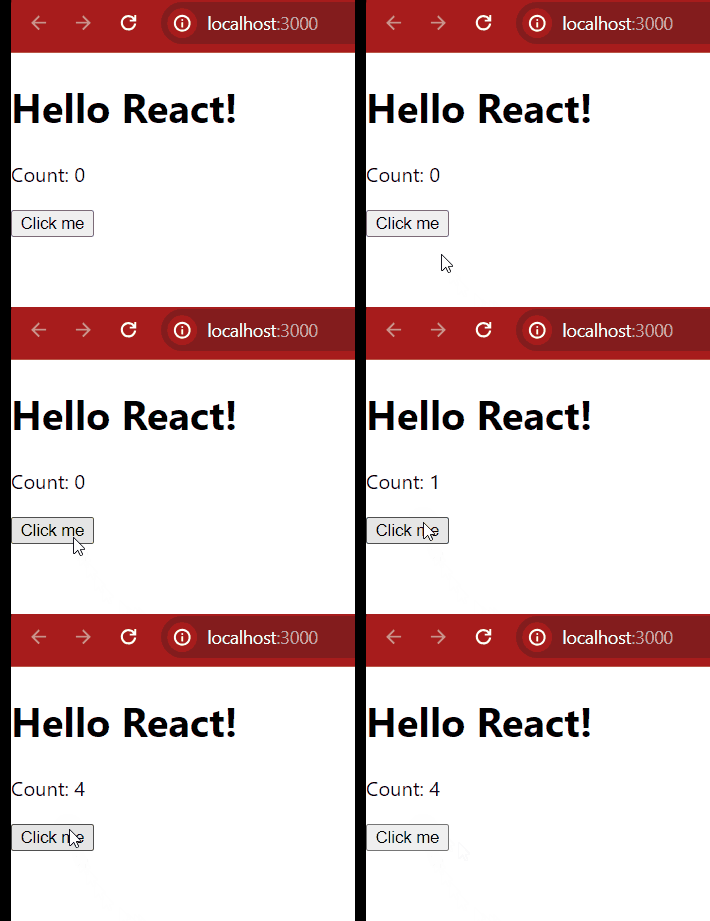
Now let's understand this with the help of example:
Output:
Here are some common types of event handling in react
This event is used to detect mouse clicks in the user interface.
onChange in React is triggered when the value of an input element (like text, checkbox, or select) changes. It is commonly used to capture user input and update the component's state.
Triggered when a form is submitted. It can be used to validate data before sending it.
Occurs when a key is pressed down, useful for handling keyboard inputs in text fields.
Fired when a key is released, often used for actions that depend on the final input.
Triggered when the mouse pointer enters an element, typically used for hover effects.