|
VOOZH | about |
|
VOOZH | about |
React is an open-source JavaScript library that is mainly used for developing User Interface or UI components. It is a single-page application that is popularly used for developing dynamic web interfaces. While building a React application, the React components serve as basic building blocks.
In React, web applications are built by the combination of these components to develop or create complex user interfaces.
Table of Content
In React, Props (short form of properties) are the fundamental concepts that are used for passing the data from one component to another component. These provide greater flexibility and reusability within the components while developing react applications.
Step 1: Open VSCode at the desired location, then in the terminal, use `npx create-react-app reactprops` to ensure the latest 'create-react-app' version without global installation.
npx create-react-app reactpropsStep 2: After that redirect to the directory with the command mentioned below:
cd reactpropsStep 3: After that use \bold{npm \ start} command for starting the react app locally. Create a directory named components inside 'src' which would contain the files consisting of all components
Example 1: Create a file named 'display.js' inside components directory and add the following lines of code which contains codes to display the sample text. And then adding Display component in main app for displaying it. Later on, we can pass the text as a props into this file ('display.js') and access here in this file ('display.js') in next example.
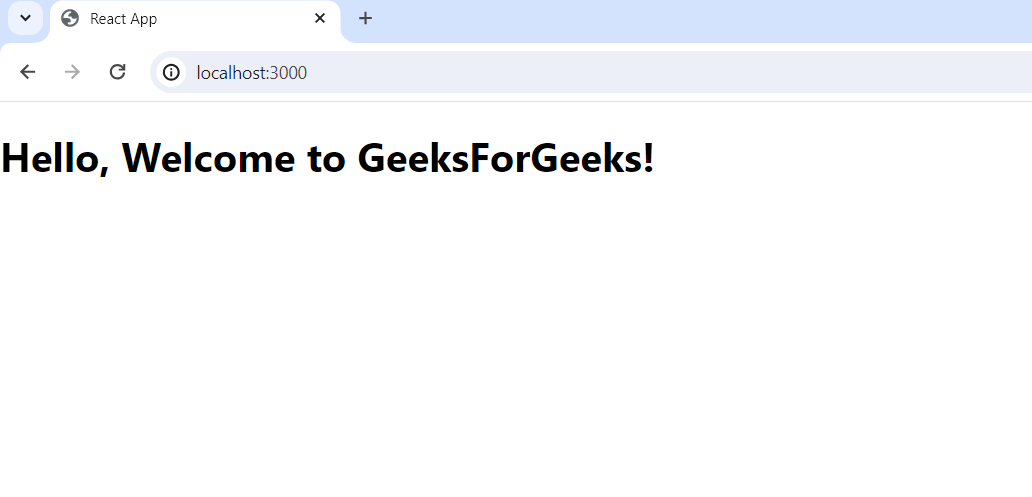
Output: The output of the above mentioned code is as follows:
Example 2: Now, we would be passing the data as a props in the functional component. Inside the functional component props are accessed as an argument to the function representing the component. The below code describes how props are accessed inside the functional component ('display.js').
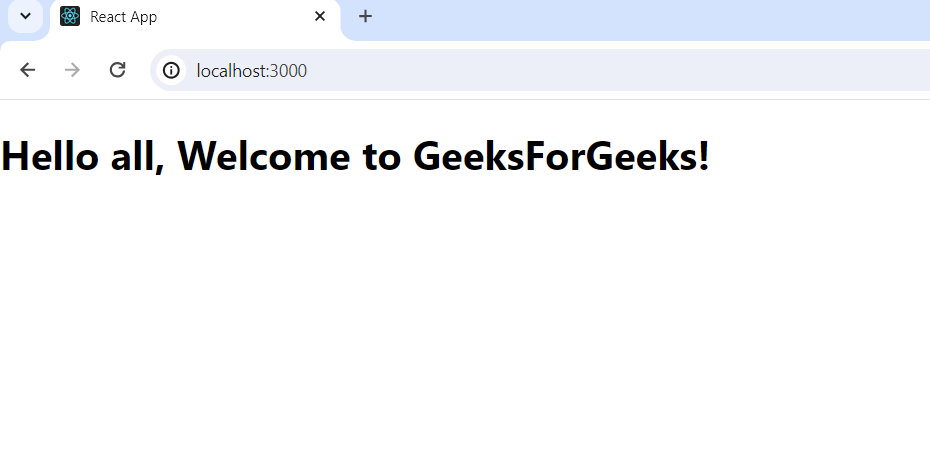
Output: The output of the above mentioned code is as follows: