|
VOOZH | about |
|
VOOZH | about |
In modern web applications, to change states with onClick event in React JS using functional components is done by Hooks in React as the functional components don't have inbuilt states like class components. With Hooks, state objects are completely independent of each other, so you can have as many state objects as you want. In a single-page application, the useState hook is the best way to simply change the state with a click without reloading the entire page.
Using useState hook to dynamically change the states with onClick event in react js. When clicking on the button the state for the component to be rendered is set to true and other to false.
Step 1: Create a React application using the following command.
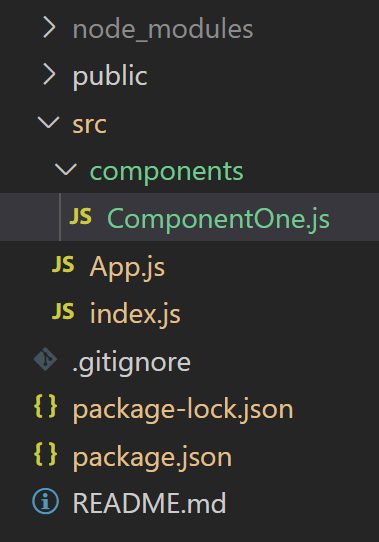
npx create-react-app projectnameStep 2: After creating your project folder i.e. projectname, move to it using the following command.
cd projectnameExample: Switching components with onClick event to update state to true or false using useState hook.
Step to run the application: Run the application using the following command:
npm startOutput: Now, open the URL http://localhost:3000/, and you will see the following output.