|
VOOZH | about |
|
VOOZH | about |
Combining useContext with useReducer in React allows you to manage a global state more effectively by providing a centralized state management solution.
React.createContext() function for this purpose.useReducer Hook: Inside your component, use the useReducer hook to manage state transitions based on dispatched actions. This hook returns the current state and a dispatch function, which is used to send actions to the reducer.useContext Hook: Use the useContext hook to access the state and dispatch function provided by the context.Example: Below is an example of combining useContext with useReducer.
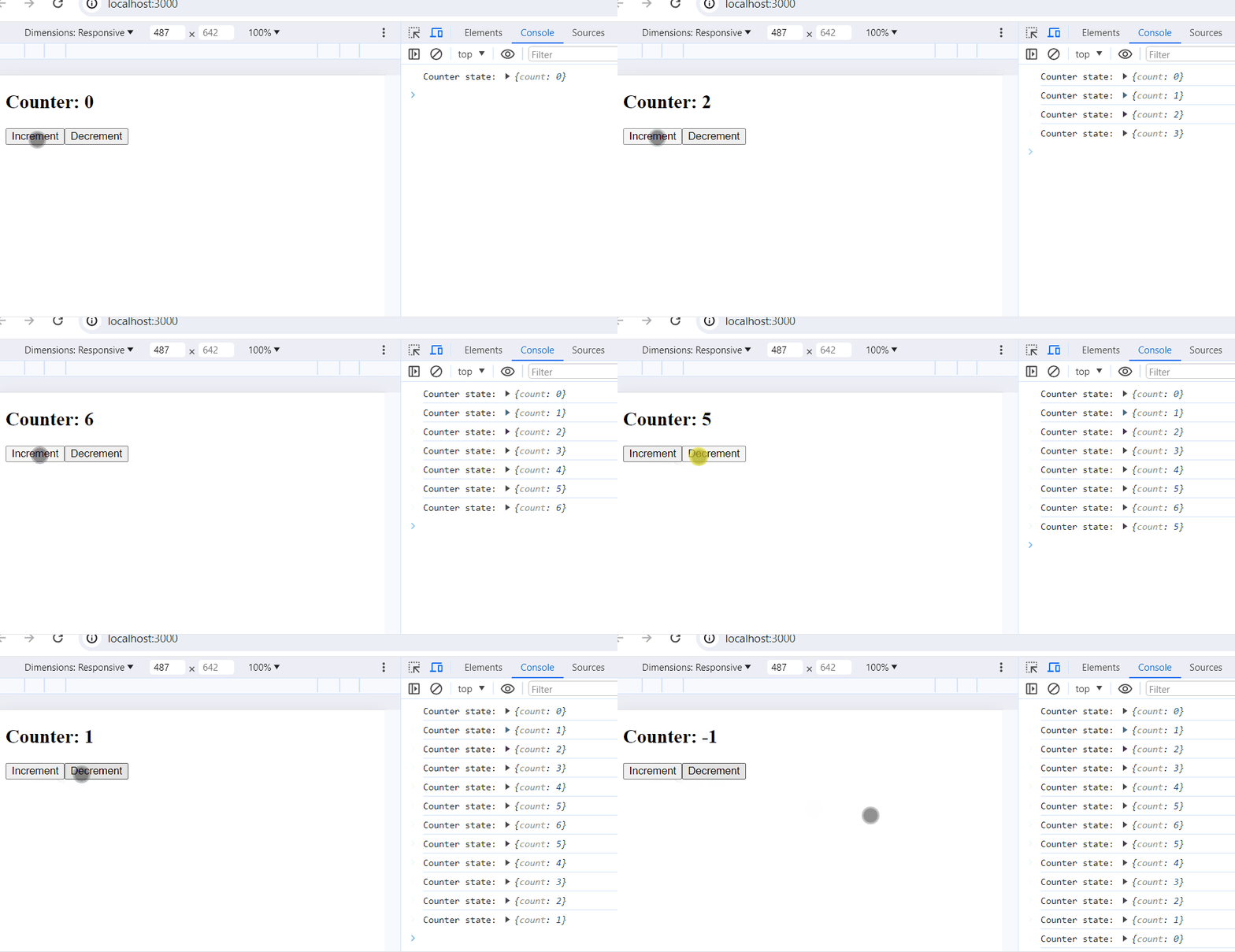
GlobalStateContext.useReducer hook inside the GlobalStateProvider component to manage the global state.GlobalStateContext.Provider.useContext to access the state and dispatch function in the Counter component.Counter component with the GlobalStateProvider in the App component to make the global state available to it.Output: