|
VOOZH | about |
|
VOOZH | about |
Creating a 3D cube in a web application can add a visually appealing element to the user interface. A 3D cube is a six-sided geometric shape that can be rotated and manipulated in 3D space.
In this article, we will be creating a 3D cube using the Three.js library
Table of Content
Three.js is a popular JavaScript library used for creating and displaying 3D graphics in a web browser. It provides a wide range of features for building 3D animations, games, visualizations, and interactive experiences.
Step 1: Create a React Project.
npx create-react-app cubeStep 2: Navigate to the project directory.
cd cubeStep 3: Installing required modules
npm install threeThe updated dependencies in package.json file will look like:
"dependencies": {
 "@testing-library/jest-dom": "^5.17.0",
 "@testing-library/react": "^13.4.0",
 "@testing-library/user-event": "^13.5.0",
 "react": "^18.2.0",
 "react-dom": "^18.2.0",
 "react-scripts": "5.0.1",
 "three": "^0.162.0",
 "web-vitals": "^2.1.4"
}
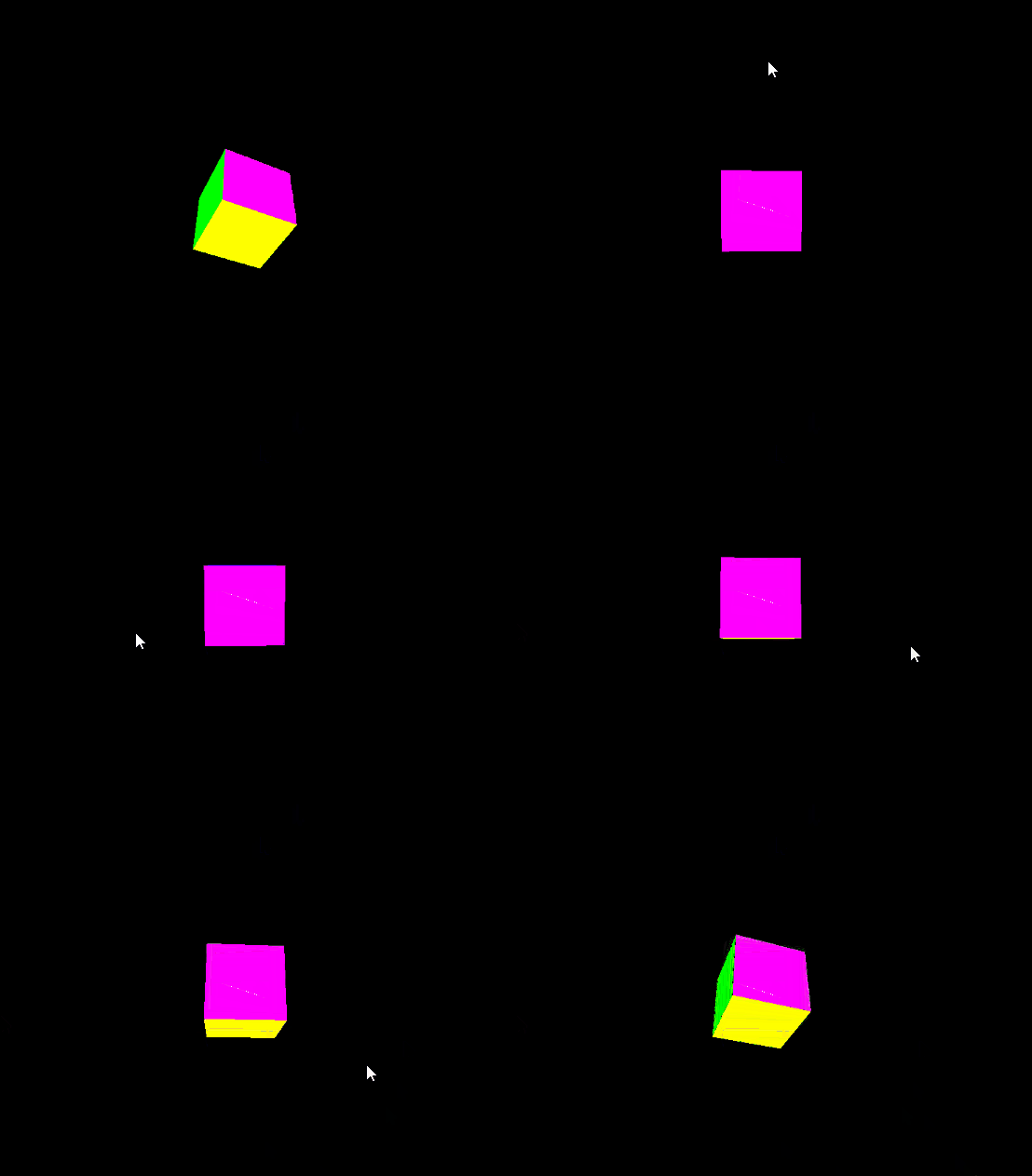
Example: Below code snippet provides the implementation of 3D cube
Output: