|
VOOZH | about |
|
VOOZH | about |
React-Bootstrap is a well-liked UI toolkit that integrates Bootstrap's simplicity and elegance into the React environment. Collapsible table rows are a helpful feature for tabular data display, allowing rows to be expanded or collapsed. This article will walk you through using React-Bootstrap to create collapsible table rows.
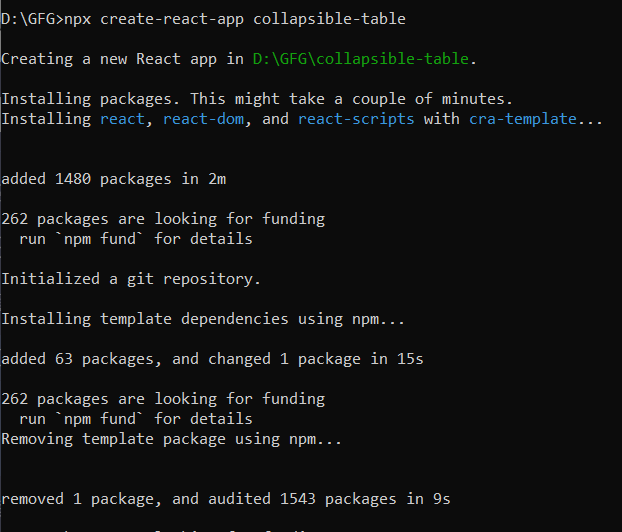
Step 1: Create a React application using the following command
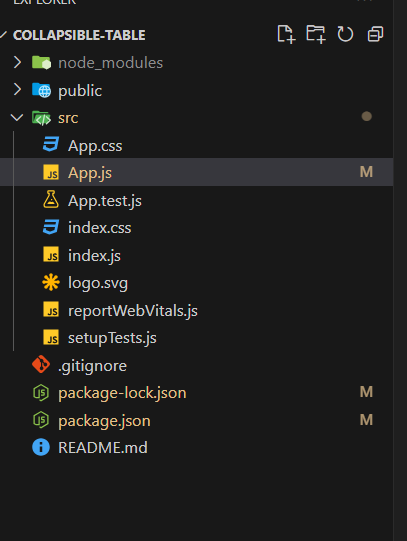
npx create-react-app foldernameStep 2: After creating your project folder, i.e., foldername, move to it using the following command.
cd foldernameStep 3: Install Necessary Libraries
npm install react-bootstrap
npm install bootstrap
// App.js
import 'bootstrap/dist/css/bootstrap.min.css';
Step 4: Table with Collapsible Rows
Example: Now write down the following code in the App.js file. Here, App is our default component where we have written our code.
Output:
This article showed how to use React and React-Bootstrap to develop a collapsible table that would improve user interaction by enabling users to expand and display more details without overcrowding the interface. We developed a tidy and well-organized layout that enhances the user experience by using Bootstrap's collapse capability and arranging the table with parent-child relationships. By incorporating comparable features into your projects, you can showcase the adaptability of React and the strength of Bootstrap in web development by producing dynamic and responsive interfaces.