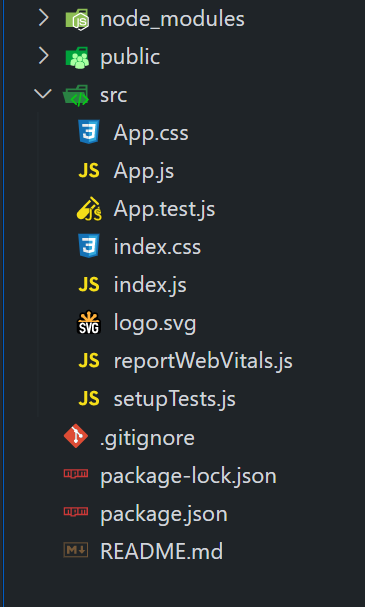
|
VOOZH | about |
|
VOOZH | about |
Creating dark/light themes and integrating them into a React application enhances user experience by providing visual customization options, improving readability, and allowing users to switch between themes based on their preferences. In this article, we will learn to create dark/light theme in Bootstrap 5 with React.
Table of Content
Step 1: Create React Project
npx create-react-app themeStep 2: Navigate to the project directory
cd themeStep 3: Installing required modules
npm install react-bootstrap bootstrapThe updated dependencies in package.json file will look like:
"dependencies": {
 "@testing-library/jest-dom": "^5.17.0",
 "@testing-library/react": "^13.4.0",
 "@testing-library/user-event": "^13.5.0",
 "bootstrap": "^5.3.3",
 "react": "^18.2.0",
 "react-dom": "^18.2.0",
 "react-bootstrap": "^2.10.2",
 "react-scripts": "5.0.1",
 "web-vitals": "^2.1.4"
}
Example: Implementation of the above approach.
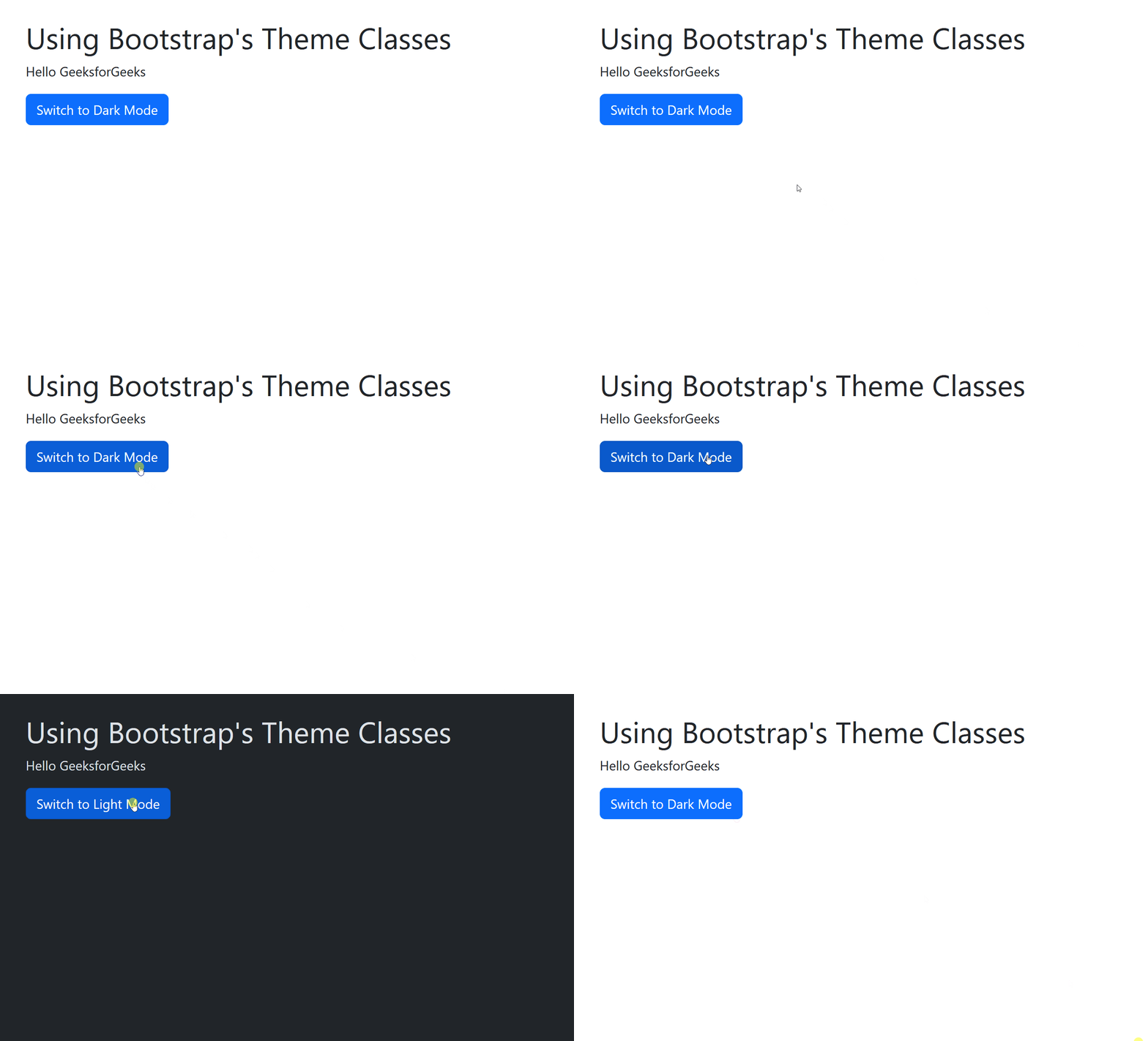
Output:
👁 Bootstrap built-in dark theme in react
Example: Implementation of the above approach.
Output: