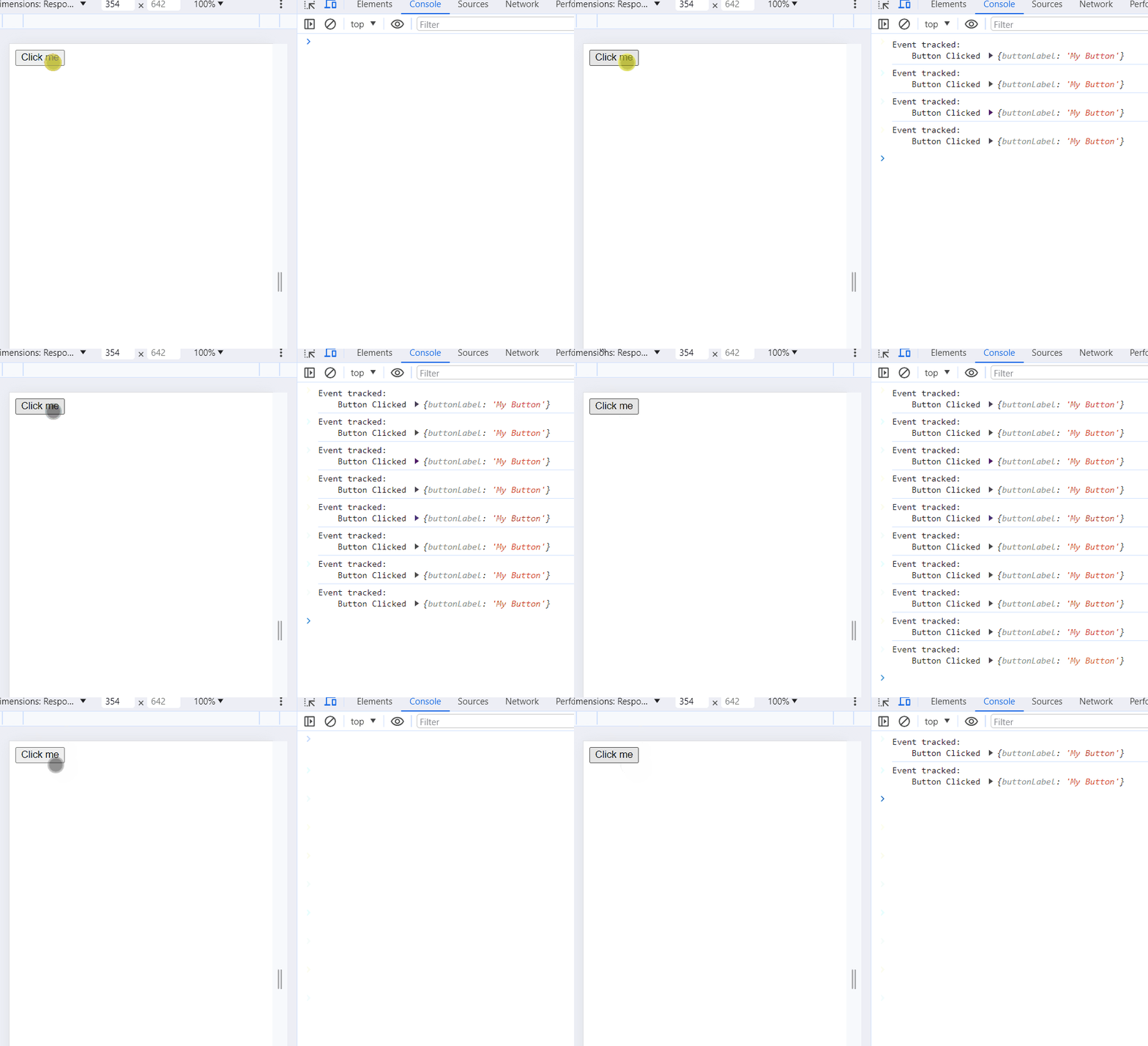
When it comes to understanding how users interact with your website or application, analytics tracking is key. React Hooks provides a clean and reusable way to integrate analytics into your components, making it easier to manage and track user events.
Steps to Handle Analytics Tracking with React Hooks:
Identify Events to Track: Determine the user interactions or events that are crucial for analytics. These could be button clicks, form submissions, or any other meaningful actions.
Choose an Analytics Service: Select an analytics service that suits your needs. Common choices include Google Analytics, Mixpanel, and others. Create an account, set up a new project, and obtain the necessary tracking code.
Install the Analytics Library: Install the analytics library or SDK provided by your chosen service. Follow the service-specific documentation for installation instructions using npm or yarn.
Create a Custom Hook for Analytics: Write a custom hook, such as useAnalytics, to encapsulate the analytics logic. This hook can include functions for tracking different events and any necessary setup.
Use the Custom Hook in Components: Import and use the useAnalytics hook in components where you want to track events.
Review Analytics Dashboard: After implementing analytics tracking, review the analytics service's dashboard to analyze the data. This dashboard will provide insights into user interactions, page views, and more.
Example: Below is an example of handling analytics tracking with hooks.