VOOZH about

URL: https://www.geeksforgeeks.org/reactjs/how-to-handle-errors-in-react/

⇱ Handle Errors in React - GeeksforGeeks


  • Courses
  • Tutorials
  • Interview Prep

Handle Errors in React

Last Updated : 3 Apr, 2026

Error handling in React is important for maintaining a stable application and ensuring a good user experience. React provides various methods for managing errors, whether working with functional or class components.

Different Methods for Error Handling

These are some methods for handling errors in React applications

1. Using Error Boundaries

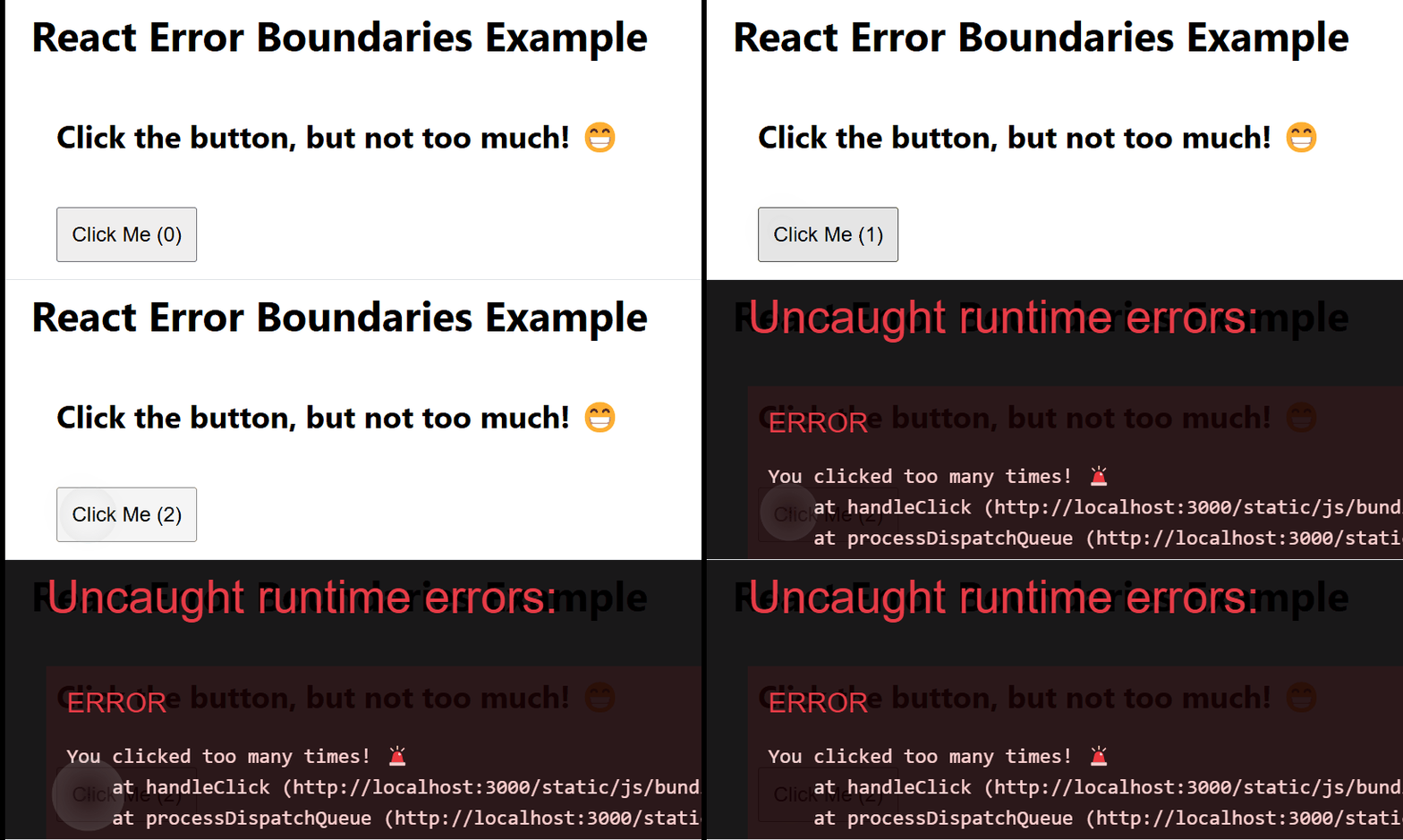
Error boundaries in React catch JavaScript errors in the component tree, log them, and display a fallback UI. They require defining getDerivedStateFromError and componentDidCatch methods.

Output:

👁 Error-boundries
Using Error Boundaries
  • ErrorBoundary.js: Catches errors in child components and shows a fallback UI.
  • BuggyComponent.js: Throws an error if clicked more than 3 times.
  • App.js: Wraps BuggyComponent in ErrorBoundary to prevent app crashes.

2. Using try-catch in Event Handlers

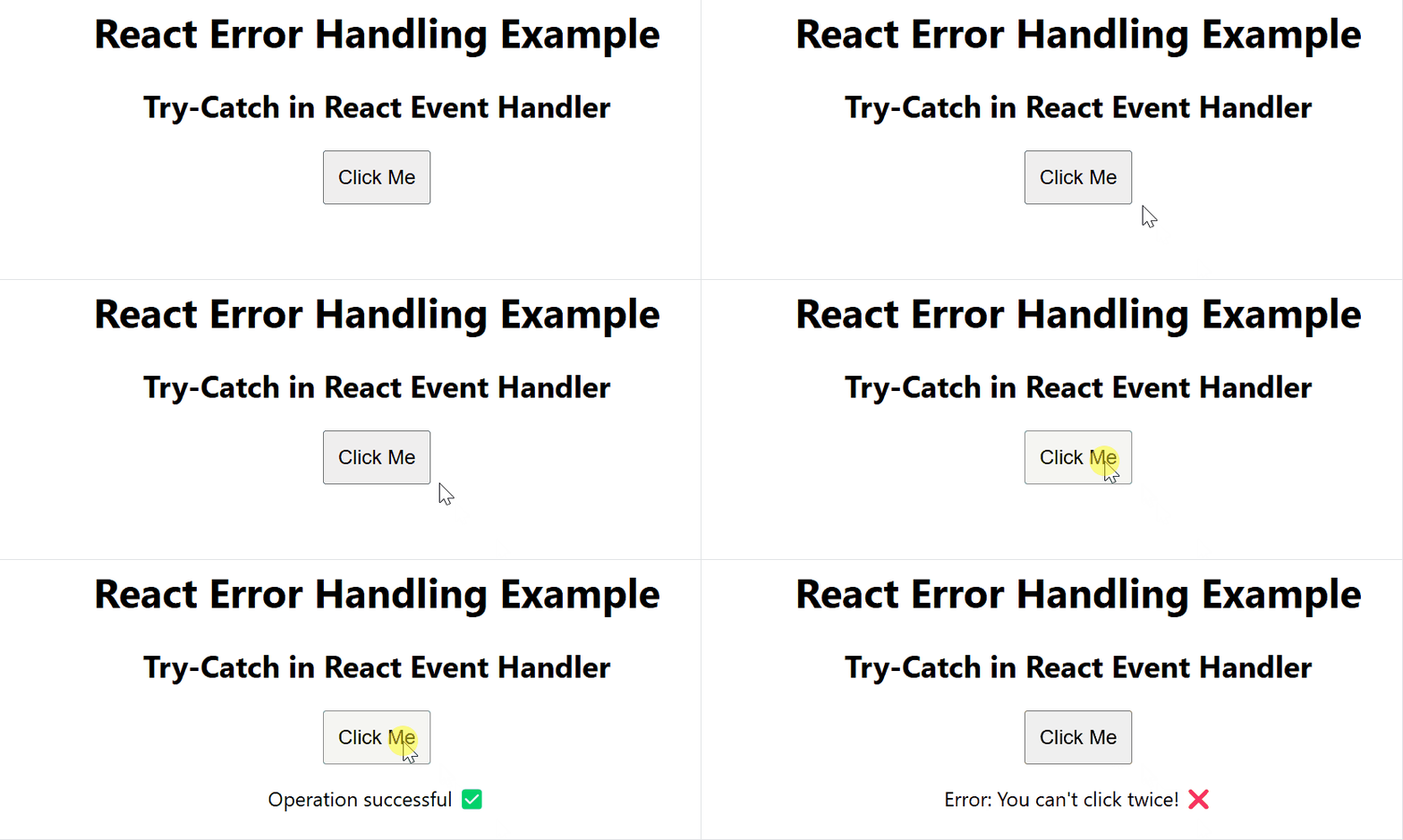
When dealing with asynchronous operations, such as fetching data or handling events, you can use the standard JavaScript try-catch block to catch errors and handle them gracefully.

Output:

👁 error-1
try-catch in Event Handlers
  • ErrorHandlingComponent: Handles button clicks and errors.
  • handleClick(): Throws "You can't click twice!" if a random number > 0.5.
  • Uses try-catch: Catches errors and updates the message.
  • Renders UI: Displays success or error message based on clicks.

3. Handling Errors in API Calls

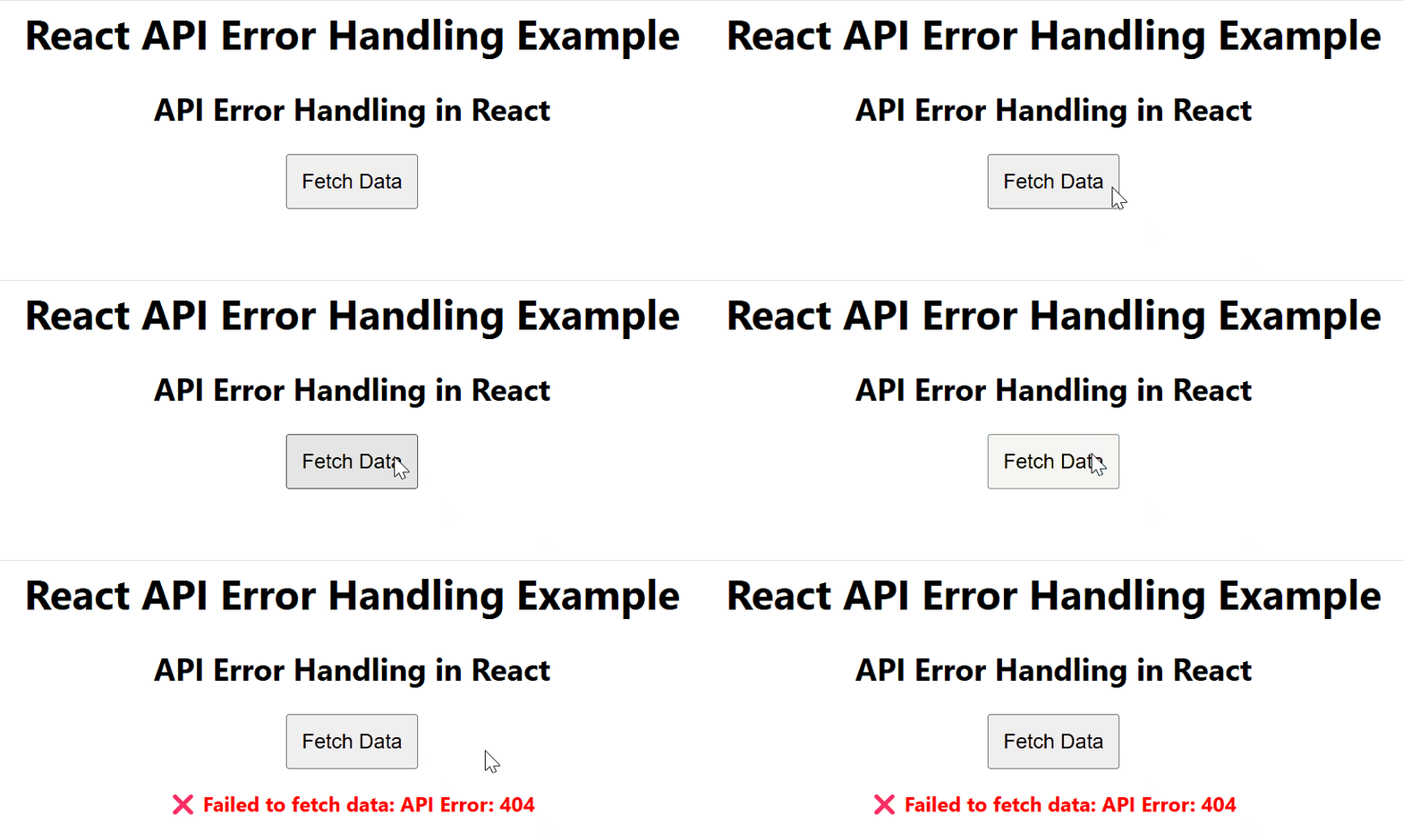
API calls are a common source of errors in React apps. You can manage these errors gracefully by showing a loading state and an error message.

Output:

👁 Handling-Errors-in-API-Calls
Handling Errors in API Calls
  • ApiService.js: Fetches data, throws an error if API fails.
  • ApiComponent.js: Calls API, shows data on success, error in red on failure.
  • App.js: Loads ApiComponent, ensures smooth error handling.
Comment