|
VOOZH | about |
|
VOOZH | about |
POST method is used to send data from the frontend to the server to create or update resources. It is commonly used when users submit forms or perform actions like adding new data.
Here, we will see how to make post requests in react native.
Making POST requests from the frontend involves sending data to a backend API. React Native offers built-in support with
fetch()oraxioslibraries.
Now, create a project with the following command.
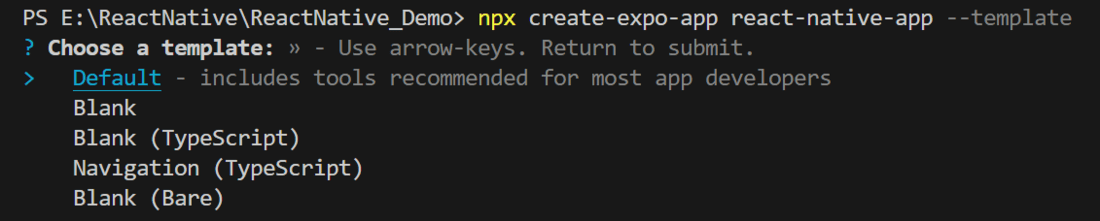
npx create-expo-app app-name --templateNote: Replace the app-name with your app name for example : react-native-demo-app
Next, you might be asked to choose a template. Select one based on your preference as shown in the image below. I am selecting the blank template because it will generate a minimal app, as clean as an empty canvas in JavaScript.
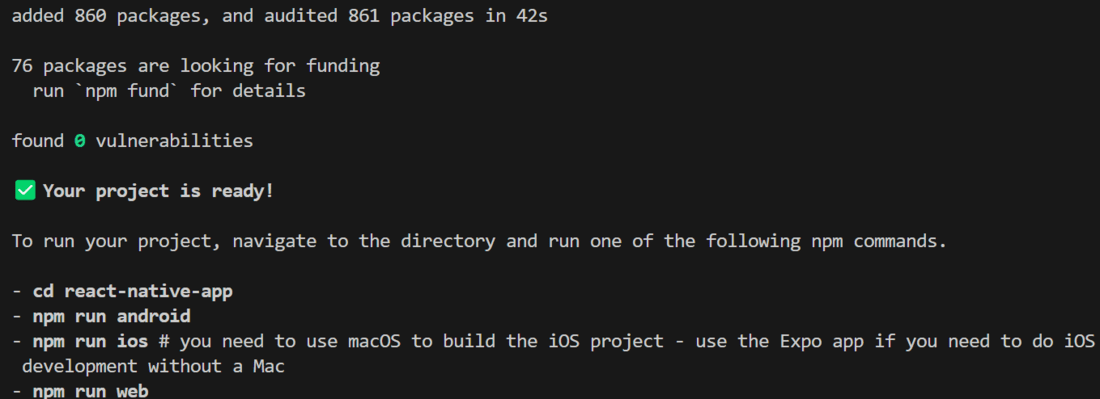
It completes the project creation and displays a message: "Your Project is ready!" as shown in the image below.
Now go into your project folder, i.e., react-native-demo
cd app-nameStart the server by using the following command.
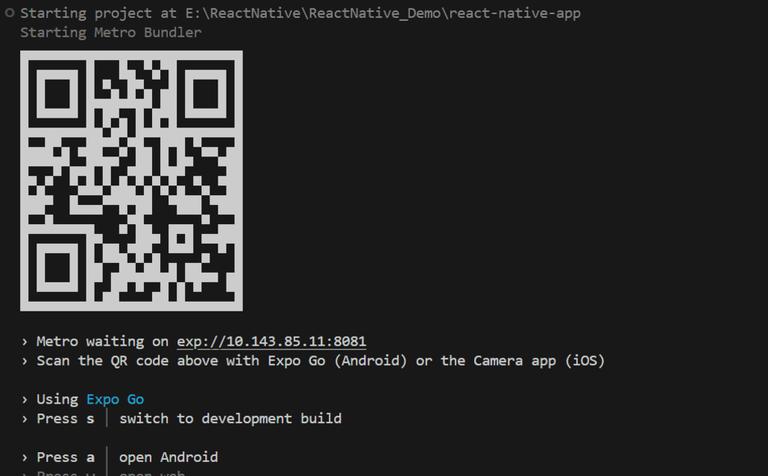
npx expo startThen, the application will display a QR code.
1. For the Android users,
2. For iOS users, simply scan the QR code using the Camera app.
3. If you're using a web browser, it will provide a local host link that you can use as mentioned in the image below.
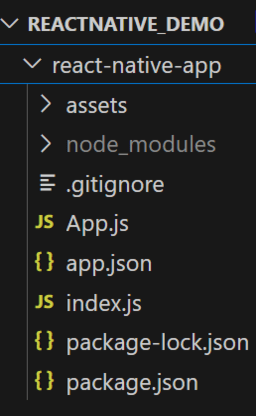
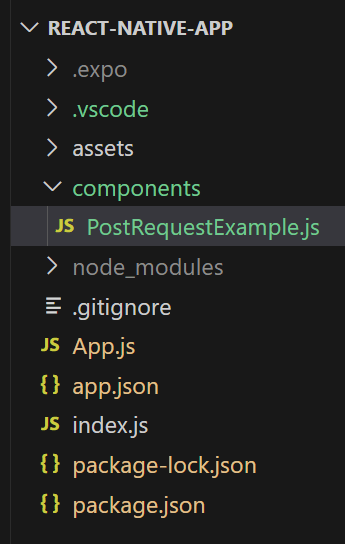
You can create a new folder called "components" to organize all component files better, as mentioned in the image below. Alternatively, you can write the component code directly in App.js.
- Import libraries: Import required libraries at the top of the file.
- StyleSheet: Create a StyleSheet to style components like the btn.
- Button: This component is used to trigger the postExample function when the user taps on the button.
- postExample: This function is used to make a POST request.
- App Component: Wrap the Button with a View and return that inside the App function to render and place the postExample inside the App function, also make sure to export the App.
PostRequestExample.js:
Now call this PostRequestExample Component in the main "App" Component in App.js.
App.js:
You can write the whole code in one file, i.e, App.js.
App.js: