|
VOOZH | about |
|
VOOZH | about |
React provides a powerful tool for optimizing performance, the useMemo() hook. In this article, we'll delve into how useMemo() works, its benefits, and practical examples of how to manipulate it effectively in your React applications.
Table of Content
The useMemo()hook is used to memoize the result of a function computation, ensuring that the computation is only re-executed when its dependencies change. This can significantly improve performance by preventing unnecessary recalculations, particularly in scenarios where expensive computations are involved.
Example 1: Optimizing Complex Calculations:
Output:
This problem can be fixed using useMemo() function which will alow us to Memoize the doubling function. This means it only recalculates when you change the input, skipping unnecessary delays from unrelated changes like theme shifts.
Output:
Example 2: Optimize Complex Calculations within Render Props or Higher-order Components using useMemo():
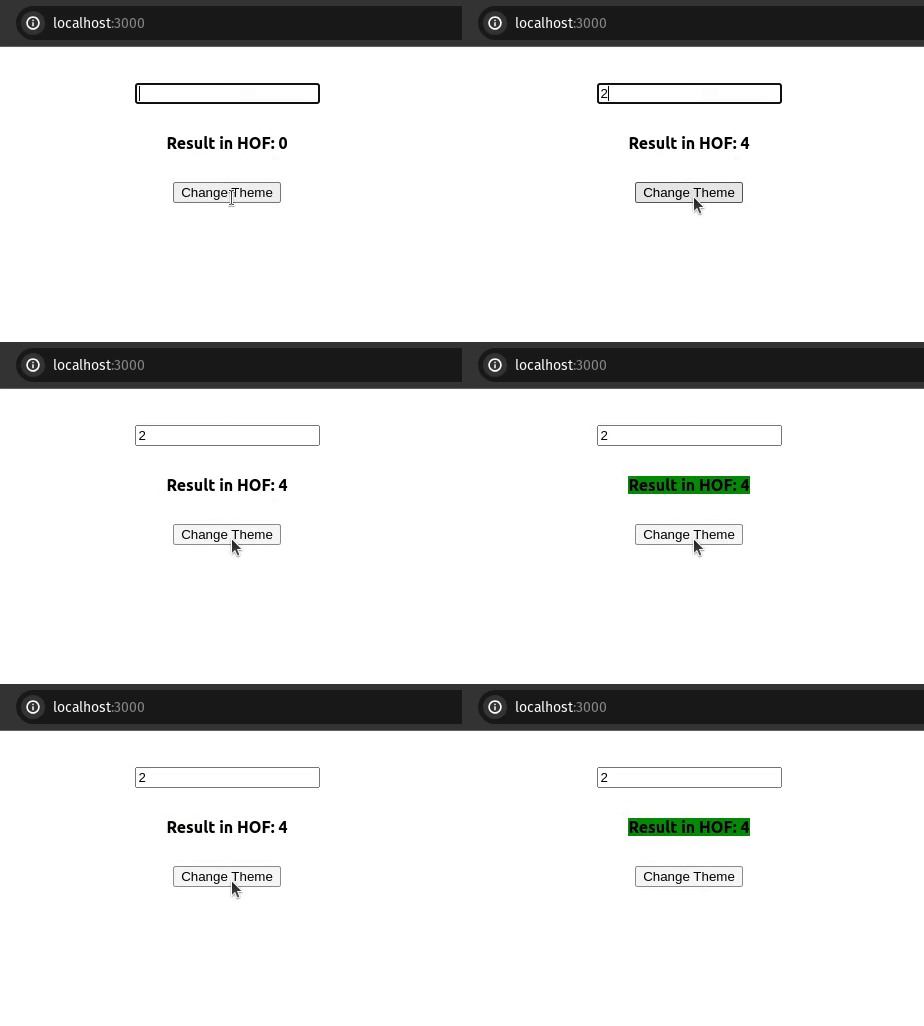
Output:
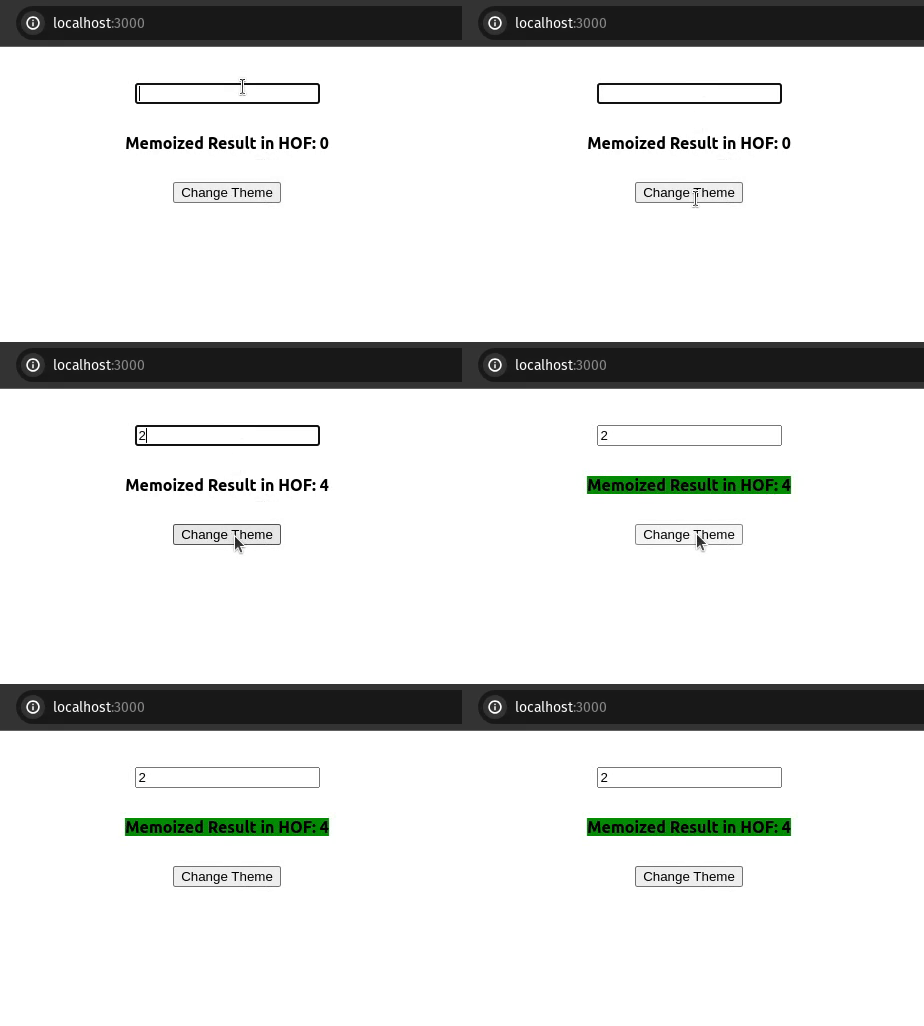
Now, let's resolve this by employing useMemo(). We'll memoize the complexResult function based on the state of the props' value, ensuring it doesn't impact the theme state.
Output:
👁 hofmemoizedExample 3: Optimize Complex Calculations within Custom Hooks using useMemo(): Let's accomplish the same task using Custom Hooks:
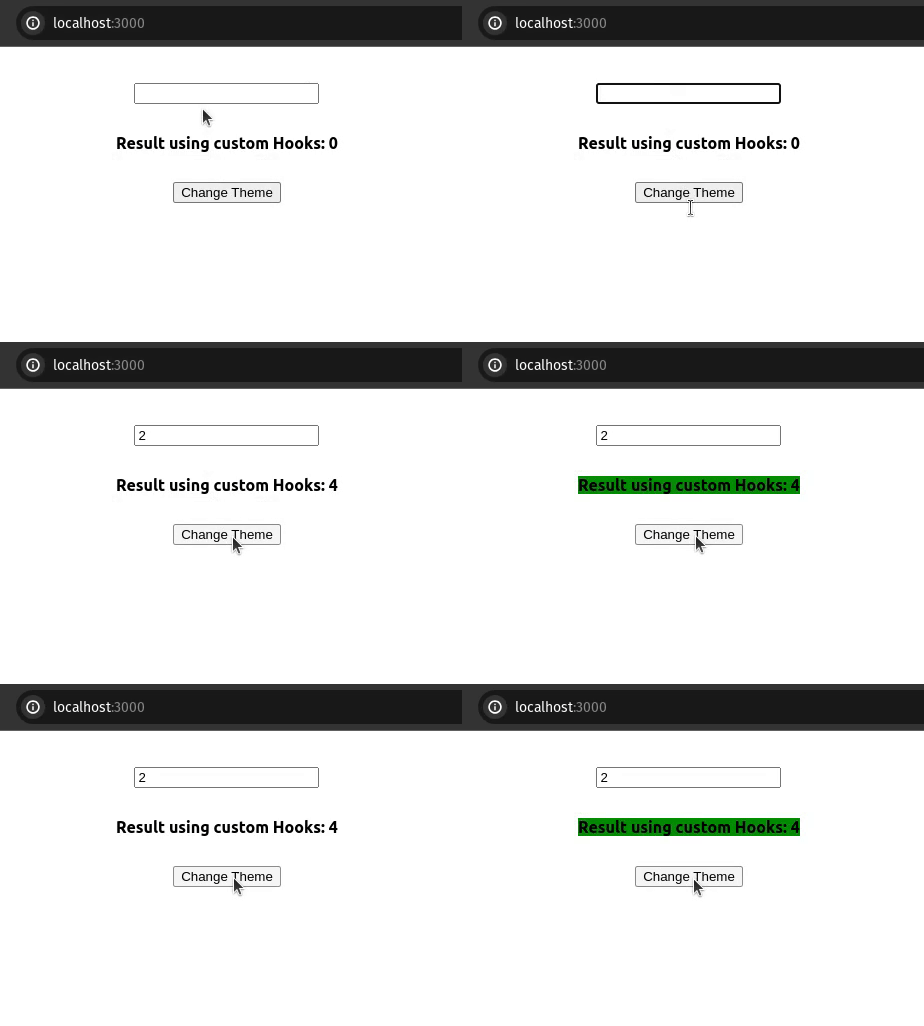
Here, we're utilizing a straightforward custom hook called useExpensiveCalculations. This hook computes a result that takes a considerable amount of time, ultimately impacting the theme state.
Output:
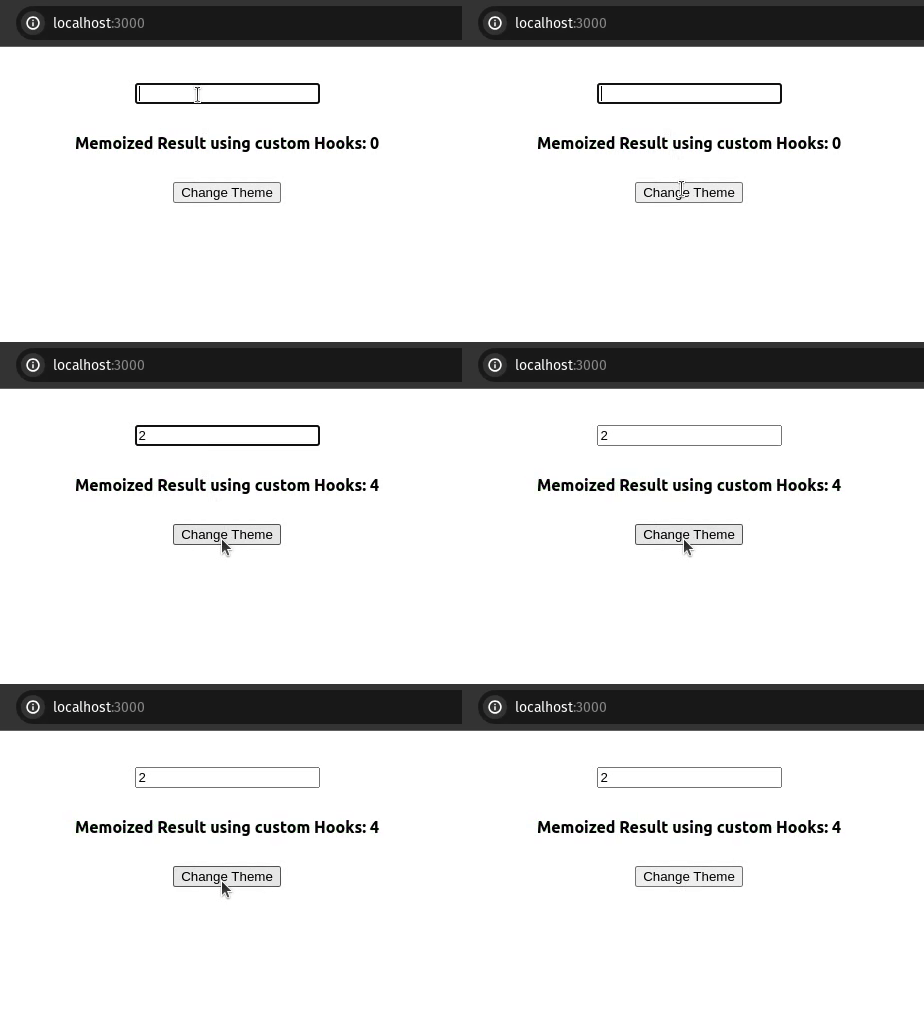
Now similarly we will use useMemo() to optimize the hook on re-renders.
Output:
useMemo() is a powerful tool for optimizing performance in React applications by memoizing expensive function results. By leveraging useMemo(), you can prevent unnecessary re-renders and computations, resulting in a smoother and more responsive user experience. Whether you're computing Fibonacci numbers, filtering lists, or performing other computationally intensive tasks, useMemo() can be a valuable ally in your quest for performance optimization in React.