|
VOOZH | about |
|
VOOZH | about |
Setting a custom port in Next.js is essential when you want to run your development or production server on a port other than the default (3000). While Next.js doesn't directly support port configuration via .env.local for development, you can control the port using alternative methods. This article will guide you through the process of setting the port in Next.js in detail.
To set the custom port in next.js we can use the following approaches:
Table of Content
npx create-next-app my-ppcd my-appThe updated dependencies in package.json file will look like:
"dependencies": {
 "next": "14.1.3",
 "react": "^18",
 "react-dom": "^18"
 }
In this approach we will modify the package.json. Here we modify the script section by adding "dev”: “next dev -p 4000“. This will starts the server on port 4000 instead of the default port 3000.
Below is the modified script section:
"scripts": {
 "build": "next build",
 "start": "next start",
 "lint": "next lint",
 "dev": "next dev -p 4000"
 }
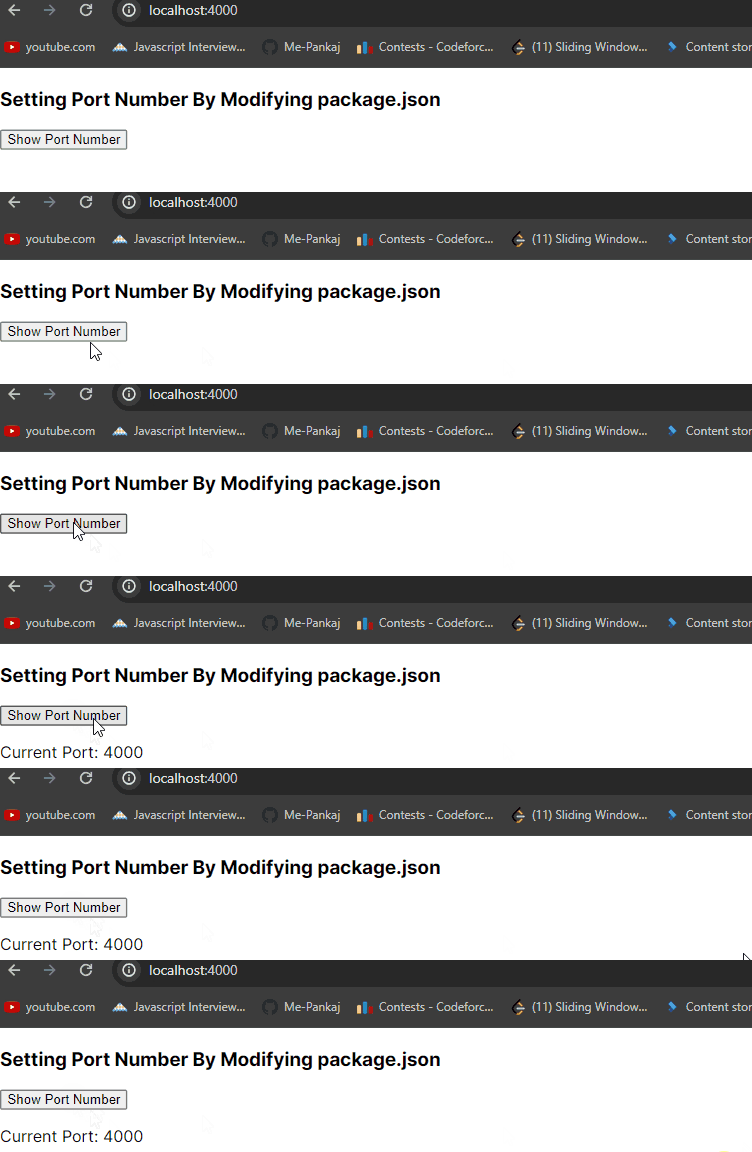
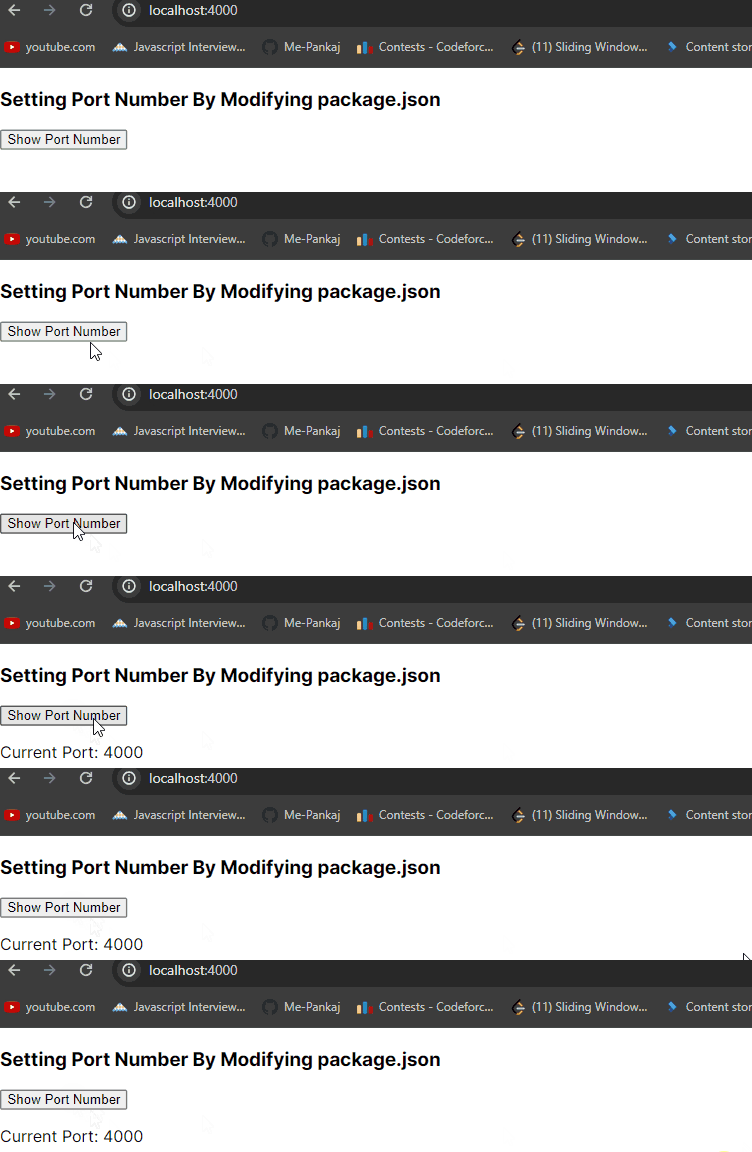
Example: Implementation to set the PORT by changing in the package.josn file.
Output:
In this approach, we define the port number when launching the Next.js development server via the command npm run dev -- -p <port_number>. This will starts the server on specified port number instead of the default port 3000.
Example: Implementation to set the PORT with the command.
Output: Run the below command to see the result.
npm run dev -- -p <port_number>To set a custom port in Next.js, modify the start script in package.json or use the command-line. Both methods allow you to specify which port the development or production server should use.

.png)