|
VOOZH | about |
|
VOOZH | about |
We can use React.cloneElement() method when a parent component wants to add or modify the props of its children. The React.cloneElement() function creates a clone of a given element, and we can also pass props and children in the function.
The resultant element would have the initial element's props mixed in shallowly with the new props. Existing children will be replaced by new children. The original element's key and the ref will be preserved.
React.cloneElement(
 element,
 [props],
 [...children]
)Cloning an element with React.cloneElement() is almost the same as this:
<element.type {...element.props} {...new_props}>
 {new_children}
</element.type>
However, it also preserves refs. This means you won't unintentionally steal a ref from your ancestor if you have a child with one. The same ref will be assigned to your new element.
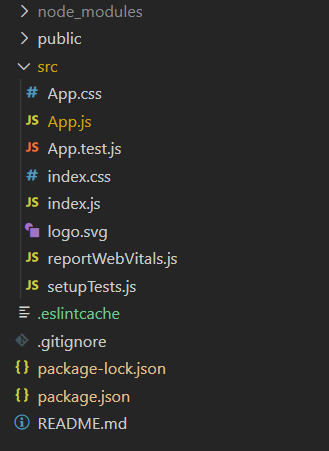
Step 1: Create a React application using the following command:
npx create-react-app foldernameStep 2: After creating your project folder i.e. foldername, move to it using the following command:
cd foldernameExample: This example shows the inplementation of React.cloneElement() to clone the button element with additional props in the parent element.
Step to Run Application: Run the application using the following command from the root directory of the project:
npm startOutput: Now open your browser and go to http://localhost:3000/, you will see the following output:
👁 Screenshot-from-2023-10-20-15-37-58Explanation: As we can see from the above code Parent component is adding new props for the text color to the child (Button) component using React.cloneElement() method.