|
VOOZH | about |
|
VOOZH | about |
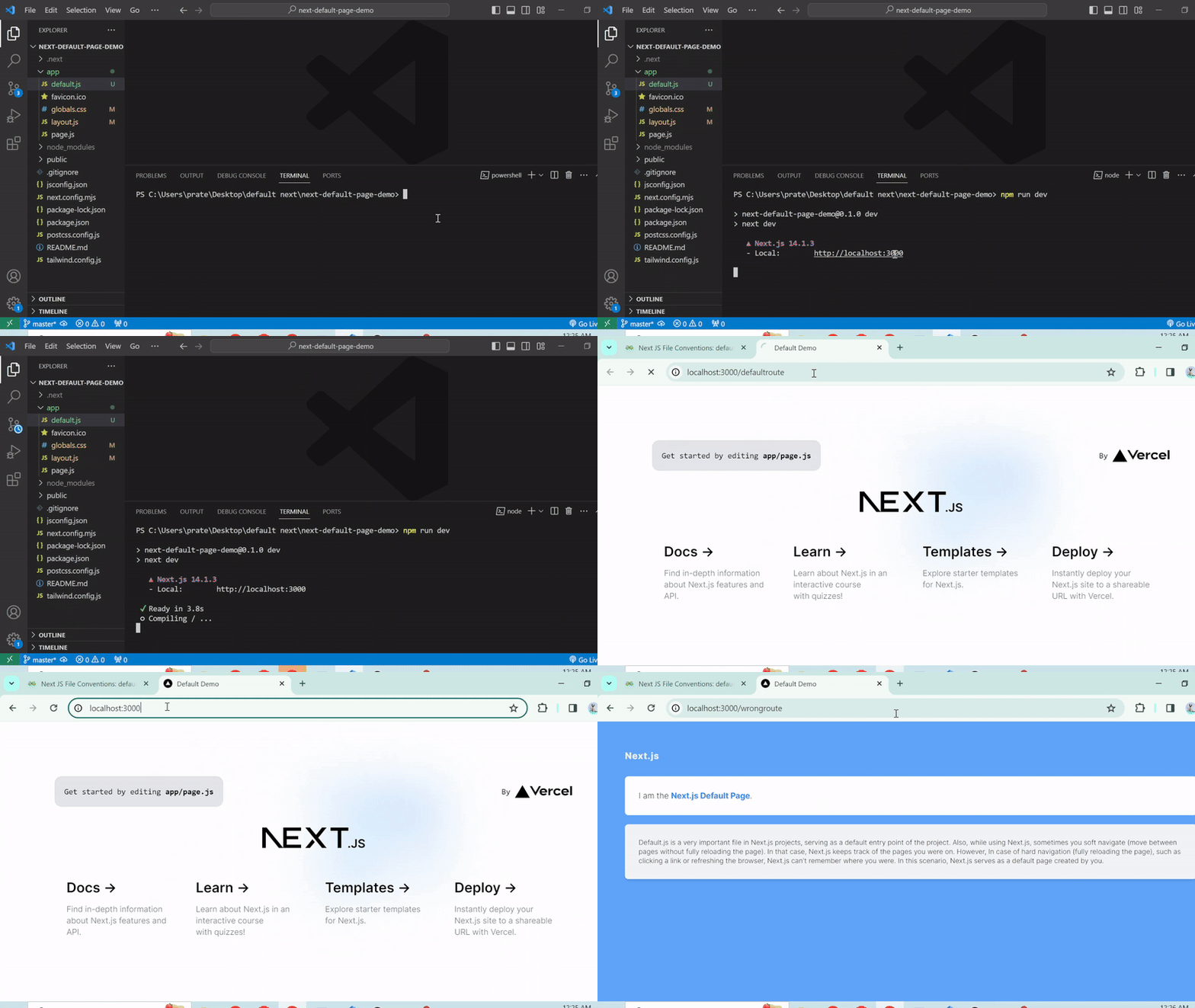
Default.js is a very important file in Next.js projects, serving as a default entry point of the project. Also, while using Next.js, sometimes you soft navigate (move between pages without fully reloading the page). In that case, Next.js keeps track of the pages you were on. However, In case of hard navigation (fully reloading the page), such as clicking a link or refreshing the browser, Next.js can't remember where you were. In this scenario, Next.js serves as a default page created by you.
In Next.js, the default.js file convention is used within the new App Router system introduced in Next.js 13 to provide fallback layouts for Parallel Routes. This file ensures a consistent user experience by rendering a default layout or component when Next.js cannot restore the active state of a route after a full-page load or navigation.
The default.js file is designed to handle scenarios where Next.js needs to render a fallback layout for route segments. This is particularly useful in cases where the state of Parallel Routes cannot be recovered, ensuring that users are presented with a meaningful layout rather than a potentially broken or empty page.
Step 1: Create a next-app by running the following command
npx create-next-app my-app
Step 2: Switch to the project directory
cd my-appNote: While creating a Next.js app you will be asked for configurational details. Make sure that you use the app-router there.
Example 1: Here is the code for the usage of Default.js page in Next.js
Run the following command to start the App:
npm run devOutput:
👁 2024-03-1400-25-31-ezgifcom-speed
Example 2: Here is another example of Next.js default.js page.
To run the app, execute the following command:
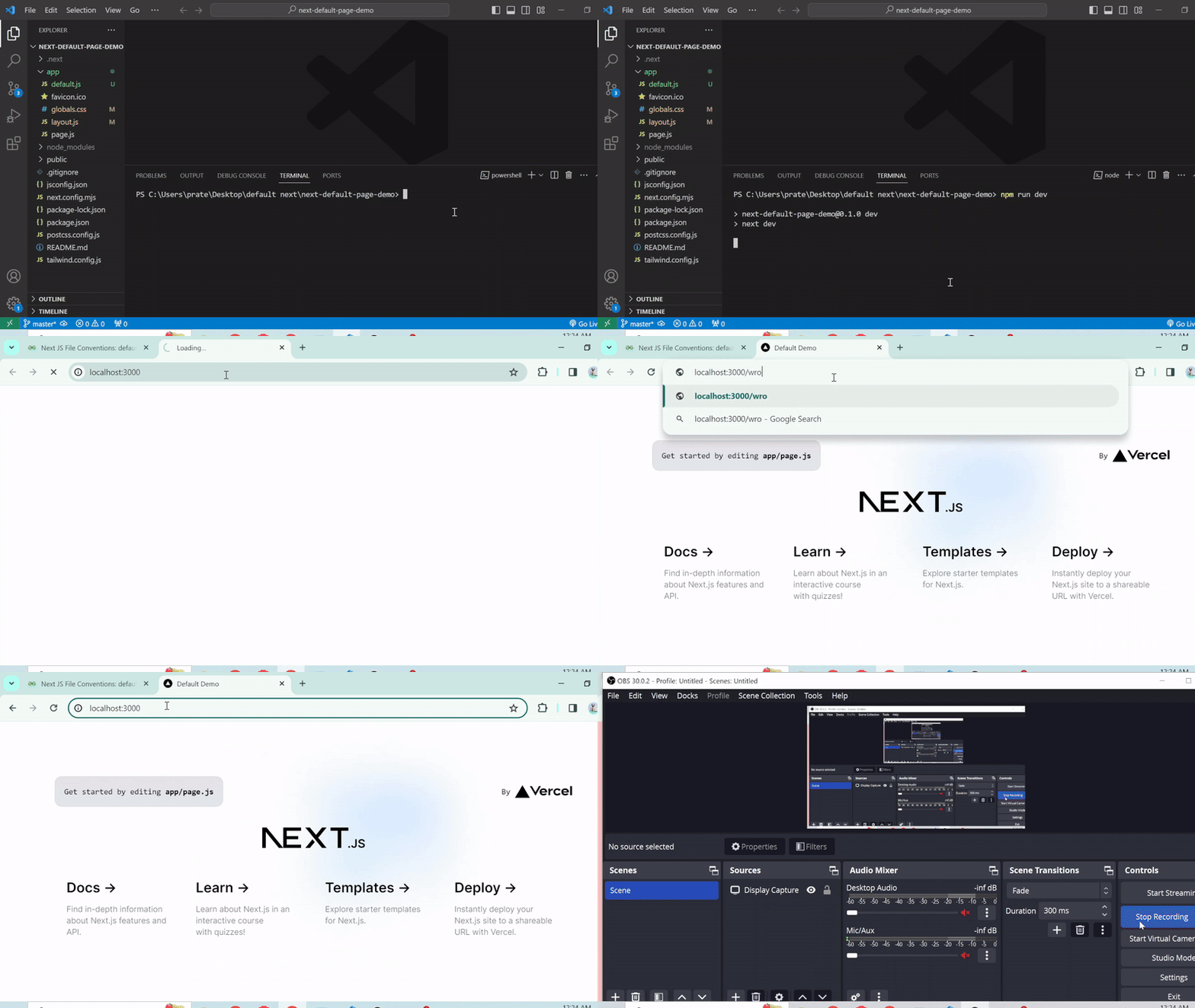
npm run devOutput:
👁 2024-03-1400-24-31-ezgifcom-speed
The default.js file in Next.js ensures a smooth user experience by providing a fallback layout when the active route state can't be restored after a full-page load or navigation. It helps maintain a consistent and reliable interface in complex routing situations.