VOOZH about

URL: https://www.geeksforgeeks.org/reactjs/react-bootstrap-close-button-component/

⇱ React Bootstrap Close Button Component - GeeksforGeeks


  • Courses
  • Tutorials
  • Interview Prep

React Bootstrap Close Button Component

Last Updated : 28 Apr, 2025

A React Bootstrap Close Button Component is a generic close button for dismissing content such as modals and alerts. You can use it to provide an option to close or hide a component with a simple click. You can customize its appearance and behavior with props such as variant, aria-label, onClick, and disabled.

Attributes:

  • aria-label: A string that provides an accessible label indicating the relevant information about the Close Button. The default value is ‘Close’.
  • onClick: A function that is fired after the Close Button is clicked. The function receives the event object as an argument.
  • variant: A string that specifies the color variant for the button. The only valid value is ‘white’, which renders a white button instead of the default dark one. This attribute is useful when the button is placed on a dark background.
  • disabled: Bootstrap adds relevant styling to a disabled close button to prevent user interactions.

Creating React Application And Installing Module:

Step 1: Create a React application using the following command.

npx create-react-app foldername

Step 2: After creating your project folder i.e. foldername, move to it using the following command.

cd foldername

Step 3: After creating the ReactJS application, Install the required modules using the following command.

npm install react-bootstrap bootstrap

Step 4: Add the below line in the index.jsx or App.jsx file.

import 'bootstrap/dist/css/bootstrap.min.css';

Approach:

  • First, install the react-bootstrap using the command mentioned above.
  • After installing, Import ‘CloseButton’ from ‘react-bootstrap/CloseButton’ in that file.
  • Now in the file App.jsx write the code following the below instructions.

Example: Below is the practical implementation of the bootstrap close button component:

Step to Run Application:

npm start

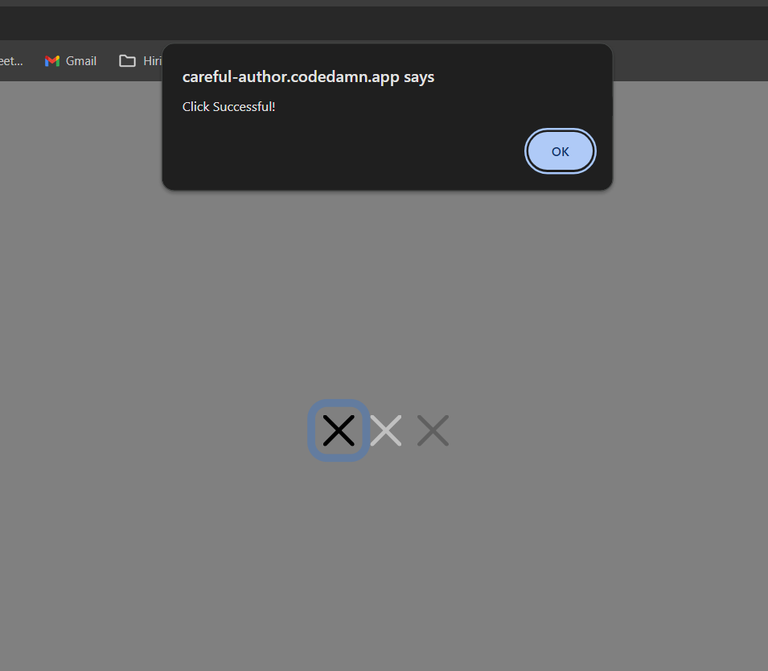
Output: Go to http://localhost:3000/, and you will see the following output.

👁 Screenshot-2024-01-25-043244
onClick Alert


Comment