onDoubleClick is a React DOM event triggered when a user rapidly clicks twice on the same element, typically using the left mouse button. It is useful for handling actions that require double-click interaction.
Fires when two consecutive clicks occur within a short time frame.
Helps differentiate between single-click (onClick) and double-click actions.
Commonly used for actions like opening items or editing content.
Syntax:
<Element onDoubleClick={onDoubleClickHandler} />
<Element>: The React component or HTML element (like <button>, <div>, etc.) you want to track double-clicks for.
onDoubleClickHandler: A callback function that will be invoked when the onDoubleClick event is triggered.
onDoubleClick provides a way to handle double-click interactions with consistent behavior across browsers.
Triggered on Double-Click: Activates when a user double-clicks an element.
Event Handler: Accepts a function that runs when the event occurs.
Prevent Default Behavior: Can prevent default browser actions using event.preventDefault().
Custom Action: Useful for toggling states, UI changes, or triggering specific actions based on double-clicks.
Cross-Browser Compatibility: React normalizes events across browsers using the synthetic event system.
Handling the onDoubleClick Event
The onDoubleClick event in React is used to handle specific actions or UI changes triggered by a double-click. You can use it to update state, trigger animations, or log messages.
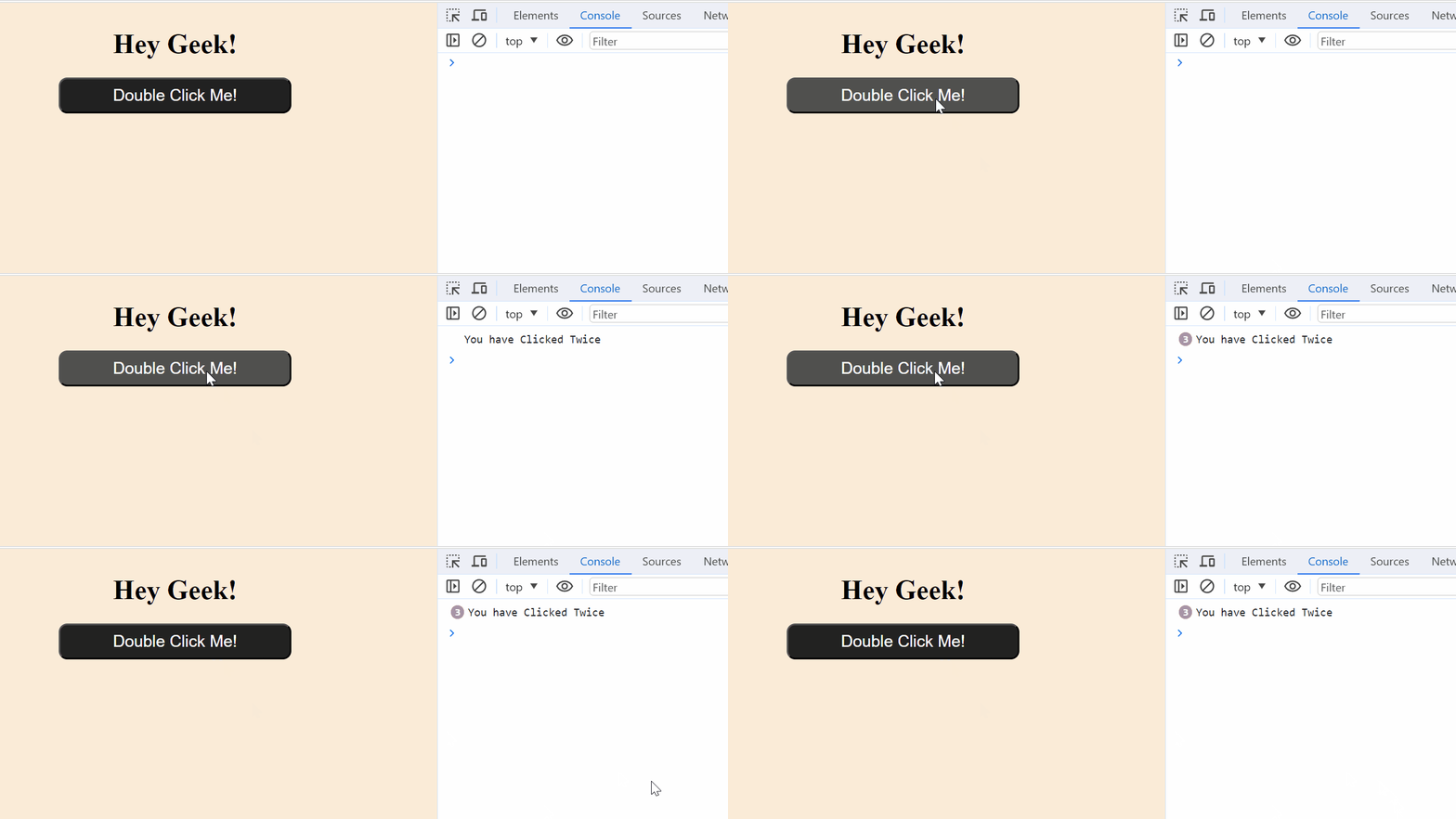
This React component renders a button that logs "You have Clicked Twice" to the console when double-clicked.
The onDoubleClickHandler function is triggered on the onDoubleClick event, which is bound to the button element.
The message is logged when the user double-clicks the button.
Accessing the Event Object
The onDoubleClick event handler receives an event object that contains useful information about the event. This object can be used to get details about the mouse position, the target element, and other event properties.
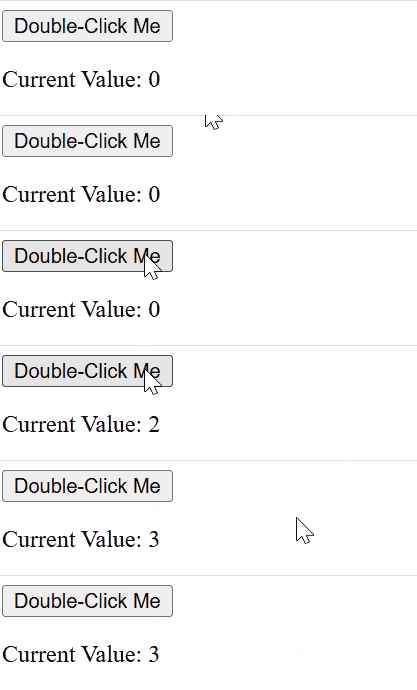
The handleDoubleClick function logs the event object and the mouse's X position (event.clientX) when the button is double-clicked.
It also increments the value of num.
Preventing Default Behavior
In React, event.preventDefault() is used to prevent the default behavior associated with certain events. It is commonly used to stop actions such as form submission, link navigation, or text selection from occurring, giving developers full control over how events are handled.
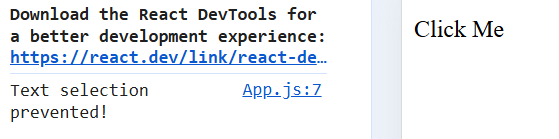
handleDoubleClick function: Triggered when the paragraph is double-clicked. It calls event.preventDefault() to prevent the default behavior (text selection).
console.log: Logs a message to the console ("Text selection prevented!") to confirm the prevention.
Effect: Normally, double-clicking selects the text, but in this example, the text won't be selected due to preventDefault().
Using onDoubleClick for Custom Feature
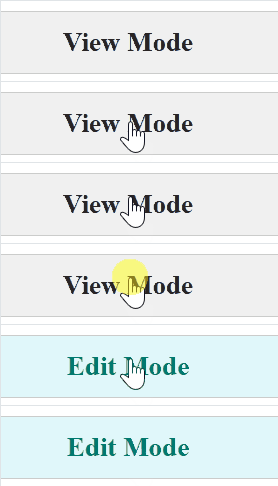
The onDoubleClick event in React can be used to trigger custom functionality when a user double-clicks an element. This allows you to implement features such as toggling UI states, updating content, or performing specific actions only after a double-click.