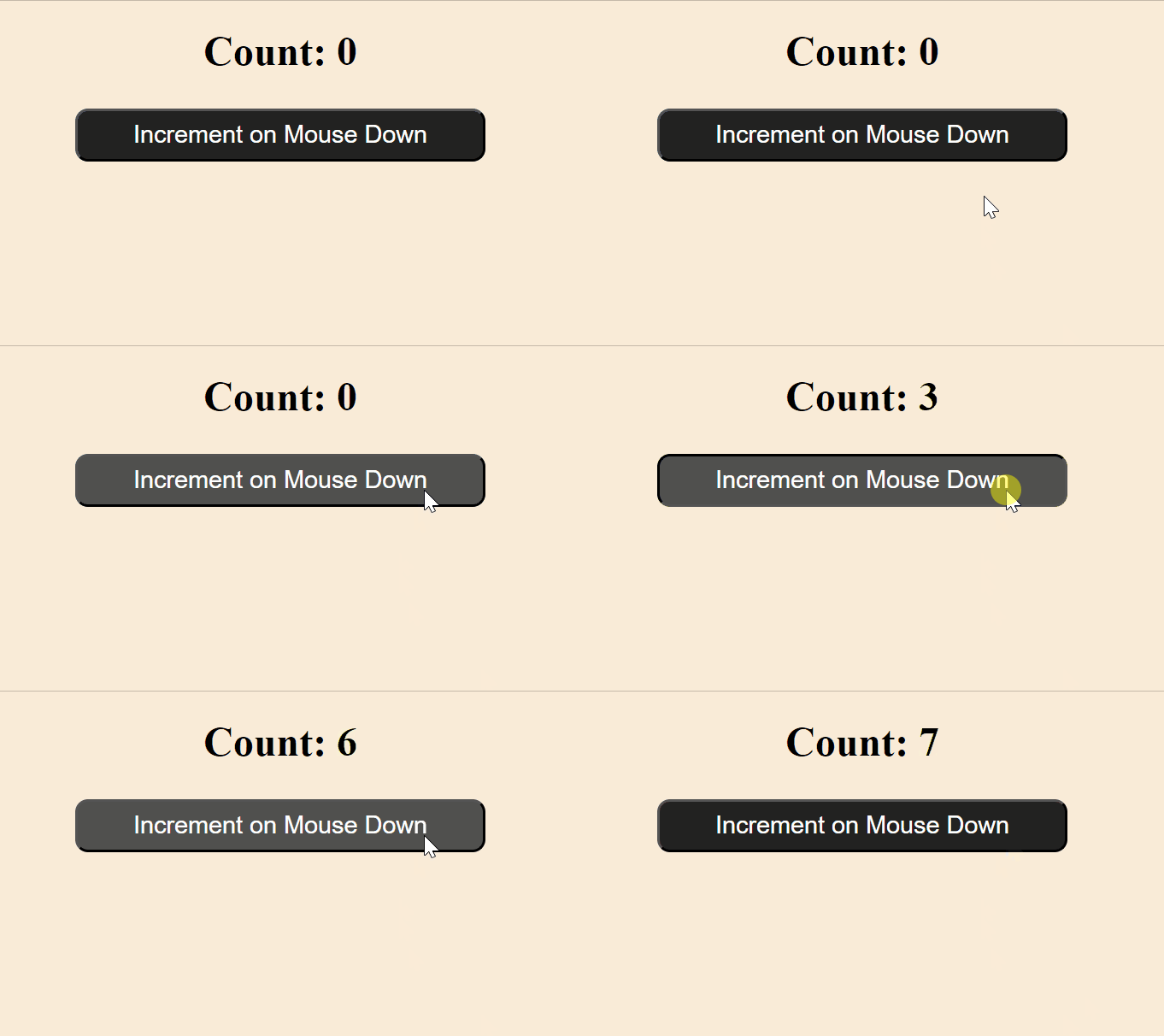
The onMouseDown event in React is triggered as soon as a mouse button (left, right, or middle) is pressed down over an element.
Triggered on Mouse Button Press: Fires immediately when the mouse button is pressed down over an element.
Before Mouse Button Release: This occurs before the onMouseUp event, capturing the start of the mouse interaction.
Works for All Mouse Buttons: Supports left, middle, and right mouse buttons.
Useful for Immediate Actions: Ideal for detecting interactions like drag-and-drop or custom button effects.
Cross-Device Compatibility: This can be combined with touch events for mobile devices.
Handling the onMouseDown Event
The onMouseDown event handler is used to execute custom logic when a mouse button is pressed down. It can be applied in various cases like starting a drag-and-drop operation, triggering animations, or updating states based on mouse interactions.
handleMouseDown is called when the button is pressed down, incrementing count by 1.
The updated count is displayed in an <h2> tag.
Accessing the Event Object
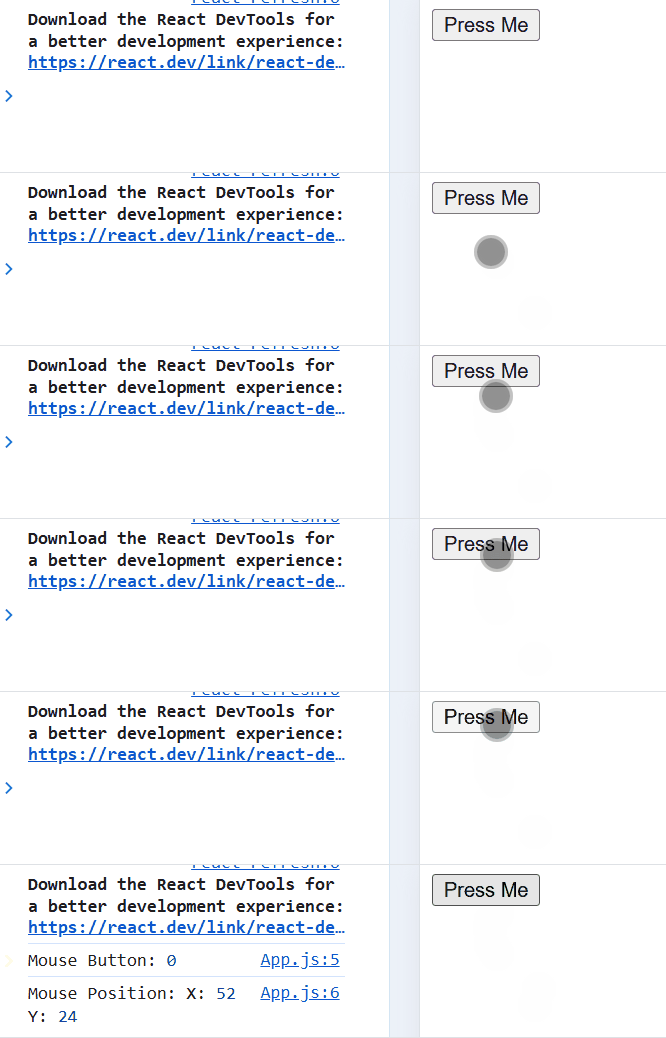
The onMouseDown event handler receives an event object containing useful information about the mouse interaction. This includes details about which mouse button was pressed, the mouse position, and other properties.
handleMouseDown: Logs the mouse button (event.button) and mouse position (event.clientX and event.clientY) when the button is pressed.
Event Handling: The onMouseDown event triggers handleMouseDown when the button is pressed.
Preventing Default Behavior
In some cases, you may want to prevent default mouse interactions that occur when the mouse button is pressed. For example, you can prevent text selection, right-click context menus, or other default browser behaviors.