 |
VOOZH | about |
|
VOOZH | about |
React onTouchStart event fires when the user touches one or more points in the element or tag. Similar to other elements in it, we have to pass a function for process execution.
It is similar to the HTML DOM ontouchstart event but uses the camelCase convention in React.
onTouchStart={function}Parameter:
Return type:
Example 1: In this example, we implemented a TouchStart area in it where when the user touches it will give a message in the browser console through function.
Output :
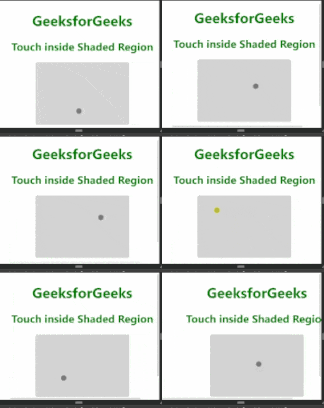
Example 2 : In this example, we implemented an area where the user, when touched, will get an alert that a touch event is fired.
Output:

.gif)