|
VOOZH | about |
|
VOOZH | about |
React Suite is a popular front-end library with a set of React components that are designed for the middle platform and back-end products.
Dropdowns are used to show different options to users to choose from. Users can select among them as per their choice. There are different ways of representing content in the dropdown. There are different props for each dropdown menu for users to design the menu accordingly. A dropdown trigger sets the trigger event with the trigger attribute and supports the event which can be a click(default), hover, or contextMenu.
Syntax:
// Import Statement
import { Dropdown} from "rsuite/";
// App.Js File
Function App() {
 return (
 <Dropdown>
 <Dropdown.Item trigger="hover || contextMenu
 || click">...</Dropdown.Item>
 </Dropdown>
 );
}
Approach: Let us create a React project and install React Suite module. Then we will create a UI that will showcase React Suite Dropdown ts:Trigger Props.
Creating React Project:
Step 1: To create a react app, you need to install react modules through npx command. "npx" is used instead of "npm" because you will be needing this command in your app's lifecycle only once.
npx create-react-app project_name
Step 2: After creating your react project, move into the folder to perform different operations.
cd project_name
Step 3: After creating the ReactJS application, Install the required module using the following command:
npm install rsuite
Project Structure: After running the commands mentioned in the above steps, if you open the project in an editor you can see a similar project structure as shown below. The new component user makes or the code changes, we will be performing will be done in the source folder.
Step to Run Application: Run the application using the following command from the root directory of the project:
npm start
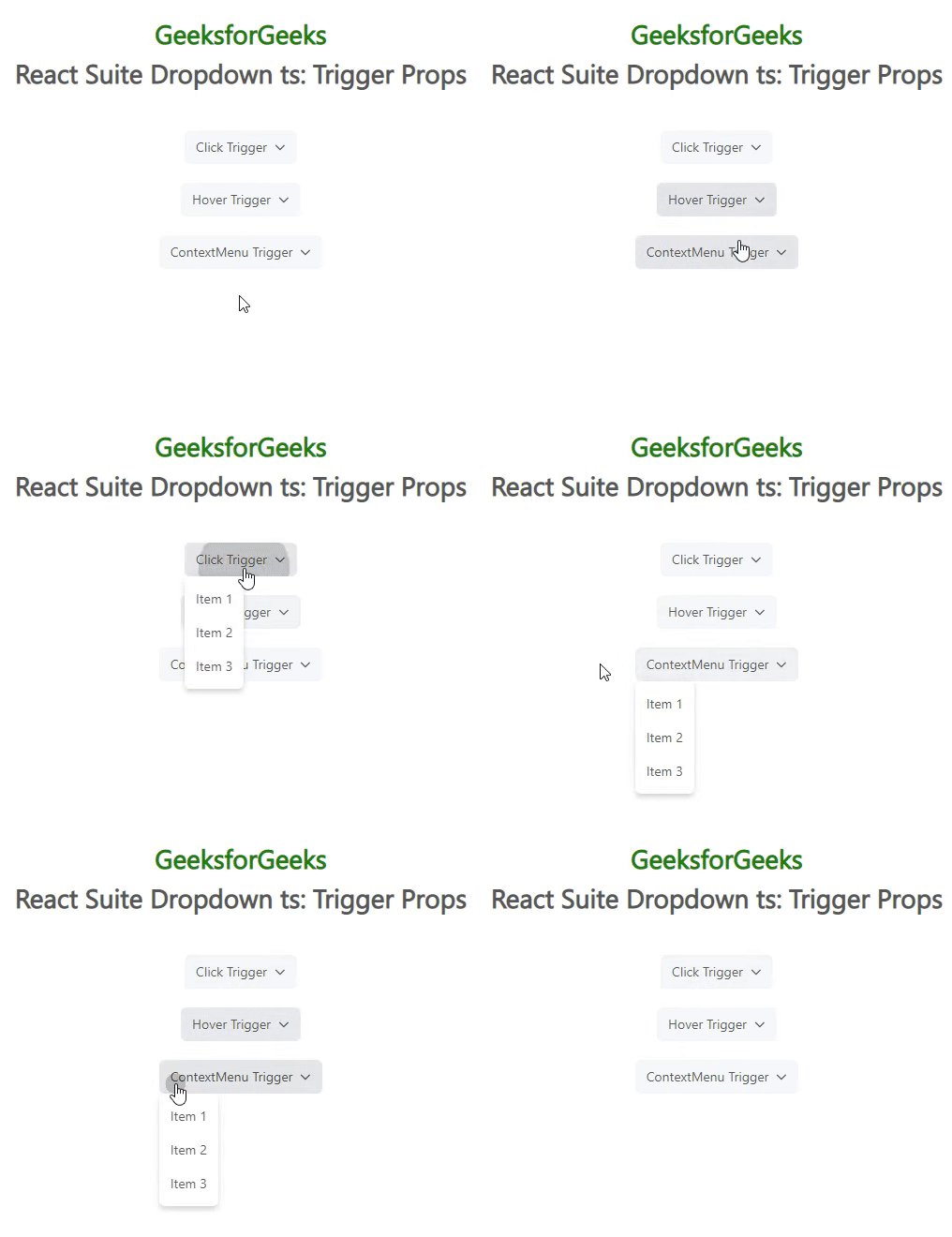
Example 1: We are creating a UI that shows different React Suite Dropdown ts:Trigger Props. The below example demonstrates the dropdowns with “click”, “hover” and “contextMenu” trigger events.
Output: Now open your browser and go to http://localhost:3000/, you will see the following output:
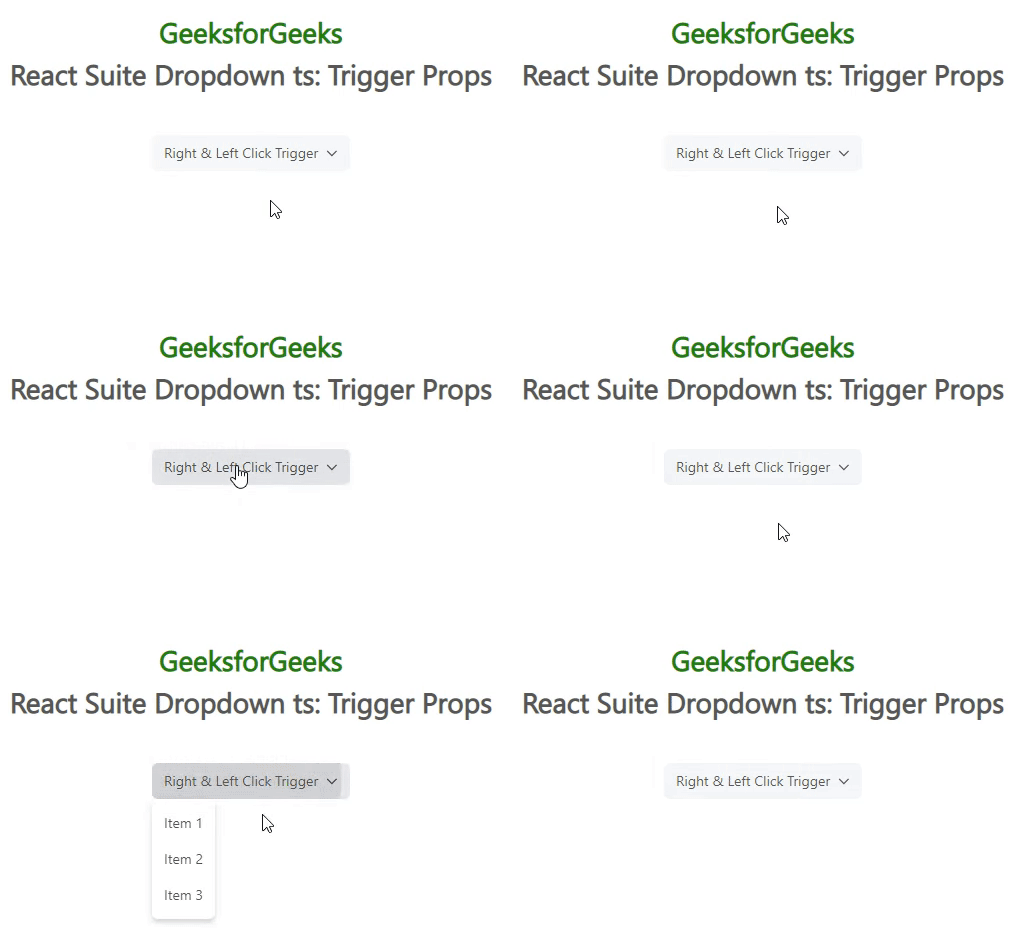
Example 2: We are creating a UI that shows React Suite Dropdown ts:Trigger Props. The below example demonstrates the combination of “click” and “contextMenu” triggers.
Output: Now open your browser and go to http://localhost:3000/, you will see the following output:
Reference: https://rsuitejs.com/components/dropdown/#code-ts-trigger-code