|
VOOZH | about |
|
VOOZH | about |
React Suite is a React Library used to create React components, with intuitive designs and user-friendly experiences. It is designed for both middle platform and back-end products, for server-side rendering. React Suite supports all major web browsers including Chrome, Mozilla Firefox, Safari, and Microsoft Edge.
Popover component is used to display more content when a mouse is clicked or hovered on a pop-up box.
These whisper methods include:
Step 1: Creating a React App
Create a React Application by running the below command:
npm create vite@latest <projectname>
The above command creates a React-vite application. I prefer Vite over create-react-app because it has a faster runtime.
Step 2: Navigate to the project directory.
Move to the project folder by running the below command:
cd <projectname>
Step 3: Install required modules
Run the below command to create a node_modules directory that will hold all the required libraries and packages with which the project depends on:
npm install
Step 4: Open your project on the editor
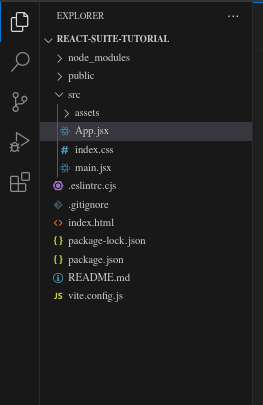
After setting up your project using the terminal or command prompt, you now can open your project on your editor. Let's use VS Code. Run the below command on the terminal/command prompt:
code .
This will open your project on VS code.
Step 5: Running our project
Run the project by using the below command on your terminal or command prompt. This should be on your root directory.
npm run dev
The project is now visible on http://localhost:5173
Example 1: Open App.jsx, delete the template code inside and add the following code:
Explanation:
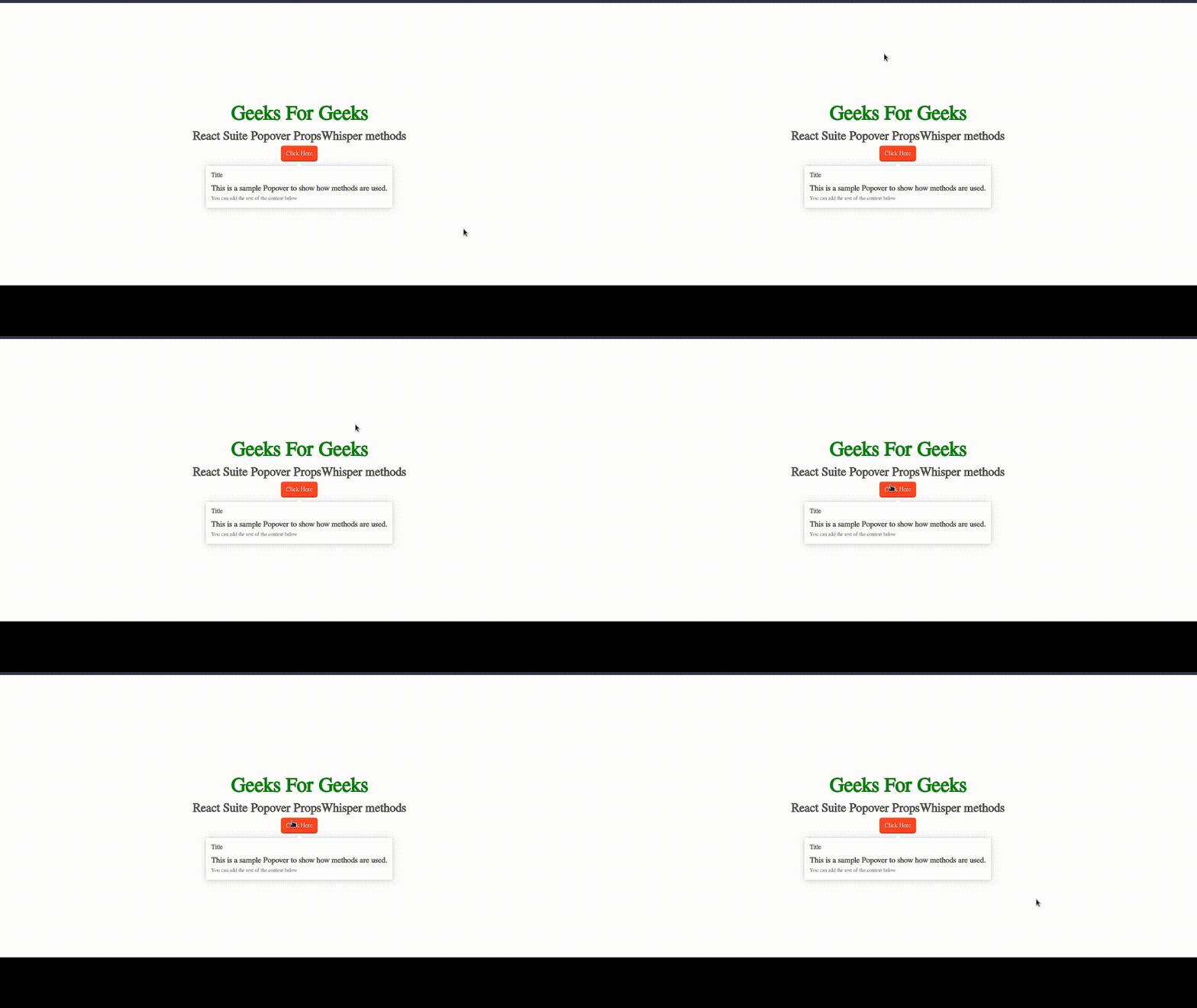
Below is the resultant output:
Example 2. Using close() method in a Dropdown overlay
In this example, we will implement close() whisper method on a Dropdown overlay.
Output:
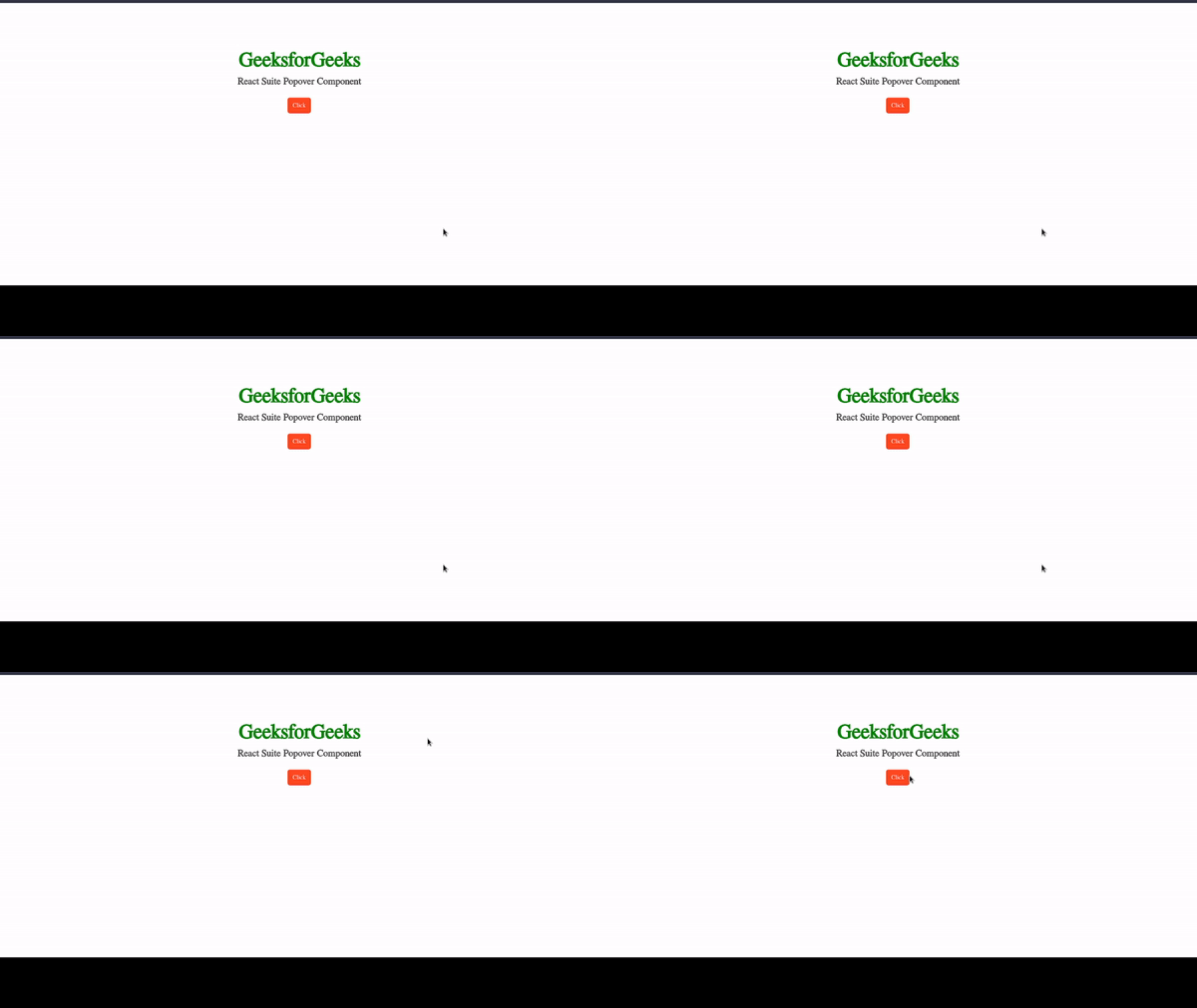
Example 3: Using updatePosition method.
Output:
Reference: https://rsuitejs.com/components/whisper/#whisper-methods