|
VOOZH | about |
|
VOOZH | about |
React Suite is a library of React components, sensible UI design, and a friendly development experience. It is supported in all major browsers. It provides pre-built components of React which can be used easily in any web application.
In this article, we'll learn about React Suite Tooltip Container and prevent overflow. The tooltip component allows the user to display informative text when users hover over, focus on, or tap an element. The preventOverflow prop helps in preventing floating element overflow.
Syntax:
function App() {
 <PreventOverflowContainer>
 {(getContainer) => (
 <Whisper
 preventOverflow
 container={...}
 speaker={
 <Tooltip>...</Tooltip>
 }
 >
 ...
 </Whisper>
 )}
</PreventOverflowContainer>
}
Creating React Application And Installing Module:
Step 1: Create a React application using the given command:
npm create-react-app projectname
Step 2: After creating your project, move to it using the given command:
cd projectname
Step 3: Now Install the rsuite node package using the given command:
npm install rsuite
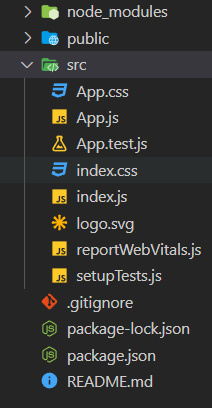
Project Structure: Now your project structure should look like the following:
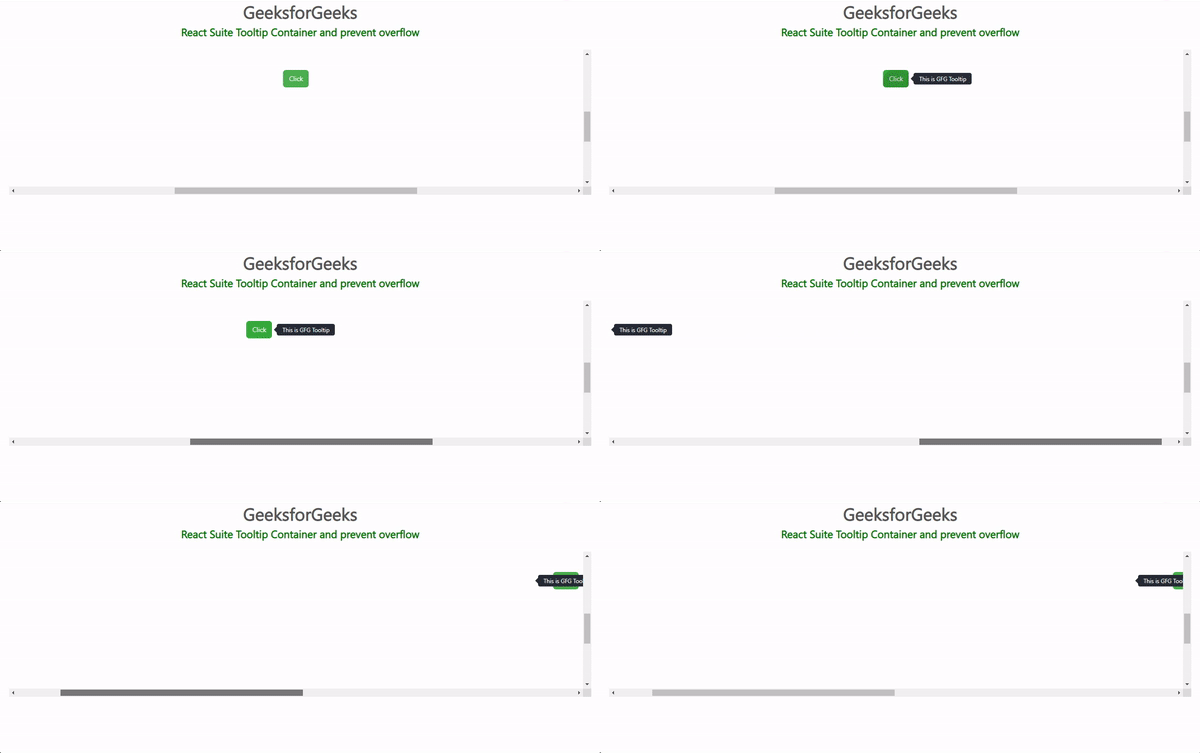
Example 1: Below example demonstrates the tooltip in a container with a preventOverflow prop.
Output:
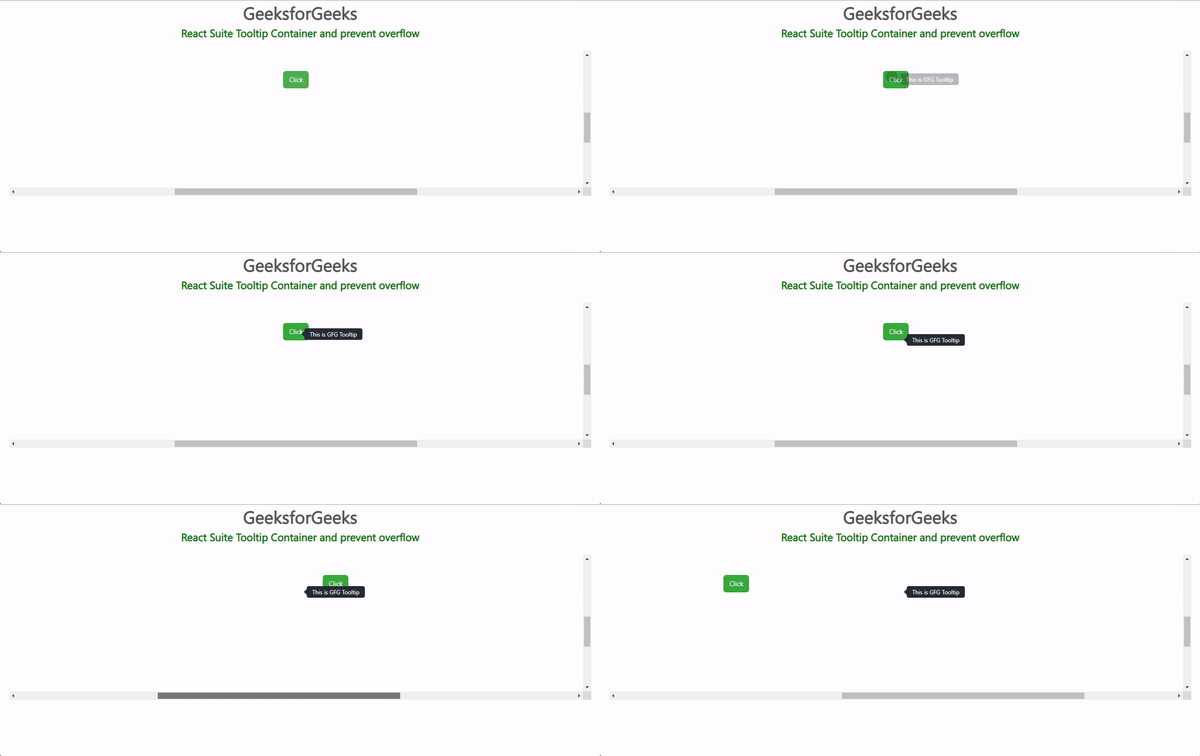
Example 2: Below example demonstrates the tooltip in a container with a preventOverflow and followCursor prop.
Output:
Reference: https://rsuitejs.com/components/tooltip/#container-and-prevent-overflow