|
VOOZH | about |
|
VOOZH | about |
Conditional rendering controls which parts of the UI are displayed based on specific conditions. It is widely used to show or hide elements depending on user input, data state, or system status. This helps keep the interface relevant and responsive to changes.
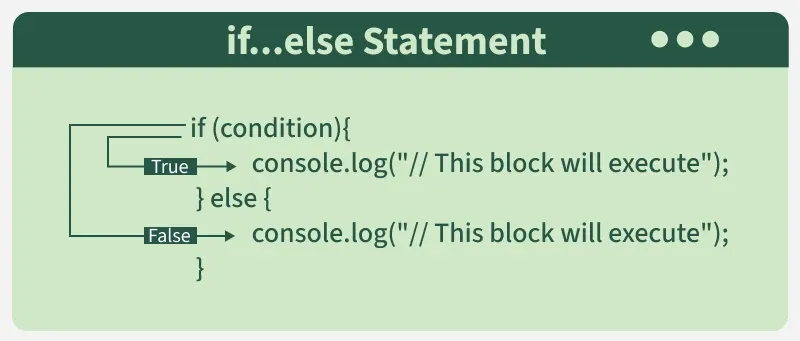
If/else statements allow rendering different components based on conditions. This approach is useful for complex conditions.
function Item({ name, isPacked }) {
 if (isPacked) {
 //name="Book"
 return <li className="item">{name}✔</li>;
 }
 return <li className="item">{name}</li>;
}
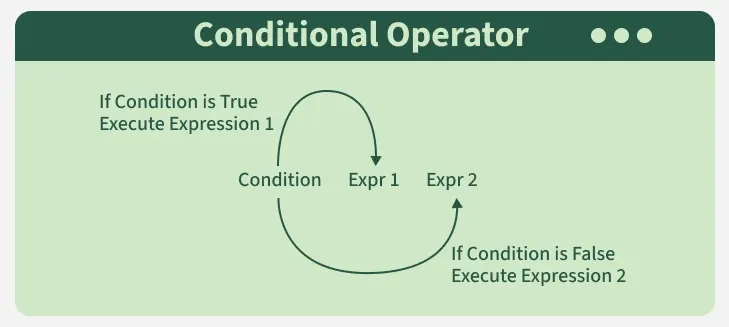
The ternary operator (condition ? expr1: expr2) is a concise way to conditionally render JSX elements. It’s often used when the logic is simple and there are only two options to render.
function Greeting({ isLoggedIn }) {
 return <h1>{isLoggedIn ? "Welcome Back!" : "Please Sign In"}</h1>;
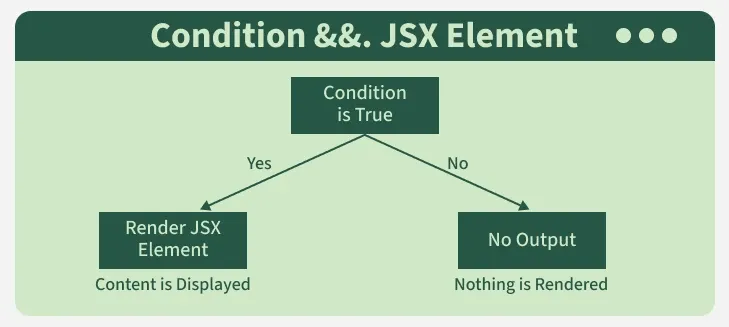
}The && operator returns the second operand if the first is true, and nothing if the first is false. This can be useful when you only want to render something when a condition is true.
👁 condition_jsx_elementfunction Notification({ hasNotifications }) {
return <div>{hasNotifications && <p>You have new notifications!</p>}</div>;
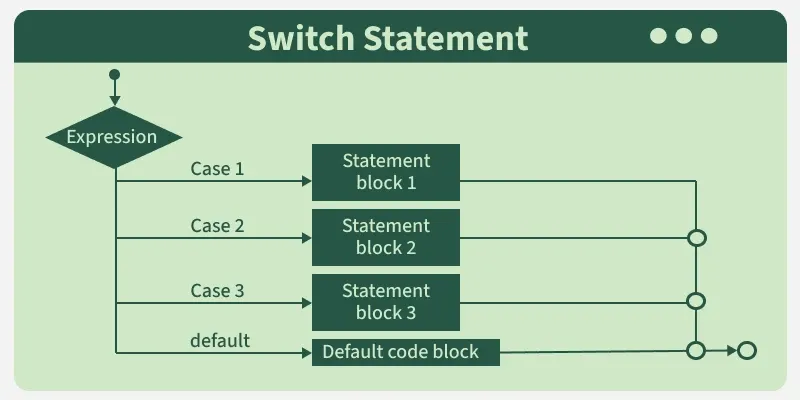
}Switch case statements are useful when you need to handle multiple conditions, which would otherwise require multiple if conditions. This approach can be more readable if there are many conditions to check.
function StatusMessage({ status }) {
 switch (status) {
 case 'loading':
 return <p>Loading...</p>;
 case 'success':
 return <p>Data loaded successfully!</p>;
 case 'error':
 return <p>Error loading data.</p>;
 default:
 return <p>Unknown status</p>;
 }
}Conditional rendering can be helpful when rendering lists of items conditionally. You can filter or map over an array to selectively render components based on a condition.
const items = ["Apple", "Banana", "Cherry"];
const fruitList = items.map((item, index) =>
 item.includes("a") ? <p key={index}>{item}</p> : null
);
If the item contains letter "a", it will be displayed.
You can also manage conditional rendering based on the component's state. For example, you can show a loading spinner until some data is fetched, and then display the actual content once the data is ready.
Syntax:
if (loading) {
 // Render Loading Component
} else {
 // Render Data Component
}You can conditionally render a user’s profile page if the user is logged in, or a login form if not.
Output
You can display a loading spinner or message while waiting for data to be fetched.
Output