|
VOOZH | about |
|
VOOZH | about |
In React, setState() is used to update a component’s state, since state is immutable and cannot be modified directly. When called, it schedules a state update, re-renders the component, and updates the UI. Its main advantage is declarative rendering, where React automatically handles DOM updates based on state changes.
Syntax
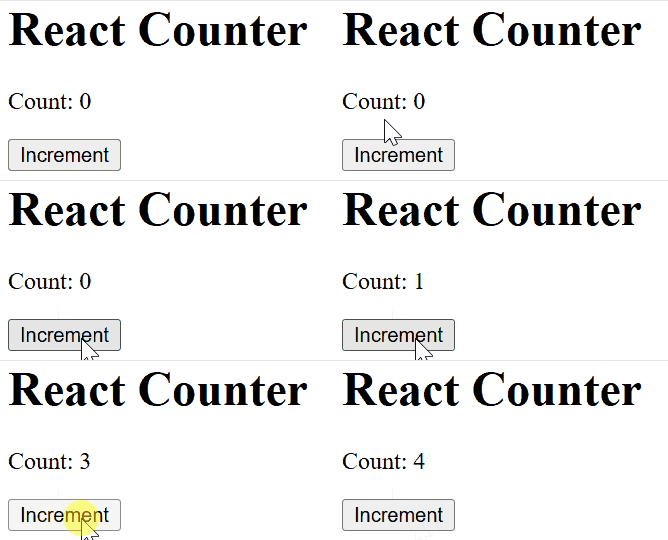
this.setState(updater, callback);For Example: Incrementing a Counter
Output
In this code
React automatically merges the state passed to setState() with the existing state. This means that when you update part of the state, React will retain the other parts of the state that weren't changed.
Output
👁 state-mergingIn this code:
updateUser function updates only the name inside the nested user object while keeping the existing age unchanged using the spread operator.toggleLogin function updates the loggedIn value independently without affecting the user object.You can also pass a function to setState(), which is useful when the new state depends on the previous state. This function will receive the previous state and props as arguments and should return the updated state.
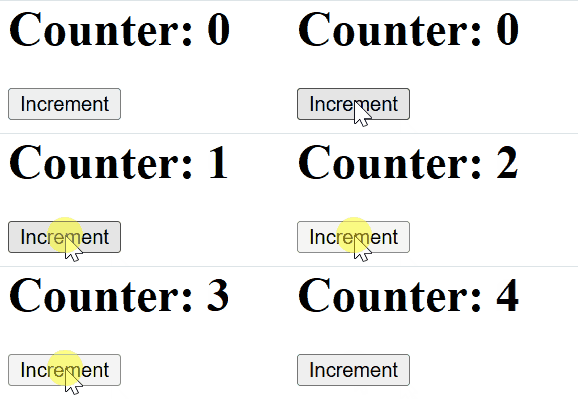
Output
In this code
When updating state with setState(), you can modify the attributes of the current state, adding or changing values as needed.
Output
👁 ImageIn this code
setState.updateState is bound in the constructor so this correctly refers to the component.Props in React pass data from parent to child. They are immutable, but can influence the child’s state, enabling dynamic, data-driven UI updates.
Output
👁 ImageIn this code
defaultProps provides a list of topics, while state starts with "React js Test" and an empty topics.updateState() updates the state to show the topic list, using listOfTopics() to map and render items.One of the most important things to understand about setState() is that it is asynchronous. When you call setState(), React doesn't immediately update the state. Instead, it batches multiple state updates and processes them later in an optimal way.
However, React provides a callback function that you can pass to setState() to run code after the state has been updated and the component has re-rendered.