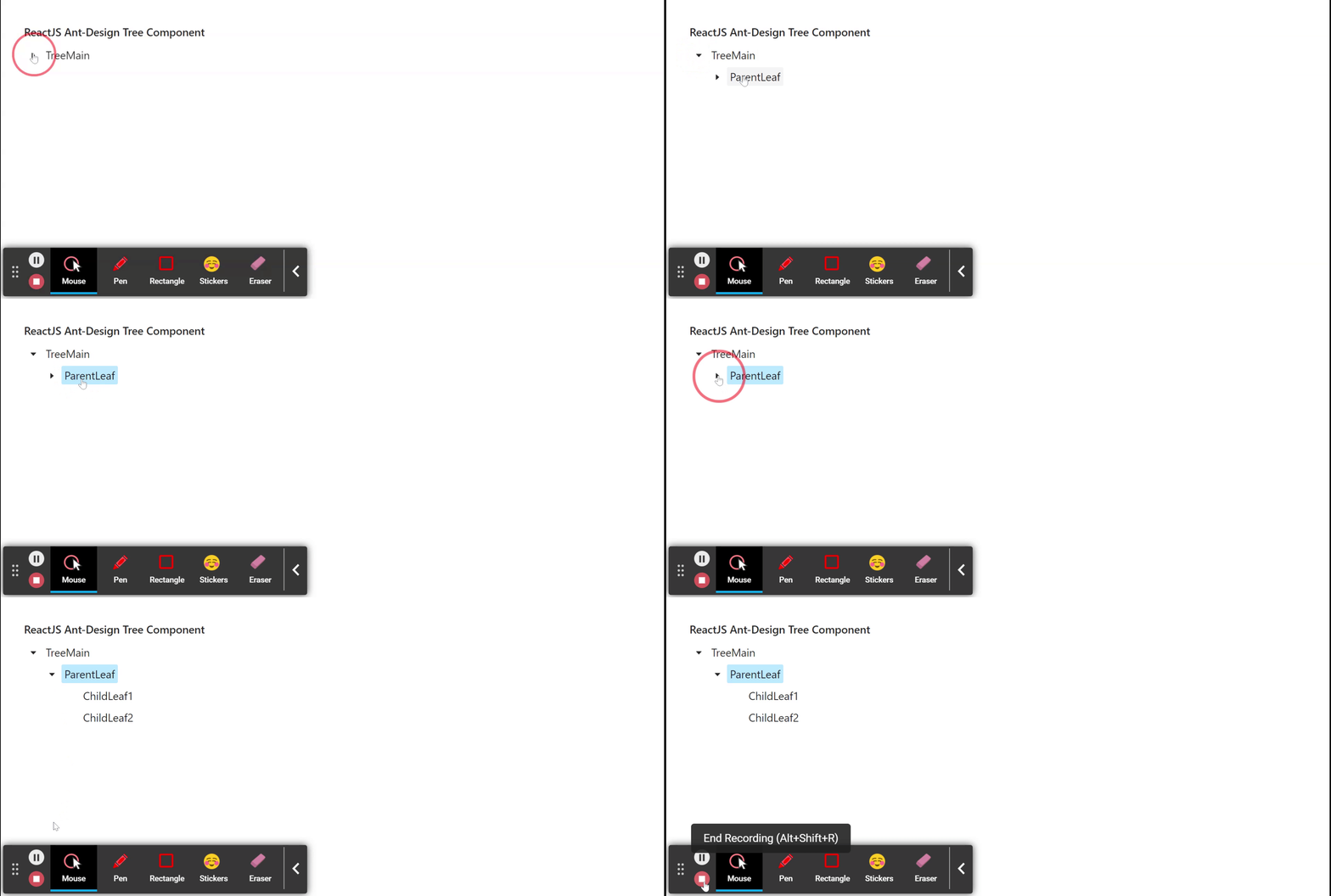
Ant Design Library has this component pre-built, and it is very easy to integrate as well. Tree Component is used for a hierarchical list structure component. We can use the following approach in ReactJS to use the Ant Design Tree Component.
Tree Props:
allowDrop: It is used to indicate whether to allow dropping on the node or not.
autoExpandParent: It is used to indicate whether to automatically expand a parent treeNode or not.
blockNode: It is used to indicate whether treeNode fills the remaining horizontal space or not.
checkable: It is used to add a Checkbox before the treeNodes.
checkedKeys: It is used to specify the keys of the checked treeNodes.
checkStrictly: It is used to check the treeNode precisely.
defaultCheckedKeys: It is used to specify the keys of the default checked treeNodes.
defaultExpandAll: It is used to indicate whether to expand all treeNodes by default or not.
defaultExpandedKeys: It is used to specify the keys of the default expanded treeNodes.
defaultExpandParent: It is used to denote whether to auto-expand the parent treeNodes or not.
defaultSelectedKeys: It is used to specify the keys of the default selected treeNodes.
disabled: It is used to indicate whether disabled the tree or not.
draggable: It is used to specify whether this Tree or the node is draggable or not.
expandedKeys: It is used to specify the keys of the expanded treeNodes.
filterTreeNode: It is used to define a function to filter treeNodes.
height: It is used to define the Config virtual scroll height.
icon: It is used to customize the treeNode icon.
loadData: It is used to load data asynchronously.
loadedKeys: It is used to set loaded tree nodes.
multiple: It is used to enable selecting multiple treeNodes.
selectable: It is used to indicate whether it can be selected or not.
selectedKeys: It is used to specify the keys of the selected treeNodes.
showIcon: It is used to show the icon before a treeNode's title.
showLine: It is used to show a connecting line.
switcherIcon: It is used to customize the collapse/expand icon of the tree node.
titleRender: It is used to customize the tree node title render.
treeData: It is used to denote the treeNodes data Array.
virtual: It is used to disable virtual scroll when this is set to false.
onCheck: It is a callback function that is triggered when the onCheck event occurs.
onDragEnd: It is a callback function that is triggered when the onDragEnd event occurs.
onDragEnter: It is a callback function that is triggered when the onDragEnter event occurs.
onDragLeave: It is a callback function that is triggered when the onDragLeave event occurs.
onDragOver: It is a callback function that is triggered when the onDragOver event occurs.
onDragStart: It is a callback function that is triggered when the onDragStart event occurs.
onDrop: It is a callback function that is triggered when the onDrop event occurs.
onExpand: It is a callback function that is triggered a treeNode is expanded or collapsed.
onLoad: It is a callback function that is triggered when a treeNode is loaded.
onRightClick: It is a callback function that is triggered when the user right-clicks a treeNode.
onSelect: It is a callback function that is triggered when the user clicks a treeNode.
TreeNode Props:
checkable: It is used to denote whether Tree is checkable or not.
disableCheckbox: It is used to disable the checkbox of the treeNode.
disabled: It is used to disable the treeNode.
icon: It is used for the customize icon.
isLeaf: It is used to determine if this is a leaf node or not.
key: It is used for the unique identifier for the treeNode.
selectable: It is used to set whether the treeNode can be selected or not.
title: It is used to denote the Title for the treeNode.
DirectoryTree Props:
expandAction: It is used to denote the directory open logic.
Tree Methods:
scrollTo(): This method is used to scroll to key items in the virtual scroll.
Creating React Application And Installing Module:
Step 1: Create a React application using the following command:
npx create-react-app foldername
Step 2: After creating your project folder i.e. foldername, move to it using the following command:
cd foldername
Step 3: After creating the ReactJS application, Install therequiredmodule using the following command:
npm install antd
Project Structure: It will look like the following.