|
VOOZH | about |
|
VOOZH | about |
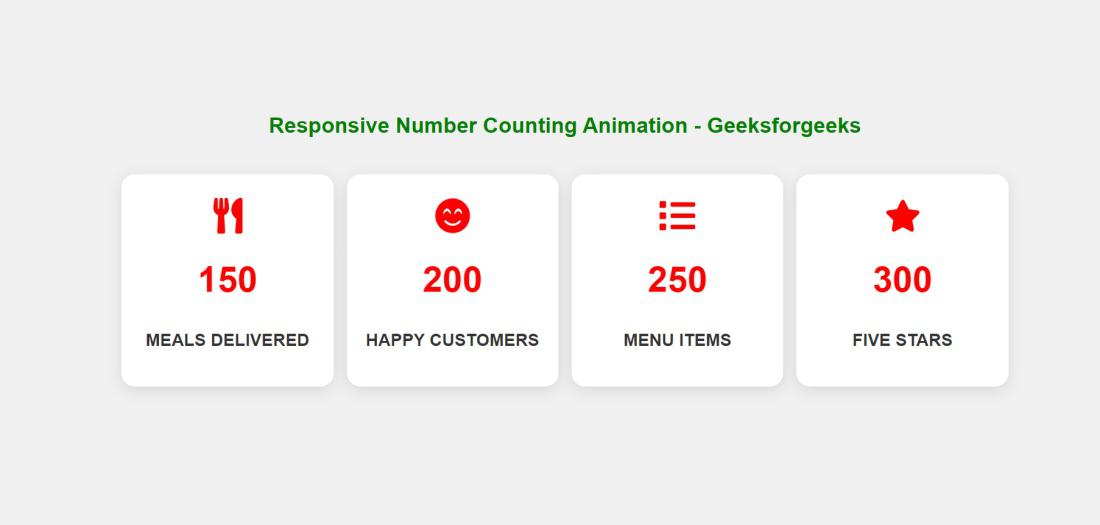
In this article, we will create a responsive number counting animation using ReactJS. The application will show a number of statistics and each number will be animated as it goes up to the point value. Such a format of animation is often applied for interactive data within sites, for example, to demonstrate the number of customers, sales, statistics and so on.
Preview of Final Output:
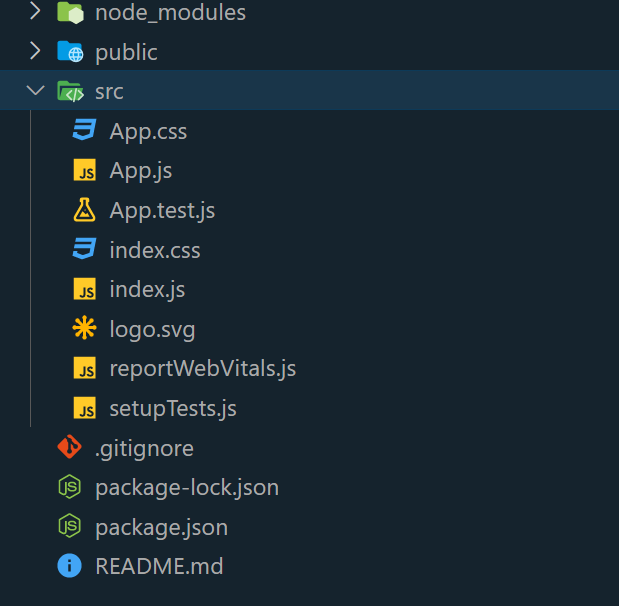
Step 1: Create a react application by using this command
npx create-react-app CountUpAnimationStep 2: After creating your project folder, i.e. CountUpAnimation, use the following command to navigate to it:
cd CountUpAnimationThe updated dependencies in package.json file will look like:
"dependencies": {
 "@testing-library/jest-dom": "^5.17.0",
 "@testing-library/react": "^13.4.0",
 "@testing-library/user-event": "^13.5.0",
 "react": "^18.2.0",
 "react-dom": "^18.2.0",
 "react-scripts": "5.0.1",
 "web-vitals": "^2.1.4"
}
Example: Below is the implementation of the above approach.
Step 4: Type the following command in the terminal:
npm startStep 5: Type the following URL in the browser:
http://localhost:3000/Output: