|
VOOZH | about |
|
VOOZH | about |
In this article, we will discuss about how to create the shortest React app. It will have the fewest files possible, making it easy to learn the basics of React.
Table of Content
React is a free library for making websites look and feel cool. It’s like a special helper for JavaScript. People from Facebook and other communities work together to keep it awesome and up-to-date. With React, your websites can be super interactive and lively. It’s great for making modern websites where everything happens on one page. The best part is that you can build and reuse different parts of your webpage, making it easy to update and organize stuff without the whole page refreshing. It’s like having building blocks for your website that you can rearrange anytime.
Step 1: Create a boilerplate of an HTML file and make sure it has a root element.
Step 2: Insert these two lines to convert the HTML page into a React app.
<script crossorigin src="https://unpkg.com/react@18.3.1/umd/react.development.js"></script>
<script crossorigin src="https://unpkg.com/react-dom@18.3.1/umd/react-dom.development.js"></script>
Step 3: Let's add the cherry on top by creating a heading using React code.
Example: Below is an example of code for creating shortest react app.
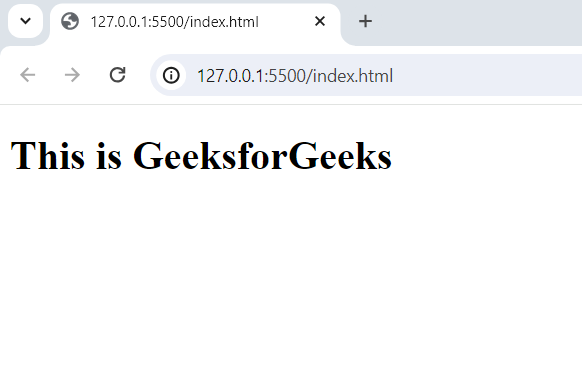
Output:
This is a very interesting question about why we need two scripts to run a React app. It is because the first script (i.e., React) provides all the common methods that are used in creating React web apps and React native apps. So for mobile applications, you don't need to insert a new script (Facebook developers believe in the DRY principle).
<script crossorigin src="https://unpkg.com/react@18.3.1/umd/react.development.js"></script>React-DOM named script helps us manipulate DOM in a web app. It contains all the methods that help us manipulate the DOM.
<script crossorigin src="https://unpkg.com/react-dom@18.3.1/umd/react-dom.development.js"></script>

.png)