|
VOOZH | about |
|
VOOZH | about |
A Task Scheduler is a web application that helps users manage their tasks efficiently. It allows users to add new tasks by specifying details like the task name, priority, and deadline. The app organizes tasks into two categories: upcoming tasks, which are tasks that need to be completed, and completed tasks, which are tasks that have been marked as done.
Let's have a quick look at what the final application will look like:
👁 Task-Scheduler-using-React-Js
Step 1: Create a react application by using this command
npm create vite@latest task-scheduler-appStep 2: After creating your project folder, i.e. task-scheduler-app, use the following command to navigate to it:
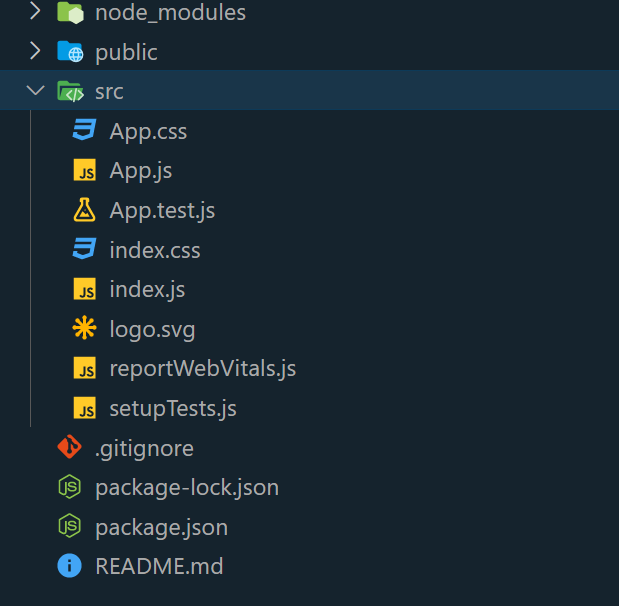
cd task-scheduler-appFolder Structure:
The updated dependecies in package.json file will look like
 "dependencies": {
 "react": "^19.1.0",
 "react-dom": "^19.1.0"
 },
 "devDependencies": {
 "@vitejs/plugin-react": "^4.6.0",
 "vite": "^7.0.4"
 }
Example: Write the below code in App.js file and App.css in the src directory
Steps to run the Application:
npm run devhttp://localhost:5173/Output: